Project tracking tools have transformed how teams manage work, collaborate, and deliver results. These platforms provide visibility into progress, deadlines, resource allocation, and potential bottlenecks. For organizations developing custom software or managing complex deliverables, the right tracking solution means the difference between chaos and controlled execution. Understanding which features matter most and how to implement them effectively ensures your team maximizes productivity while maintaining quality standards.
Why Project Tracking Tools Matter for Modern Teams
The complexity of modern software development demands more than spreadsheets and email chains. Project tracking tools create a centralized hub where every team member accesses real-time information about tasks, dependencies, and progress.
When teams use dedicated tracking platforms, miscommunication drops significantly. Everyone sees the same data, understands priorities, and knows exactly what needs attention. This transparency eliminates the confusion that often derails projects.
Resource management becomes dramatically easier with proper tracking systems. You can identify who's overloaded, who has capacity, and where skills gaps exist. This visibility allows for proactive adjustments rather than reactive crisis management.
Core Benefits That Drive Adoption
- Enhanced visibility across all project phases ensures stakeholders stay informed without constant status meetings
- Improved accountability as assignments and deadlines become crystal clear to everyone involved
- Better forecasting through historical data and current progress metrics
- Streamlined communication by keeping discussions attached to relevant tasks and milestones
- Risk mitigation through early identification of delays and resource constraints
The shift from traditional methods to modern project tracking tools has revolutionized how organizations approach work management, as detailed in this comprehensive guide to choosing project tracking tools.
Essential Features to Evaluate
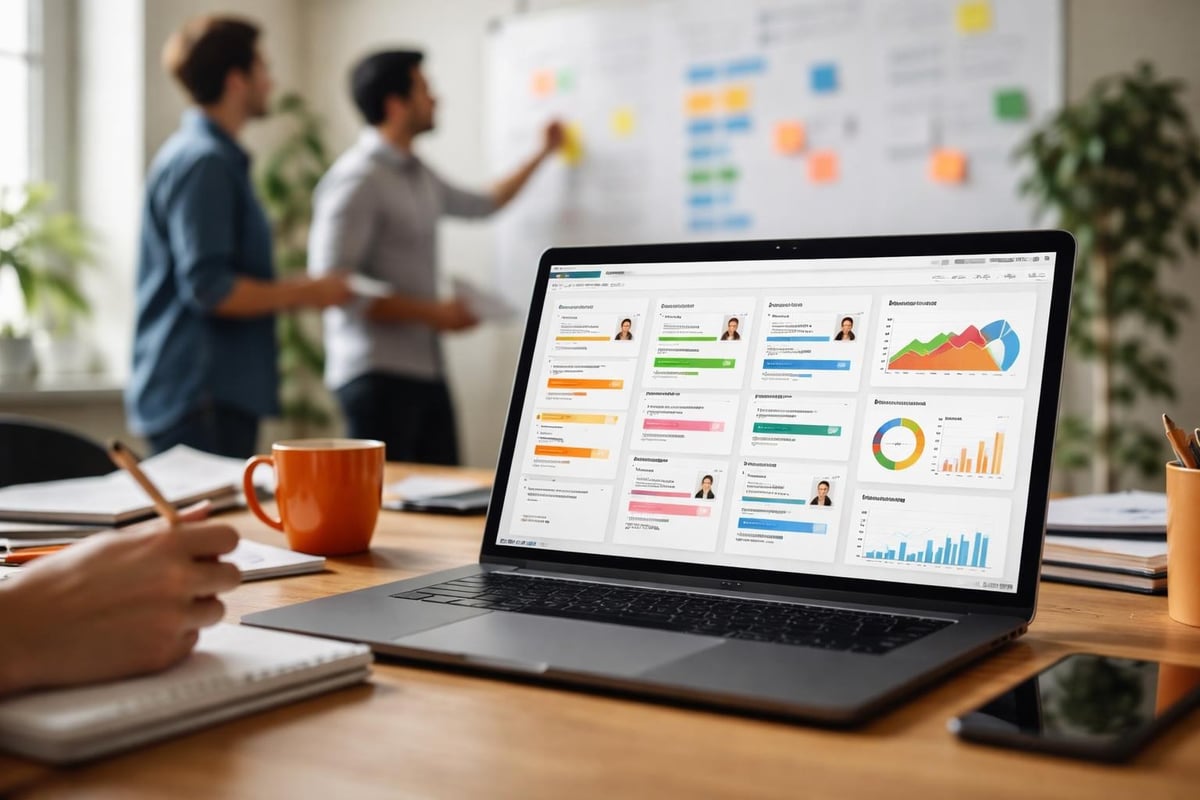
Not all project tracking tools offer the same capabilities. Understanding which features align with your workflow determines whether a platform helps or hinders productivity.
Task management forms the foundation of any tracking system. You need the ability to create tasks, assign them to team members, set deadlines, and track completion. But basic task lists aren't enough for complex projects.
Look for hierarchical task structures that support subtasks, dependencies, and milestones. This allows you to break large initiatives into manageable pieces while maintaining visibility of how components connect.
Time Tracking and Resource Allocation
Time tracking capabilities separate good tools from great ones. When team members log hours against specific tasks, you gain invaluable data about estimation accuracy, productivity patterns, and project profitability.
Resource allocation features show you who's working on what and when. Visual representations like Gantt charts or resource calendars make it easy to spot conflicts and balance workloads.
| Feature Category | Why It Matters | What to Look For |
|---|---|---|
| Task Dependencies | Prevents bottlenecks | Automatic notifications when blockers appear |
| Reporting | Data-driven decisions | Customizable dashboards and export options |
| Collaboration | Team alignment | Comments, file sharing, real-time updates |
| Integration | Workflow continuity | Connections to tools you already use |
Evaluating project management software requires careful consideration of these elements and how they support your specific processes.
Collaboration and Communication Tools
integrate communication directly into the workflow. Instead of hunting through email threads for context, team members find all relevant discussions attached to tasks.
Look for platforms that support file attachments, threaded comments, and @mentions to notify specific people. Some tools include video conferencing or screen sharing, eliminating the need to switch between applications.
Notification settings matter enormously. The best systems let users customize alerts so they receive important updates without drowning in noise. Flexibility here prevents notification fatigue while ensuring nothing critical slips through.
Implementation Strategies for Maximum Adoption
Choosing project tracking tools represents only half the battle. Successful implementation requires thoughtful planning and change management.
Start with a pilot program involving a single team or project. This contained approach lets you test configurations, identify issues, and refine processes before rolling out organization-wide.
Training sessions must go beyond feature demonstrations. Show team members how the tool solves their specific pain points. When people understand personal benefits, adoption accelerates.
Data Migration and System Integration
Migrating existing project data requires careful planning. Identify which historical information adds value and which can be archived. Attempting to transfer everything often creates more problems than it solves.
- Audit current project data to determine what information needs migration
- Clean and standardize data formats before importing to avoid inconsistencies
- Map fields from old systems to new platform structures
- Test migrations with small data sets before bulk transfers
- Validate imported data to ensure accuracy and completeness
- Document mapping decisions for future reference and troubleshooting
Integration with existing tools preserves workflow continuity. Your project tracking tools should connect with development platforms, communication apps, and file storage systems your team already uses.
APIs and native integrations determine how smoothly data flows between systems. Evaluate whether the platform offers pre-built connections to your essential tools or requires custom development.

Customization and Scalability Considerations
Every organization has unique workflows and terminology. Project tracking tools that force you into rigid structures create frustration and workarounds.
Custom fields allow you to capture information specific to your processes. Software development teams might track sprint numbers, code review status, or technical debt. Construction firms need different data points entirely.
Workflow customization determines whether the tool adapts to your methodology or vice versa. Look for platforms that support various project management approaches, from waterfall to agile to hybrid models.
Planning for Growth
Your needs today differ from requirements next year or five years out. Scalability ensures your chosen platform grows with your organization.
Consider user limits, project capacity, and storage restrictions. Some tools charge per user, making rapid team growth expensive. Others offer unlimited users but cap features or storage.
Performance under load matters significantly. A tool that works perfectly with five projects and ten users might become sluggish with fifty projects and a hundred users. Research how platforms handle scale and whether upgrades require migration to different tiers.
For teams managing service-based work alongside project delivery, Brytend’s Service Module provides specialized capabilities for tracking equipment, scheduling maintenance, and documenting service activities with the same structured approach that makes project tracking effective.

Security and Compliance Requirements
Project data often includes sensitive information about clients, strategies, and proprietary processes. Security features protect this valuable intellectual property.
Role-based access control ensures team members see only information relevant to their responsibilities. Administrators control permissions at granular levels, from view-only access to full editing rights.
Audit trails document who accessed what information and when. This transparency supports compliance requirements and helps investigate security incidents if they occur.
| Security Feature | Purpose | Implementation Level |
|---|---|---|
| Two-factor authentication | Prevents unauthorized access | User level |
| Data encryption | Protects information in transit and at rest | System level |
| Regular backups | Enables recovery from data loss | Platform level |
| Compliance certifications | Meets industry standards | Vendor level |
Data Sovereignty and Backup Policies
Where your project data lives matters for regulatory compliance. Organizations subject to GDPR, HIPAA, or other regulations must ensure their tracking tools meet specific requirements.
Cloud-based platforms store data in vendor-managed data centers. Understand where these facilities are located and whether you can specify regions. Some industries require data remain within specific geographical boundaries.
Backup and recovery capabilities protect against data loss from technical failures or human error. Understanding project tracking software options includes evaluating how vendors handle backup schedules, retention periods, and restoration procedures.
Mobile Access and Remote Work Support
The rise of distributed teams makes mobile access non-negotiable for many organizations. Team members need to update tasks, check deadlines, and communicate progress from anywhere.
Native mobile applications typically offer better performance and user experience than mobile web interfaces. Evaluate whether mobile versions provide full functionality or limited feature sets.
Offline capabilities matter when team members work in locations with unreliable connectivity. The best mobile apps let users view information and make updates offline, then sync changes when connection resumes.
Real-Time Synchronization
When multiple team members update project information simultaneously, synchronization prevents conflicts and data loss. Real-time syncing ensures everyone sees the most current information without manual refreshes.
- Conflict resolution mechanisms handle situations where two people edit the same item
- Change notifications alert relevant team members when updates occur
- Version history allows reverting to previous states if needed
- Sync status indicators show whether local changes have uploaded successfully

Cost Analysis and ROI Measurement
Project tracking tools represent an investment that should deliver measurable returns. Understanding total cost of ownership helps make informed decisions.
Subscription costs vary widely based on features, user counts, and service levels. Free tiers offer basic functionality but typically lack advanced features and support. Paid plans range from a few dollars per user monthly to enterprise pricing requiring custom quotes.
Beyond subscription fees, consider implementation costs including data migration, integration development, training, and change management. These upfront investments often exceed the first year's subscription costs.
Calculating Return on Investment
ROI from project tracking tools comes from multiple sources. Time savings from reduced meetings and status updates represent direct productivity gains. Better resource allocation prevents costly delays and overtime.
Improved project success rates have enormous financial impact. When teams deliver on time and within budget more consistently, client satisfaction increases and profit margins improve. For custom software development, this reliability builds reputation and generates referrals.
Track metrics before and after implementation to quantify benefits. Compare project completion rates, budget variance, client satisfaction scores, and team productivity. These measurements demonstrate value and inform optimization efforts.
Frequently Asked Questions
What makes project tracking tools different from project management software?
Project tracking tools focus specifically on monitoring progress, deadlines, and task completion. Project management software typically includes tracking plus broader capabilities like budgeting, resource planning, portfolio management, and strategic alignment. Tracking tools work well for execution-focused teams, while full management suites suit organizations needing comprehensive planning capabilities. Many platforms blur these lines by offering modular features you can enable as needed.
How long does it typically take to implement project tracking tools?
Implementation timelines vary based on organization size, data complexity, and integration requirements. A small team using a simple cloud platform might start tracking projects within days. Larger organizations with legacy systems, custom workflows, and extensive integrations often need several months. Plan for pilot testing, data migration, training development, and phased rollout. Rushing implementation increases resistance and reduces adoption success.
Can project tracking tools work for both agile and waterfall methodologies?
Yes, many modern platforms support multiple project management approaches. Look for tools offering flexible board views for agile sprints alongside Gantt charts for waterfall planning. The best systems let you customize workflows, terminology, and structures to match your methodology. Some teams even run hybrid approaches, using agile for development while tracking client-facing milestones with waterfall structures. Adaptability matters more than methodology-specific features for most organizations.
How do I convince my team to actually use new project tracking tools?
Adoption requires demonstrating personal value rather than mandating compliance. Show team members how tracking tools solve their specific frustrations like lost information, unclear priorities, or recognition gaps. Involve key team members in tool selection and configuration so they feel ownership. Provide thorough training focused on daily workflows, not just features. Leadership must use the tools consistently, as teams follow behaviors they observe. Celebrate early wins and make adoption progress visible.
What integration capabilities should I prioritize?
Focus on connections to tools your team uses daily. Development teams need integration with code repositories, continuous integration systems, and testing platforms. Client-facing teams benefit from CRM and communication tool connections. Calendar synchronization ensures deadlines appear in the systems people actually check. File storage integration eliminates redundant uploads. Beyond pre-built integrations, evaluate API quality for custom connections. Strong integration ecosystems future-proof your investment as tool stacks evolve.
How do I handle resistance from team members who prefer their current methods?
Address resistance by understanding underlying concerns rather than dismissing them. Some people fear change, others doubt new tools will work better than current methods. Listen to specific objections and demonstrate how the platform addresses those issues. Allow flexible adoption where possible, letting teams transition gradually rather than forcing overnight switches. Identify champions who can advocate for benefits based on firsthand experience. Sometimes resistance signals legitimate tool limitations worth considering before full deployment.
Should I choose cloud-based or self-hosted project tracking tools?
Cloud platforms offer faster deployment, automatic updates, and vendor-managed infrastructure. You avoid server maintenance and can scale easily. Self-hosted solutions provide complete data control, customization flexibility, and independence from vendor decisions. For organizations with strict security requirements or unique customization needs, self-hosting makes sense despite higher technical overhead. Most businesses find cloud solutions offer better value, but evaluate based on your specific security, compliance, and technical capability contexts.
Effective project tracking transforms how teams plan, execute, and deliver work. The right platform provides visibility, improves collaboration, and enables data-driven decisions that keep projects on schedule and within budget. Whether you need basic task tracking or comprehensive workflow management, evaluating features against your specific requirements ensures you select tools that enhance rather than complicate your processes. Brytend specializes in developing custom software solutions tailored to unique organizational needs, including purpose-built project tracking and management systems that integrate seamlessly with your existing workflows and scale with your growth.