
Software development teams face increasing pressure to deliver quality products faster while managing complex workflows, distributed teams, and evolving requirements. Software project management software has become an essential tool for coordinating these efforts, providing visibility into tasks, timelines, and resources while keeping everyone aligned toward common goals. Whether you're building mobile applications, enterprise systems, or cloud-based platforms, the right project management solution can mean the difference between seamless delivery and costly delays.
Understanding Software Project Management Software
Software project management software serves as the central nervous system for development teams, coordinating activities across planning, execution, and delivery phases. These platforms provide structured environments where teams can define project scope, allocate resources, track progress, and manage dependencies without relying on scattered spreadsheets or endless email threads.
The evolution of software project management has transformed how teams approach complex builds. Modern platforms integrate multiple functions into unified workspaces where developers, designers, and stakeholders collaborate in real time. This integration reduces context switching and ensures everyone works from the same source of truth.
Core Capabilities That Drive Results
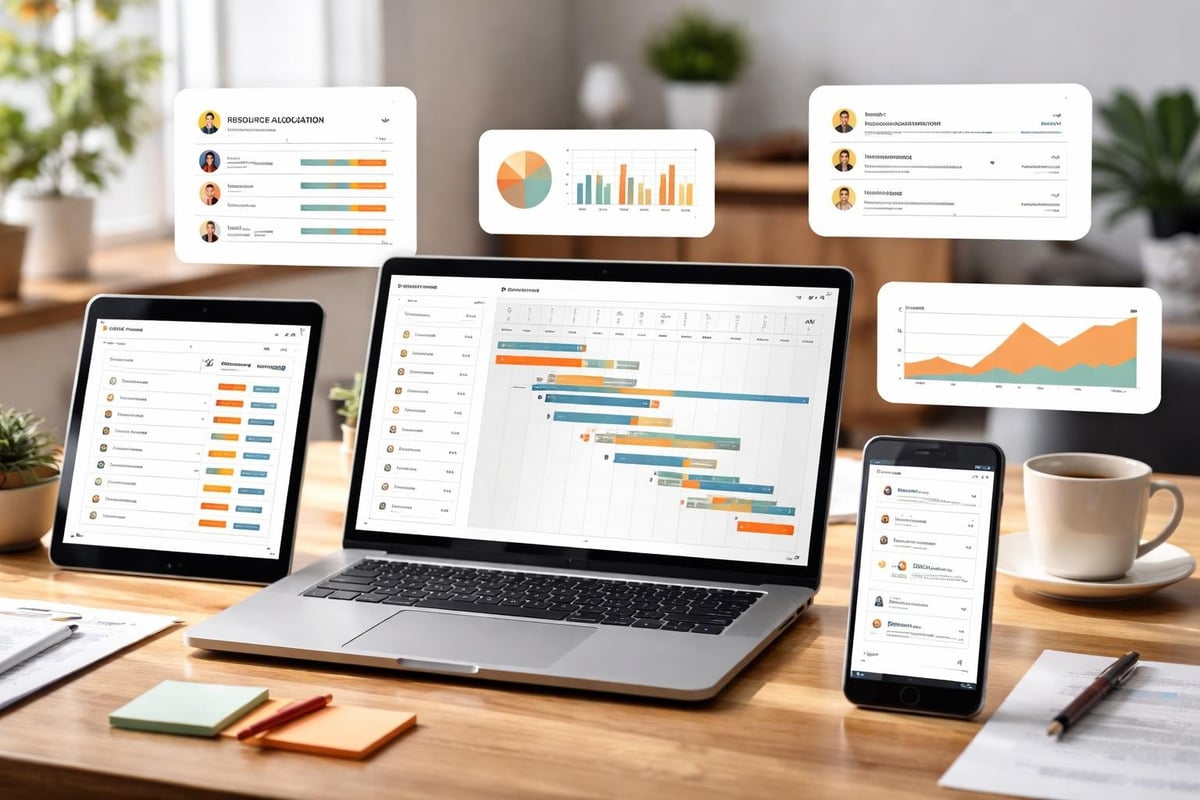
Effective software project management software must address specific challenges unique to development work. Code dependencies, sprint planning, bug tracking, and deployment coordination require specialized features beyond generic task lists.
- Task and issue tracking systems that link user stories to specific code commits and pull requests
- Sprint planning tools that support agile methodologies with backlog management and velocity tracking
- Resource management features that prevent developer burnout by balancing workloads across team members
- Timeline visualization through Gantt charts, kanban boards, or roadmap views that show dependencies
- Integration capabilities connecting with Git repositories, CI/CD pipelines, and testing frameworks
- Reporting dashboards that surface metrics on cycle time, deployment frequency, and defect rates
- Collaboration features including code review workflows, design feedback loops, and stakeholder approvals
These capabilities work together to create transparency throughout the development lifecycle. When teams can see how their individual contributions fit into larger milestones, they make better decisions about prioritization and effort allocation.
Choosing the Right Platform for Development Teams
Selecting software project management software requires careful evaluation of your team's specific needs, technical stack, and working style. The best project management software varies significantly based on project complexity, team size, and methodology preferences.
Methodology Alignment
Your development methodology should heavily influence platform selection. Teams practicing Scrum need robust sprint planning features, burndown charts, and retrospective tools. Those using Kanban benefit from flexible workflow customization and work-in-progress limits. Hybrid approaches require platforms that support multiple frameworks simultaneously.
Organizations building custom software solutions often work with diverse client requirements that demand flexibility. Some projects might follow waterfall approaches with fixed timelines and deliverables, while others embrace iterative releases with continuous stakeholder feedback. Software project management software should accommodate these varying approaches without forcing teams into rigid structures.
Integration Architecture
Development teams rely on extensive toolchains spanning version control, continuous integration, testing automation, and deployment orchestration. Your project management platform must integrate seamlessly with these systems to avoid creating information silos.
| Integration Category | Common Tools | Integration Importance |
|---|---|---|
| Version Control | Git, GitHub, GitLab, Bitbucket | Critical for linking commits to tasks |
| CI/CD | Jenkins, CircleCI, Travis CI | Essential for deployment tracking |
| Communication | Slack, Microsoft Teams | High for real-time updates |
| Documentation | Confluence, Notion | Medium for knowledge sharing |
| Time Tracking | Harvest, Toggl | Medium for resource planning |
| Design Tools | Figma, Adobe XD | Medium for design handoff |
Native integrations perform better than third-party connectors, reducing latency and synchronization errors. Evaluate whether platforms offer REST APIs for building custom integrations when standard connections don't meet your needs.
Implementing Software Project Management Software Successfully
Technical implementation represents only half the battle when adopting new project management platforms. Cultural adoption and process alignment determine whether teams actually use these tools effectively or revert to familiar but inefficient habits.
Phased Rollout Strategy
- Pilot program with a single team testing core features on a non-critical project
- Gather feedback through structured surveys and observation of actual usage patterns
- Customize workflows based on pilot learnings before broader deployment
- Develop training materials including video tutorials and quick-reference guides
- Gradual expansion to additional teams with dedicated champions supporting adoption
- Iterate on configuration as teams discover edge cases and optimization opportunities
- Establish governance around project templates, naming conventions, and permission structures
This measured approach prevents overwhelming teams while building organizational expertise in platform capabilities. According to research on software project management tools, successful implementations prioritize user experience and workflow alignment over feature maximization.
Configuration Best Practices
Out-of-the-box configurations rarely match real-world development processes. Customizing your software project management software to reflect actual workflows increases adoption and reduces friction.
Start by mapping your current process, including informal practices that teams rely on but might not appear in official documentation. Identify bottlenecks where work stalls waiting for approvals or information. Configure your platform to eliminate these delays through automated notifications, approval workflows, and dependency tracking.
Create project templates for recurring work patterns. Custom software development often involves similar phases across different clients: discovery, design, development, testing, and deployment. Templates ensure consistency while allowing customization for specific project requirements.
Advanced Features Transforming Project Management
Software project management software continues evolving beyond basic task tracking into sophisticated platforms that leverage automation, analytics, and artificial intelligence. These advanced capabilities help teams work smarter rather than simply faster.
Predictive Analytics and Forecasting
Modern platforms analyze historical project data to predict completion dates, identify risks, and recommend resource adjustments. By examining patterns across past sprints, these systems forecast whether teams will meet deadlines based on current velocity and remaining work.
Predictive features become more accurate over time as they accumulate data about your team's performance. Initial predictions might carry wide confidence intervals, but after several projects, the software learns your team's capacity, communication patterns, and typical challenges.
Automation and Smart Workflows
Automation reduces manual overhead and ensures consistent processes across projects. Software project management software can automatically assign code reviews based on expertise, escalate overdue tasks, update stakeholders when milestones complete, and close linked issues when pull requests merge.
The emerging role of generative AI in software project management points toward even more sophisticated automation. AI assistants can draft status updates, suggest optimal task sequences, and identify team members best suited for specific assignments based on skills and availability.
Real-Time Collaboration Features
Distributed development teams require robust real-time collaboration that goes beyond simple messaging. Modern software project management software incorporates live editing, threaded discussions contextual to specific tasks, and virtual whiteboards for planning sessions.
These features proved essential as remote work became standard practice. Teams scattered across time zones need asynchronous communication that preserves context while allowing synchronous collaboration when schedules align.
Measuring Success and Optimization
Implementing software project management software creates opportunities for data-driven process improvement, but only if teams measure the right metrics and act on insights systematically.
Key Performance Indicators
- Cycle time measuring average duration from task start to completion
- Deployment frequency tracking how often code reaches production
- Lead time capturing total time from feature request to delivery
- Defect escape rate showing quality issues reaching production
- Resource utilization indicating whether team capacity is balanced
- Stakeholder satisfaction reflecting communication and expectation management
- Estimation accuracy comparing planned versus actual effort
These metrics provide visibility into both technical performance and team health. Consistently high resource utilization might indicate unsustainable workloads, while growing cycle times suggest process bottlenecks requiring attention.
Continuous Improvement Cycles
Software project management software generates tremendous data, but data without action provides little value. Establish regular review cadences where teams examine metrics, identify trends, and experiment with process changes.
| Review Type | Frequency | Key Questions |
|---|---|---|
| Sprint Retrospective | Every sprint | What slowed us down? What accelerated delivery? |
| Monthly Metrics Review | Monthly | Are KPIs trending positively? Which need attention? |
| Quarterly Process Audit | Quarterly | Do workflows still match team needs? Where is friction? |
| Annual Platform Assessment | Yearly | Does current platform serve our evolving needs? |
Document process changes and their expected impact, then track whether improvements materialize. This experimental approach treats process optimization as an ongoing practice rather than one-time event.
Managing complex software projects demands tools that match the sophistication of modern development practices. The Brytend Service Module demonstrates how specialized features can address specific workflow requirements, offering structured approaches to service-related activities with custom configurations that adapt to organizational needs.

Security and Compliance Considerations
Software project management software often contains sensitive information about proprietary features, client requirements, and business strategy. Security must be a primary selection criterion, not an afterthought.
Data Protection Requirements
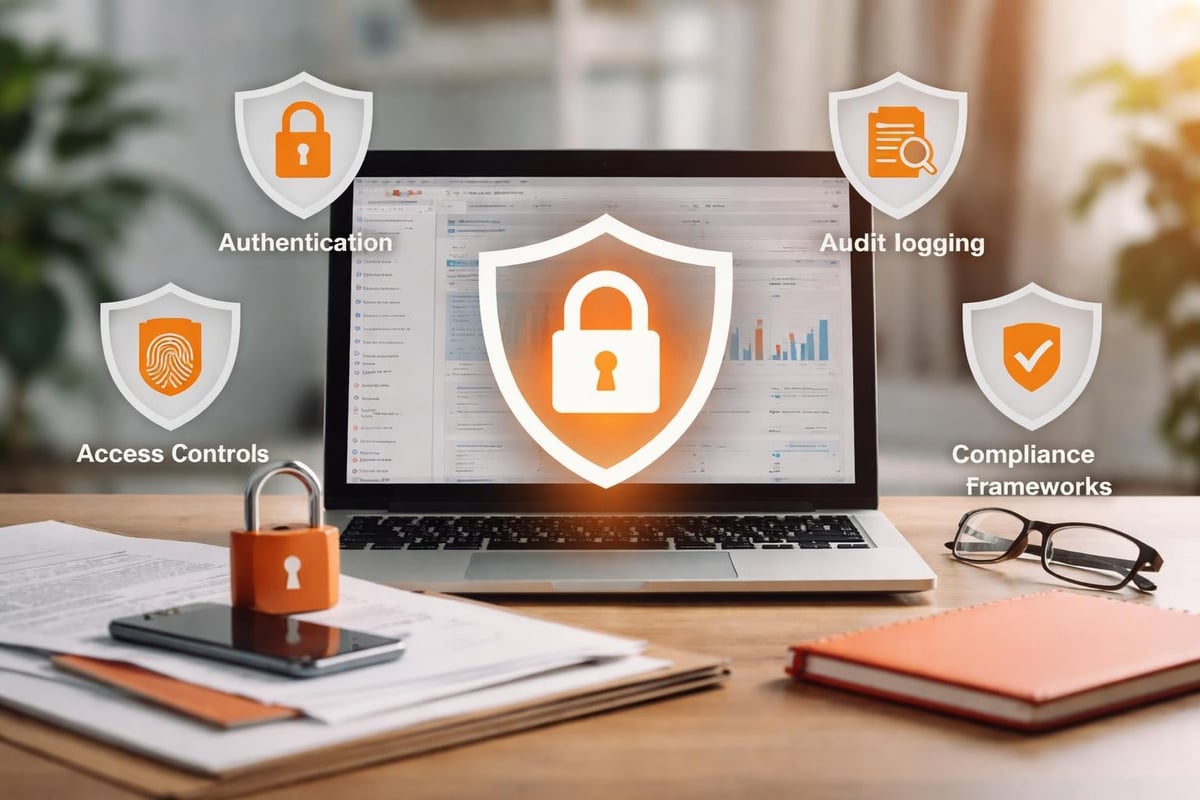
Evaluate platforms based on encryption standards for data at rest and in transit. Enterprise-grade software project management software should provide role-based access controls allowing granular permissions at project, task, and field levels. This ensures contractors, clients, and team members see only information relevant to their roles.
For teams working with regulated industries, compliance certifications matter significantly. GDPR compliance affects European client data, while SOC 2 certification demonstrates security control maturity. HIPAA compliance becomes necessary when managing healthcare-related projects.
Access Control and Audit Trails
- Role-based permissions limiting access based on team member responsibilities
- Single sign-on integration connecting with corporate identity providers
- Two-factor authentication adding security beyond passwords
- Audit logging tracking who accessed or modified sensitive information
- Data retention policies automatically archiving or deleting old projects
- IP restrictions limiting platform access to approved networks
- Session management automatically logging out inactive users
Comprehensive audit trails prove essential when investigating security incidents or demonstrating compliance during audits. Your software project management software should log all significant actions with timestamps and user attribution.
Scaling Project Management Across Organizations
As organizations grow from single teams to multiple departments, software project management software requirements evolve dramatically. Platforms that served small teams effectively often struggle with enterprise complexity.
Portfolio Management Capabilities
Large organizations need visibility across dozens or hundreds of concurrent projects. Portfolio management features aggregate data from individual projects, showing resource allocation across the organization, identifying competing priorities, and highlighting dependencies between initiatives.
Executive stakeholders care less about individual task status than portfolio health. Software project management software serving enterprise needs provides high-level dashboards showing strategic initiatives, budget consumption, and risk factors without requiring deep dives into project details.
Multi-Team Coordination
Different teams within organizations often adopt specialized tools matching their workflows. Development teams might prefer developer-centric platforms while marketing teams choose creative collaboration tools. Enterprise software project management software must coordinate across these heterogeneous environments.
Cross-functional initiatives involving development, design, marketing, and sales require unified views despite underlying tool diversity. Look for platforms offering flexible data models that accommodate different work types while maintaining connections between related activities.
FAQ
What makes software project management software different from general project management tools?
Software project management software includes specialized features for development workflows including version control integration, code review processes, bug tracking, sprint planning, and CI/CD pipeline visibility. These capabilities address the technical nature of software development where work involves complex dependencies, iterative refinement, and integration with development toolchains. General project management tools focus on task lists and timelines without understanding software-specific concepts like branches, pull requests, or deployment stages.
How does software project management software improve team collaboration?
These platforms centralize communication around specific tasks, code changes, and milestones rather than scattering discussions across email, chat, and meetings. Team members see context-rich conversations directly attached to relevant work items. Real-time updates keep everyone informed about progress, blockers, and changes without requiring status meetings. Integration with communication tools ensures notifications reach team members through their preferred channels while maintaining permanent records within the project management system.
Can small development teams benefit from software project management software?
Absolutely. Small teams often benefit most from structured workflows because they lack dedicated project managers to coordinate activities manually. Software project management software provides lightweight structure that scales with team growth. Even solo developers managing multiple client projects gain visibility into commitments and deadlines. Many platforms offer free tiers suitable for small teams, with paid features becoming valuable as complexity increases.
What integration capabilities should I prioritize when selecting a platform?
Prioritize integrations with your version control system first, as this connection links development work to project tracking automatically. Next, focus on CI/CD pipeline integration for deployment visibility. Communication tool integration follows, ensuring team notifications reach people where they already work. Time tracking, documentation, and design tool integrations provide value but can often be added later as your usage matures and specific needs emerge.
How long does typical implementation take for software project management software?
Basic implementation can complete in days for small teams using standard configurations. Complete organizational rollout including customization, integration setup, data migration, training, and adoption monitoring typically requires two to four months. Rushing implementation reduces adoption rates because teams resist tools that don't match their workflows. Phased approaches starting with pilot teams and expanding gradually achieve better long-term results than forced overnight transitions.
Should we build custom software project management software or buy an existing solution?
Most organizations should buy rather than build. Commercial software project management software benefits from continuous development by dedicated teams, extensive user testing, and regular security updates. Building custom solutions requires significant initial investment plus ongoing maintenance that diverts development resources from revenue-generating work. Custom builds make sense only when truly unique workflows cannot be accommodated through configuration of existing platforms or when competitive advantage depends on proprietary project management capabilities.
How do I measure ROI from software project management software investment?
Track metrics before and after implementation including project delivery timeline accuracy, time spent in status meetings, defect rates reaching production, and team member satisfaction scores. Quantify time savings from automation, reduced context switching, and faster information discovery. Calculate the cost of delayed projects or missed deadlines prevented through better visibility and coordination. Most organizations see positive ROI within six to twelve months through improved delivery speed and reduced project failures, though benefits compound over time as teams optimize their usage.
Effective software project management software transforms how development teams plan, execute, and deliver complex projects by providing structure without sacrificing flexibility. The right platform aligned with your methodology, integrated with your toolchain, and configured to match actual workflows becomes the foundation for consistent, predictable delivery. Whether you're building custom applications, managing product roadmaps, or coordinating multiple client engagements, Brytend combines deep technical expertise with proven project management practices to deliver software solutions that meet your specific requirements while maintaining quality and timeline commitments.
