Order process management is the control of every step from quote to invoice: quoting, order entry, stock reservation, picking, shipping and billing. For companies that sell serialized or safety-critical equipment, it also means knowing exactly which unit went to which customer.
The order process step by step
- Opportunity and quote. Prices, products and terms in one place, so the order matches what was offered.
- Order entry. The accepted quote becomes an order without retyping.
- Stock check and reservation. Stock is reserved for the order, so it cannot be promised twice.
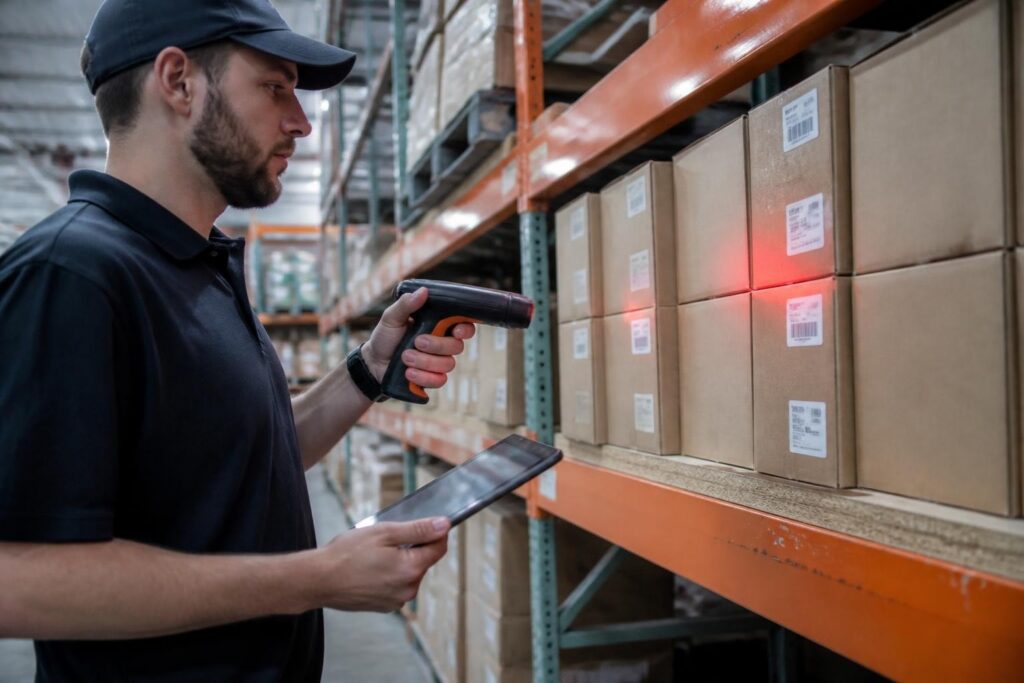
- Picking. The right units are picked, oldest stock first, and expired items are blocked.
- Serial registration. Each picked unit is linked to the order and the customer.
- Shipping. Labels, track and trace and customer notifications go out automatically.
- Invoicing. The invoice is generated from the delivered order.
Where orders usually go wrong
- Quotes in one system, orders in another, so prices and conditions change on the way.
- Stock that looks available but is already promised to another order.
- Expired or wrong units shipped because picking relies on memory.
- No record of which serial numbers a customer received, so service and recalls become guesswork.
- Customers calling to ask where their order is.
What to look for in order management software
| Requirement | Why |
|---|---|
| Quote to order to invoice in one flow | No retyping, no price differences |
| Stock reservation | No double promises |
| FIFO and expiry checks | No expired equipment shipped |
| Serial numbers linked to orders | Traceability for service, warranty and recalls |
| Carrier and fulfillment integrations | Automatic labels and track and trace |
| Dashboards per account manager | Insight into quotes, orders and sales |
How Brytend handles order process management
In the Brytend CRM, opportunities, quotes, orders and invoices are one flow, and appointments can be added from Office 365. On the warehouse side, Brytend enforces first-in, first-out, checks expiry dates and links every picked serial number to its order. Shipping connects to more than 100 fulfillment providers and carriers such as GLS, UPS and DHL, with automatic labels and track and trace. Read how this works at a global gas detection manufacturer.
Frequently asked questions
What is order process management?
The control of every step from quote to invoice, including stock reservation, picking, shipping and billing.
Why link serial numbers to orders?
So you know exactly which unit each customer received, which is essential for service, warranty and recalls.
How do I prevent shipping expired stock?
Use a system that enforces first-in, first-out and blocks items past their expiry date during picking.
Can Brytend connect to my carrier?
Yes. Brytend integrates with more than 100 fulfillment providers and with carriers such as GLS, UPS and DHL.
Want to see it in practice? Start a free 90-day trial or call +31 (0)85 013 02 04.