

CRM software that knows everything about your customer.
Companies, contacts, prospects and leads in one list, with every quote, order, service, rental, ticket and invoice on the customer page. No second system to look things up.
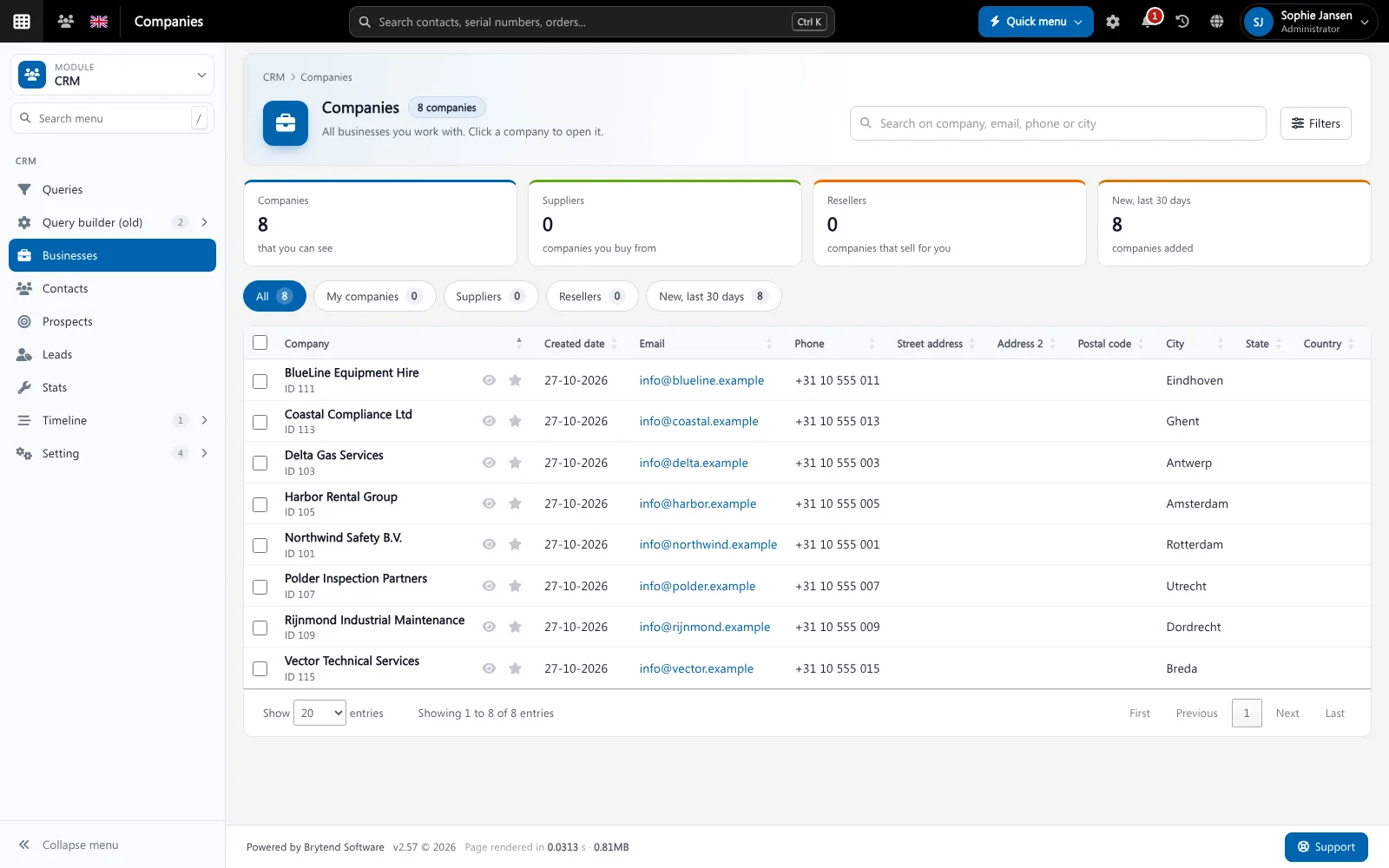
CRM software (customer relationship management) is where a company keeps its customers, contacts and sales opportunities. Brytend CRM goes further: because it is part of the platform, the customer page also shows the installed equipment, services, rentals, loans, tickets and invoices of that customer.
CRM is one part of Brytend, the business operations platform that replaces multiple disconnected business systems with one fully integrated platform: CRM, Assets, Rentals, Quality, Service, Compliance, Documents, Reporting and AI.
From first contact to signed proposal
Leads become prospects and prospects become customers. Proposals, orders and invoices stay linked to the company, so sales and service see the same history.
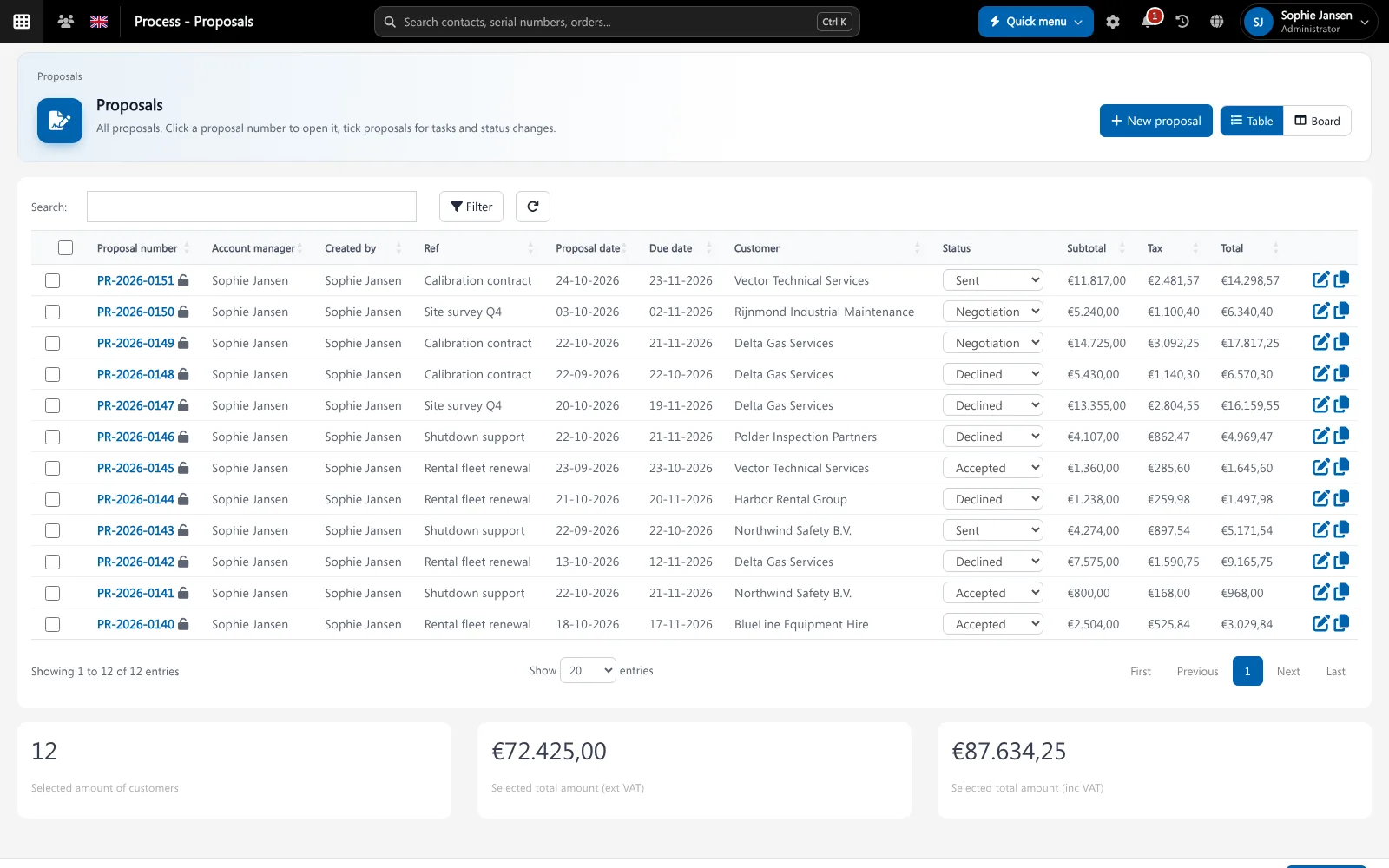
Proposals list in Brytend. Screenshot with sample data.
What goes wrong without CRM software
Customer data in five places
Contacts in Outlook, quotes in Excel, service history in another tool. Nobody sees the whole customer.
Follow-ups get forgotten
A promised call-back or a quote that waits for an answer slips through when it lives in someone’s head.
Sales does not know about service
An account manager calls a customer with an offer on the day their equipment failed, because the service record is somewhere else.
Everything on one customer page
Open a company and see its contacts, proposals, orders, installed equipment, services, rentals, tickets, files and e-mails in tabs on one page.
- Businesses, contacts, prospects and leads with their own lists
- Follow a company to get a notification when something changes
- Timeline of everything that happened with the customer
- Price groups and conditions per customer
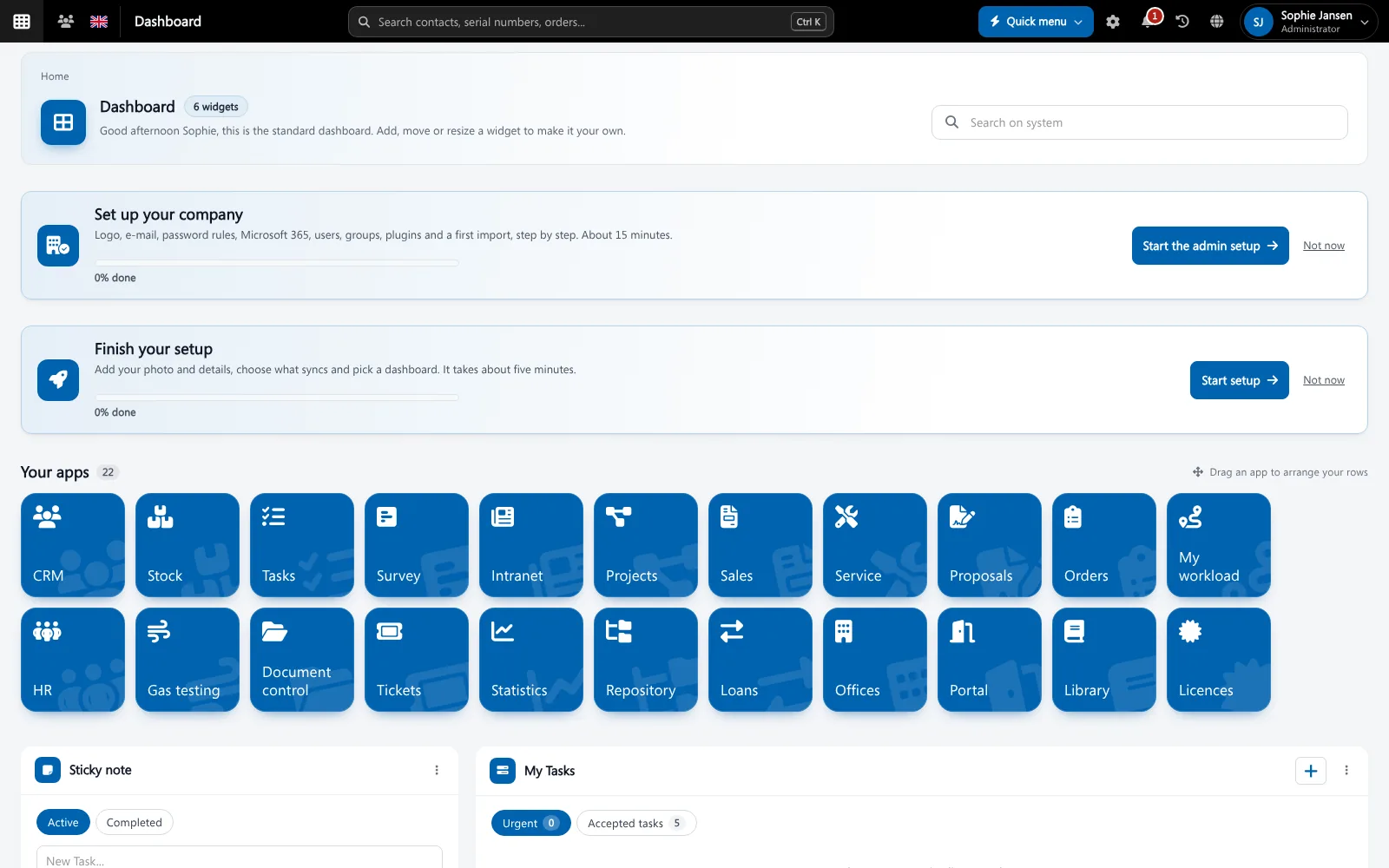
CRM features
Leads and prospects
Register leads, promote them to prospects and turn them into customers without retyping anything.
Follow and notifications
Follow the companies you care about. Changes arrive in the bell and, if you want, by e-mail.
Reminders and tasks
Set a reminder or a task on a company or contact, so every follow-up has an owner and a date.
E-mail and Outlook
Shared mailboxes and the Outlook add-in put customer e-mails on the customer page.
Newsletter sync
Keep groups in sync with Mailchimp or MailerLite through the plugins.
Queries and exports
Build your own lists with the query builder and export them to Excel.
Price groups
Give customers their own price group and discount, used in quotes and orders.
Privacy (GDPR)
Record consent and handle privacy requests from the CRM.
KPI widgets
Relation and proposal metrics on the CRM dashboard, for yourself or company-wide.
Get started in three steps
Import
Bring in your companies and contacts from Excel or your old system with the import wizard.
Work
Register leads, send proposals and follow up with reminders and tasks.
See the whole customer
Service, rentals, tickets and invoices appear on the same customer page as they happen.
Rated 5 stars on Google
“We used to create and track orders in Ultimo. Switching to Brytend was a challenge, yet we were very pleasantly surprised. Not only the software, but their support too is better than expected. Super!”
“Our company has used Brytend software for several years. It has let us tackle various processes quickly and efficiently that we had not found a solution for before.”
“Excellent experience with this company and its software applications. If you want changes, no problem. Arranged quickly and at a fair price.”
Reviews translated from Dutch.
More than CRM software
One customer record
Sales, service, rental and finance work on the same customer, so data is entered once. Quotes and orders run in Sales.
Linked to service
Installed equipment and service history come from Service and inspections.
Secure by design
Permission groups decide who sees which customer data. Read more on security.
Works with the other Brytend modules
Sales: quotes and orders
See how Sales: quotes and orders works with CRM.
Service and inspections
See how Service and inspections works with CRM.
Invoicing
See how Invoicing works with CRM.
Help desk
See how Help desk works with CRM.
Frequently asked questions
What is CRM software?
CRM software stores your customers, contacts and sales opportunities, and the history of what you did with them. In Brytend it also shows the equipment, services, rentals, tickets and invoices of each customer.
Can I import my existing customers?
Yes. The import wizard reads Excel and CSV files and maps the columns to companies and contacts.
Does Brytend CRM work with Outlook?
Yes. Shared mailboxes and the Outlook add-in bring customer e-mails into the CRM.
What is the difference between a lead, a prospect and a customer?
A lead is a first contact you have not qualified yet, a prospect is a company you are actively selling to, and a customer is a company you do business with. Brytend keeps one record as it moves through these stages.
Can I limit who sees which customers?
Yes. Permission groups decide which users can view or change customer data.
How does the free trial work?
You use the full Brytend platform free for 90 days. Take the tour first, or start the trial straight away.
Know your customer. Completely.
Take the tour to see CRM with the rest of the platform, or start your free 90-day trial.
Prefer to talk first? Call +31 (0)85 013 02 04