

Security built in, from sign-in to every document.
Two-factor sign-in, permission groups, classification levels on documents and an audit trail on what matters. Security is part of every Brytend module, not an add-on.
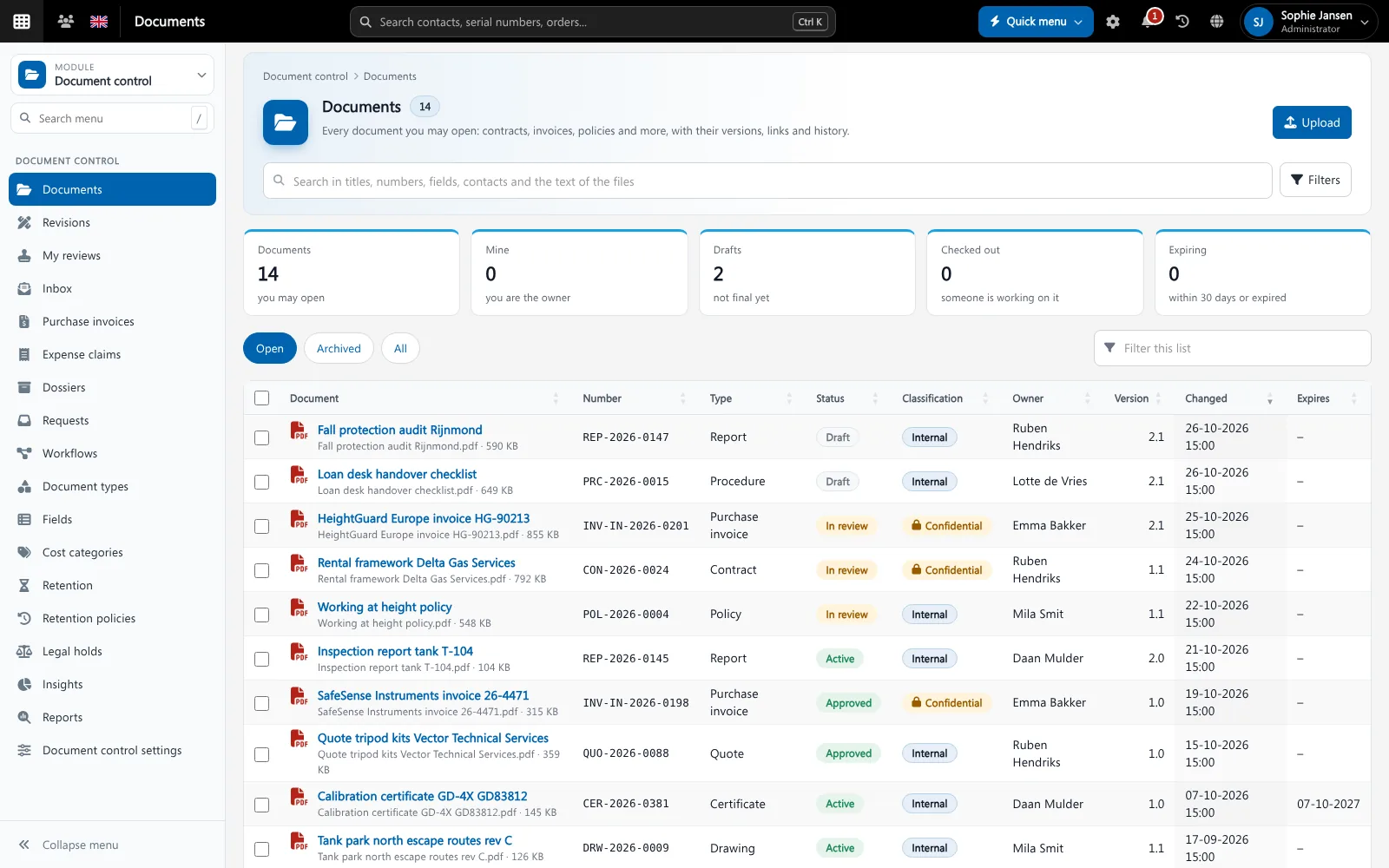
Brytend controls who can sign in, what each user can see and change, and how sensitive each document is. Connections are encrypted with TLS, and important actions are recorded so you can show what happened and who did it.
Security and access is one part of Brytend, the business operations platform that replaces multiple disconnected business systems with one fully integrated platform: CRM, Assets, Rentals, Quality, Service, Compliance, Documents, Reporting and AI.
Proof of who did what
Document versions, approvals and gas test readings are recorded with the user and the time. Gas test records are hash-chained, so later changes are visible.
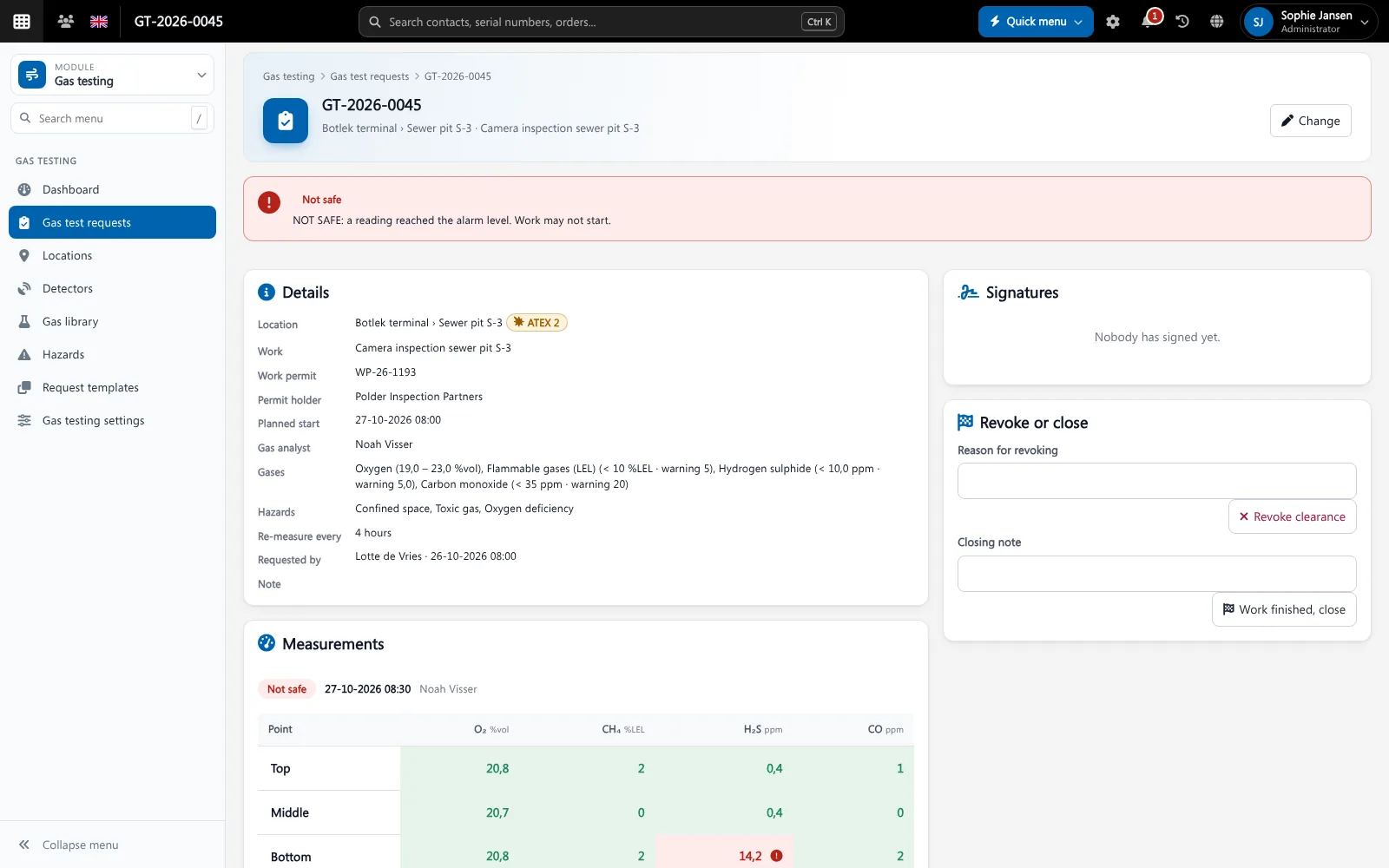
Gas tests keep a hash-chained audit trail. Screenshot with sample data.
What goes wrong without secure business software
Everybody sees everything
Without access control, salaries, contracts and customer data are open to every user.
Passwords alone
A stolen password is enough to get in when there is no second factor.
No trail
After an incident nobody can show who changed what.
Access per role, level per document
Permission groups give each role the rights it needs. Documents carry a classification level, and only users with that level can open them.
- Permission groups per role
- Document classification such as internal and confidential
- Access lists on documents and dossiers
- Legal holds and retention policies
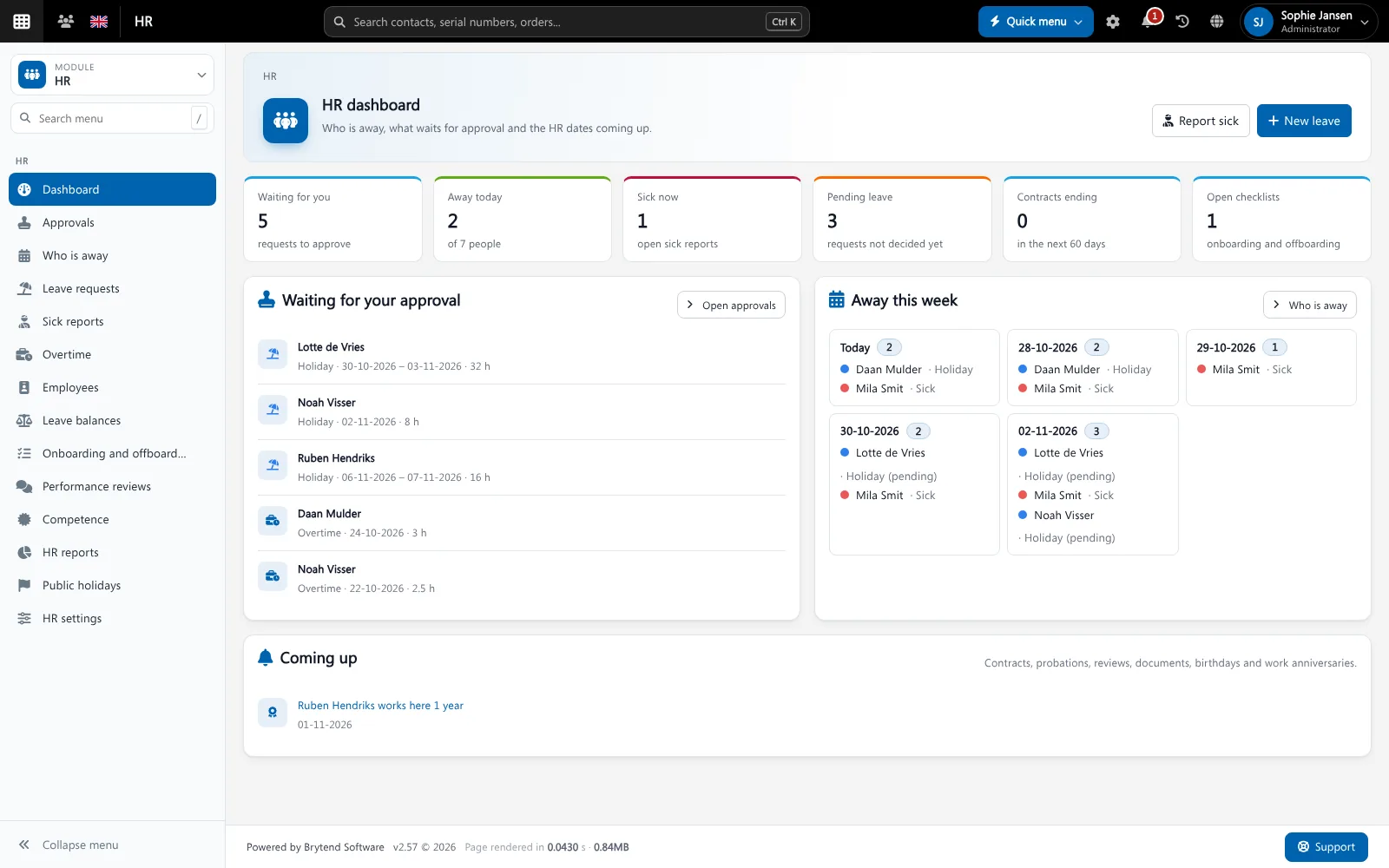
Security and access features
Two-factor sign-in
Sign in with an authenticator app as the second factor.
Phone sign-in
Sign in on the mobile app by scanning a QR code.
Microsoft sign-in
Single sign-on with Microsoft 365.
Permission groups
Rights per role instead of per user.
Classification
Levels on documents, with watermarks on previews.
Audit trail
Versions, approvals and readings recorded with user and time.
Retention
Retention policies and legal holds on documents.
Privacy (GDPR)
Consent and privacy requests handled in the CRM.
Encrypted connections
All traffic uses TLS.
Get started in three steps
Set up roles
Make permission groups for the roles in your company.
Secure sign-in
Switch on two-factor sign-in or Microsoft sign-in.
Classify
Give documents a classification level and set retention.
Rated 5 stars on Google
“We used to create and track orders in Ultimo. Switching to Brytend was a challenge, yet we were very pleasantly surprised. Not only the software, but their support too is better than expected. Super!”
“Our company has used Brytend software for several years. It has let us tackle various processes quickly and efficiently that we had not found a solution for before.”
“Excellent experience with this company and its software applications. If you want changes, no problem. Arranged quickly and at a fair price.”
Reviews translated from Dutch.
More than secure business software
Certified
Brytend is ISO 9001 and ISO 27001 certified. Read our security and data protection page.
Controlled documents
Classification and retention live in Document control.
Private HR data
HR data is only visible with HR rights in HR.
Works with the other Brytend modules
Document control
See how Document control works with Security and access.
HR
See how HR works with Security and access.
CRM
See how CRM works with Security and access.
Integrations
See how Integrations works with Security and access.
Frequently asked questions
Does Brytend support two-factor authentication?
Yes. Users can sign in with an authenticator app as the second factor, or with Microsoft 365.
Can I limit what each user sees?
Yes. Permission groups give each role its own rights, and documents carry a classification level.
Is there an audit trail?
Yes. Document versions and approvals are recorded with user and time, and gas test records are hash-chained.
Is Brytend certified?
Brytend is ISO 9001 and ISO 27001 certified.
Does Brytend help with GDPR?
Yes. Consent and privacy requests are handled in the CRM, and retention policies apply to documents.
How does the free trial work?
You use the full Brytend platform free for 90 days. Take the tour first, or start the trial straight away.
Your data. Your rules.
Take the tour to see Security and access with the rest of the platform, or start your free 90-day trial.
Prefer to talk first? Call +31 (0)85 013 02 04