

Integrations that switch on when you need them.
Microsoft 365, Google Workspace, Peppol e-invoicing, bank payments, shipping carriers, newsletters and AI. Every integration is a plugin on one page, switched off until you need it.
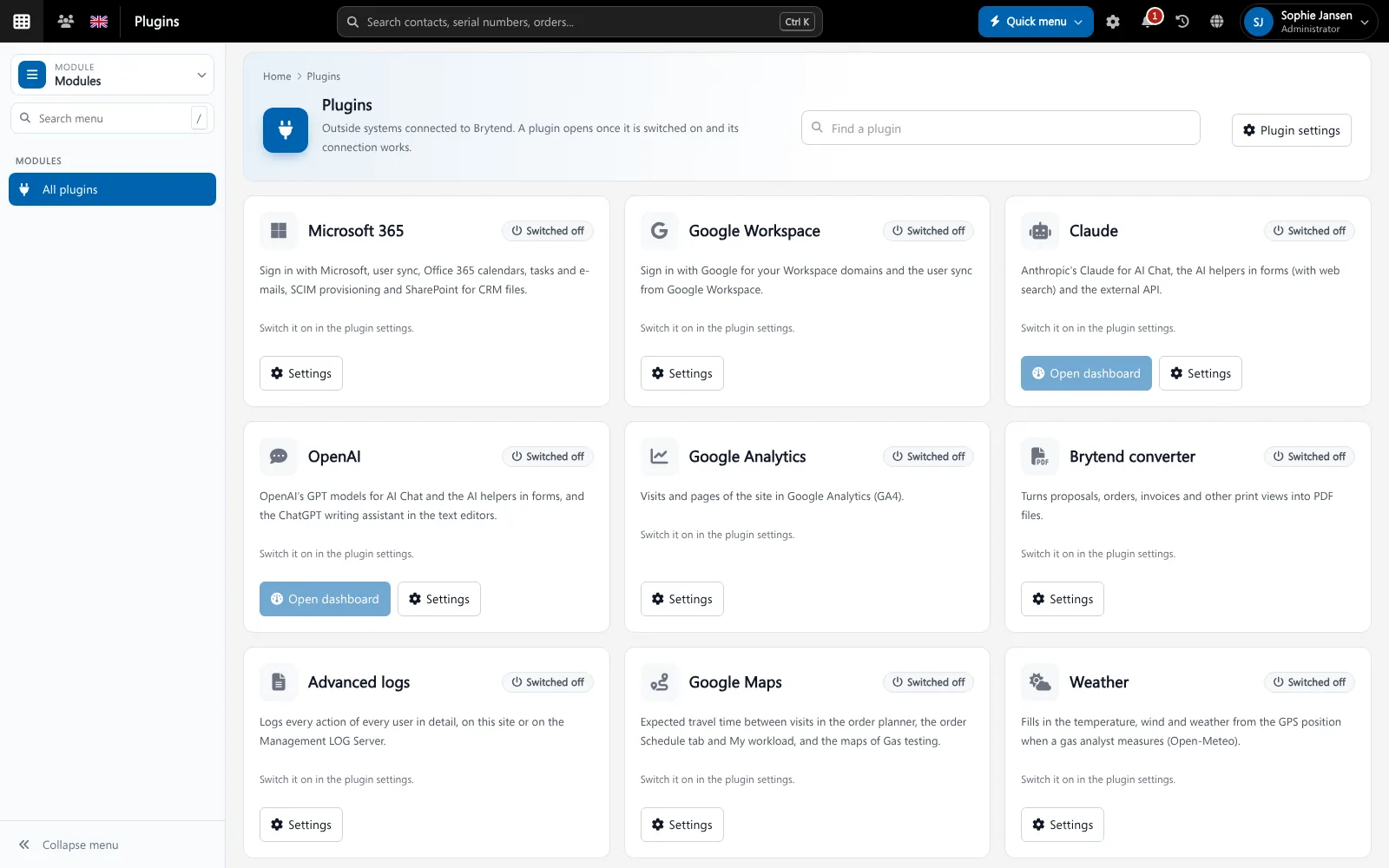
Integrations connect Brytend to the other software and services you use. In Brytend every integration is a plugin with its own settings, on one Plugins page, so you can see what is connected and switch it on or off.
Integrations and plugins is one part of Brytend, the business operations platform that replaces multiple disconnected business systems with one fully integrated platform: CRM, Assets, Rentals, Quality, Service, Compliance, Documents, Reporting and AI.
E-invoicing and payments
Send invoices as UBL e-invoices over Peppol, and match bank payments to open invoices with the bank payments plugin.
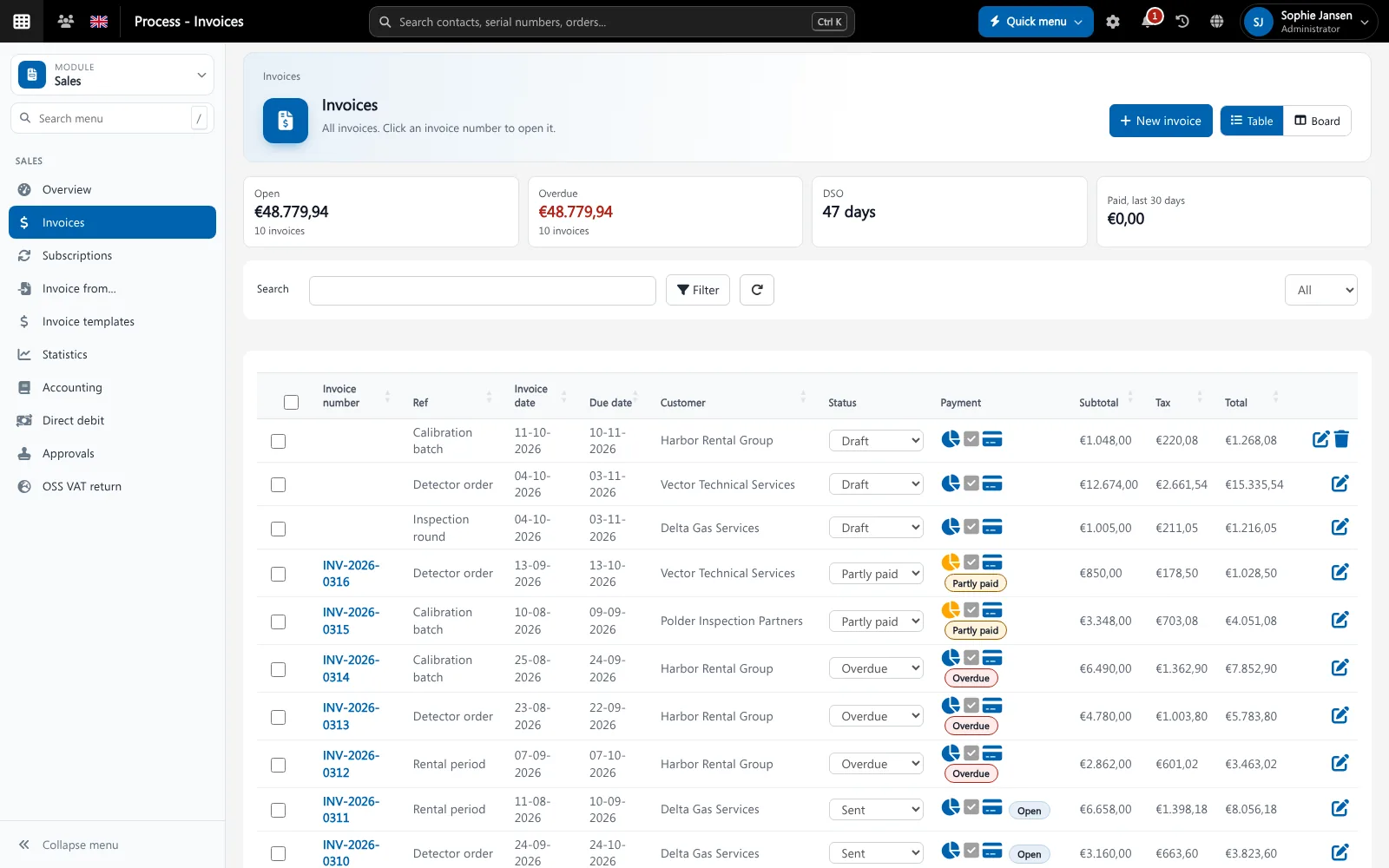
Invoices can go out as Peppol e-invoices. Screenshot with sample data.
What goes wrong without business software integrations
Integrations scattered
Every connection has its own settings page, and nobody knows what is connected.
Paying for what you do not use
Bundles force you to take integrations you never switch on.
Manual copying
Without a connection, data is typed over from one system to the other.
One Plugins page
See every integration with a short description, its status and its settings. Switch a plugin on and fill in the connection; switch it off and it stops.
- Microsoft 365: sign-in, users, groups, calendar and SharePoint
- Google Workspace and Google Analytics
- AI: Claude and OpenAI
- Maps and weather
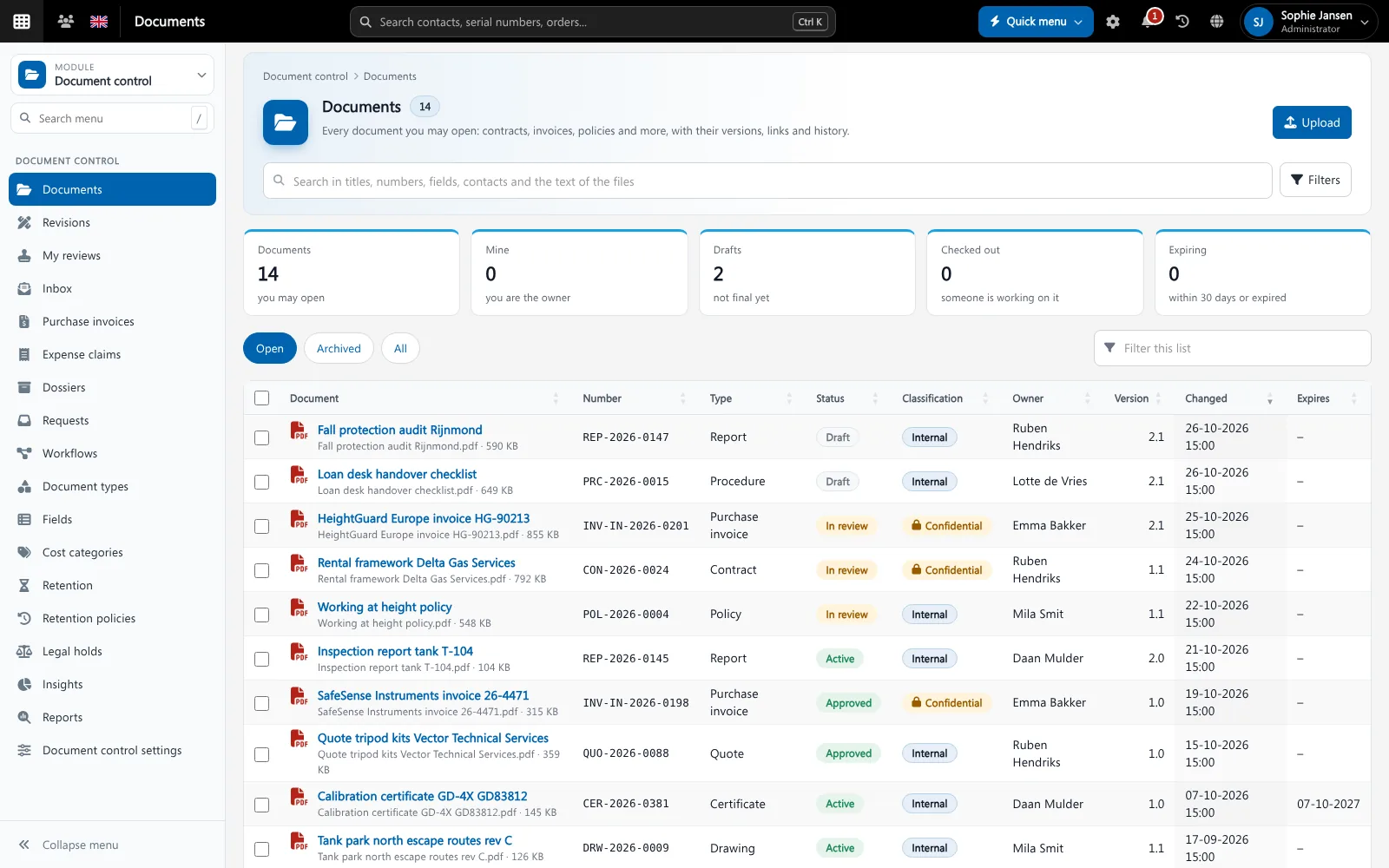
Integrations and plugins features
Microsoft 365
Single sign-on, user and group sync, Outlook and SharePoint.
Google Workspace
Sign in with Google and use Google services.
Peppol
Send and receive UBL e-invoices (Peppol BIS 3 and NLCIUS).
Bank payments
Match bank transactions to open invoices.
Shipping carriers
Create shipping labels and track shipments.
Mailchimp and MailerLite
Keep CRM groups in sync with your newsletter lists.
SMTP2GO
Send platform e-mail through SMTP2GO.
AI
Claude and OpenAI for the AI chat and helpers.
Maps and weather
Google Maps for locations and weather on measurements.
Get started in three steps
Pick
Open the Plugins page and pick the integration you need.
Connect
Switch it on and fill in the connection settings.
Use
The data flows into the module it belongs to.
Rated 5 stars on Google
“We used to create and track orders in Ultimo. Switching to Brytend was a challenge, yet we were very pleasantly surprised. Not only the software, but their support too is better than expected. Super!”
“Our company has used Brytend software for several years. It has let us tackle various processes quickly and efficiently that we had not found a solution for before.”
“Excellent experience with this company and its software applications. If you want changes, no problem. Arranged quickly and at a fair price.”
Reviews translated from Dutch.
More than business software integrations
Built into the platform
Integrations feed the modules directly, for example Peppol into Invoicing.
AI included
Use Brytend AI with Claude or OpenAI.
Secure connections
Secrets are stored encrypted. Read more on security.
Works with the other Brytend modules
Invoicing
See how Invoicing works with Integrations and plugins.
AI
See how AI works with Integrations and plugins.
CRM
See how CRM works with Integrations and plugins.
Document control
See how Document control works with Integrations and plugins.
Frequently asked questions
Which integrations does Brytend have?
Microsoft 365, Google Workspace, Peppol e-invoicing, bank payments, shipping carriers, Mailchimp, MailerLite, SMTP2GO, Claude, OpenAI, Google Analytics, Google Maps and weather, among others.
Do I pay for integrations I do not use?
Every integration is a plugin that is off until you switch it on.
Can Brytend send e-invoices over Peppol?
Yes. The Peppol plugin sends UBL invoices in the Peppol BIS 3 or NLCIUS format.
Does Brytend work with Microsoft 365?
Yes. Sign in with Microsoft, sync users and groups, and use Outlook and SharePoint.
Can I ask for a new integration?
Yes. Contact us and tell us which software you want to connect.
How does the free trial work?
You use the full Brytend platform free for 90 days. Take the tour first, or start the trial straight away.
Connect what you use. Nothing more.
Take the tour to see Integrations and plugins with the rest of the platform, or start your free 90-day trial.
Prefer to talk first? Call +31 (0)85 013 02 04