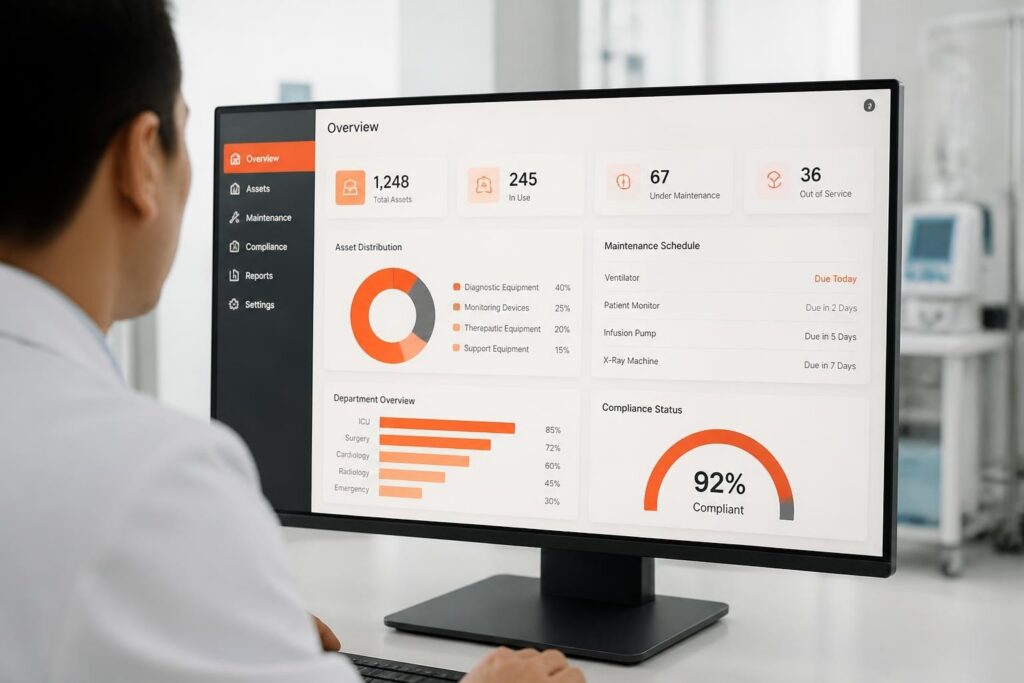
QR code asset tracking uses two-dimensional barcodes scanned by mobile devices to instantly identify, locate, and update equipment records in real time. Organizations affix unique QR labels to physical assets, then scan them with smartphones or tablets to log location changes, record service events, and retrieve maintenance history. QR code asset tracking is a mobile-first inventory method that encodes asset identifiers into scannable matrix codes for instant data capture and synchronization with centralized management systems.
What is QR code asset tracking and how does it work?
QR code asset tracking is a mobile-based inventory control method that assigns unique Quick Response codes to physical assets and uses smartphone or tablet cameras to read those codes and update centralized databases. Each QR code encodes a unique identifier, typically an asset ID, serial number, or URL that links directly to the asset's record in a management system.
The workflow begins when an organization generates and prints QR labels for each tracked item. These labels are affixed to equipment, tools, or other physical assets using durable adhesive stickers, metal tags, or embedded plates. When a technician or operator scans the QR code with a mobile device, the scanning application reads the encoded identifier, retrieves the associated asset record, and presents current information such as location, service history, and certification status.

Modern qr code asset tracking systems support both online and offline scanning. Online mode provides instant synchronization with cloud databases, while offline mode stores scan events locally on the device and uploads them when connectivity resumes. This dual-mode capability ensures continuous operation in field environments, warehouses, and remote service locations.
Key technical components include:
- QR code generation: Software creates unique codes containing asset identifiers, following standards such as GS1 Digital Link for interoperability
- Mobile scanning application: Native or web-based apps use device cameras to decode QR matrices and parse embedded data
- Backend database: Centralized system stores asset records, location history, and service metadata
- Synchronization layer: API endpoints and data protocols ensure mobile updates reflect in the main database
- Label printing: Thermal, laser, or inkjet printers produce durable QR stickers with appropriate resolution and error correction
The technical specification of the QR code itself determines scanning reliability and data capacity. Version 1 QR codes (21×21 modules) store up to 25 alphanumeric characters, while Version 40 codes (177×177 modules) hold over 4,000 characters. Most asset tracking implementations use Version 3 to Version 10 codes with Level M or Level Q error correction, balancing data capacity with physical label size and scanning distance.
Why do organizations choose QR codes over RFID or NFC for asset tracking?
Organizations choose QR code asset tracking primarily because it eliminates dedicated hardware costs and leverages devices employees already carry. Unlike RFID or NFC systems that require fixed readers or handheld scanners costing hundreds to thousands of dollars per unit, QR code systems work with standard smartphones and tablets already deployed in most workplaces.
Cost comparison strongly favors QR implementation. A complete RFID setup including readers, antennas, and tags typically requires capital expenditure of several thousand dollars per location, plus ongoing tag costs ranging from fifty cents to several dollars per unit for active RFID tags. QR labels, by contrast, cost pennies when printed in bulk, and the mobile scanning infrastructure consists of free or low-cost software applications installed on existing devices.
| Tracking Technology | Reader Cost | Tag/Label Cost | Read Range | Infrastructure |
|---|---|---|---|---|
| QR Code | $0 (smartphone) | $0.01–$0.10 | Contact to 2 meters | Mobile app only |
| Passive RFID | $500–$3,000 | $0.50–$2.00 | Up to 12 meters | Fixed readers, network |
| Active RFID | $1,000–$5,000 | $15–$50 | Up to 100 meters | Reader network, power |
| NFC | $0–$100 | $0.20–$1.00 | Up to 10 cm | NFC-enabled devices |
The second major advantage is implementation simplicity. QR code asset tracking requires no electrical infrastructure, network cabling, or RF tuning. Organizations print labels, affix them to assets, and begin scanning immediately. RFID installations, particularly in metal-rich or liquid-filled environments common in industrial and laboratory settings, require extensive site surveys and antenna positioning to avoid interference.
QR codes also provide superior traceability and audit trails. Each scan captures a timestamped event with user identity, GPS coordinates (when available), and the specific asset identifier. Research published in IEEE Xplore demonstrates that mobile-based QR inventory systems achieve scan accuracy exceeding ninety-eight percent in controlled deployments, comparable to fixed RFID installations at a fraction of the cost.
Bulk scanning represents the primary operational advantage of RFID over QR codes. RFID readers can simultaneously identify dozens of tagged items passing through a portal or within range of an antenna array, while QR scanning requires individual line-of-sight capture. For applications requiring rapid multi-item check-in or check-out, this limitation makes RFID more suitable. However, for service organizations tracking individual pieces of equipment through maintenance cycles, the one-at-a-time nature of QR scanning aligns well with typical workflows.
How do you implement a QR code asset tracking system?
Implementing a qr code asset tracking system follows a structured process beginning with asset inventory and database design, then proceeding through label generation, physical deployment, and user training.
Step 1: Inventory and data modeling
Catalog all assets requiring tracking and define the data structure for each record. Essential fields include unique asset ID, manufacturer, model number, serial number, purchase date, and current location. Extended fields may include service interval, calibration due date, assigned user, and custom attributes specific to asset type.
Design a hierarchical location taxonomy that matches physical reality. For service organizations, this typically includes facility, building, room, and rack or shelf levels. Each location receives its own unique identifier to enable accurate placement tracking.
Step 2: Database and application selection
Choose or develop a backend system capable of storing asset records, processing mobile scan events, and generating reports. Options range from spreadsheet-based systems with cloud synchronization to enterprise asset management platforms with full API support.
For organizations managing service workflows alongside asset tracking, integrated solutions that combine equipment records with maintenance schedules, certification tracking, and technician assignment provide operational efficiency. Brytend offers service management software that unifies asset tracking with maintenance workflows, service certificates, and automated reminders in a single platform.
Step 3: QR code generation and label production
Generate unique QR codes for each asset using software that supports batch creation and customizable data formats. The encoded string should include at minimum the asset ID, but may also embed URLs following GS1 Digital Link conventions or JSON payloads containing multiple attributes.
Print labels using materials appropriate for the operating environment. Indoor office assets require standard adhesive labels printed on paper or synthetic stock. Equipment exposed to moisture, chemicals, or abrasion demands polyester or vinyl labels with UV-resistant inks or thermal transfer printing. Metal assets operating in high-temperature environments may require anodized aluminum tags with laser-etched QR codes.
Step 4: Physical labeling and verification
Affix labels to assets in consistent, accessible locations. For electronic equipment, place labels on front panels or chassis sides visible without moving the item. For tools and handheld devices, attach labels to non-grip surfaces that remain visible during storage.
Clean and dry all surfaces before label application to ensure adhesion. For critical assets, apply clear protective overlays to shield QR codes from scratches and solvent exposure. After labeling, scan each asset to verify code readability and database linkage before deployment.
Step 5: Mobile application deployment and training
Install scanning applications on user devices and configure database connections, offline caching policies, and scan event triggers. Test end-to-end workflows including scan capture, data display, record updates, and synchronization.
Train users on scanning procedures, including optimal distance, lighting conditions, and angle for reliable capture. Document standard operating procedures for common tasks such as location updates, service logging, and checkout/check-in workflows.
Realistic workflow example: Gas detection equipment service
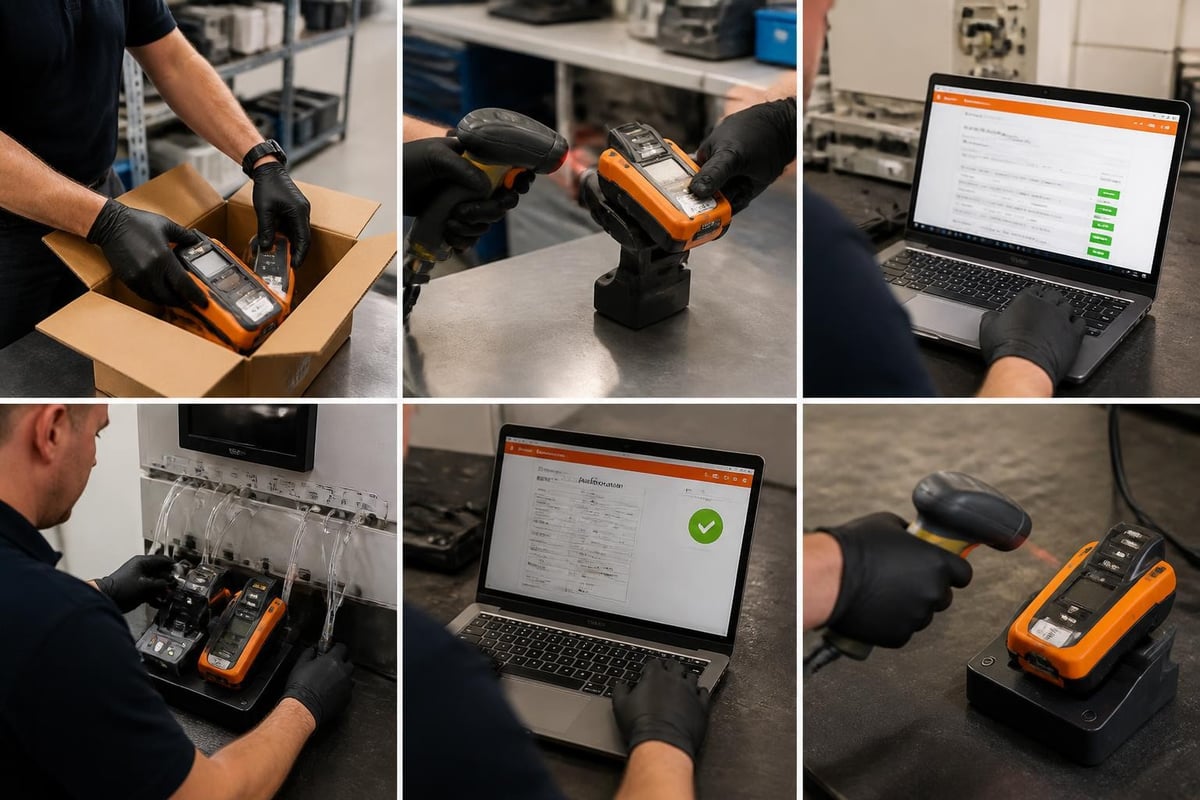
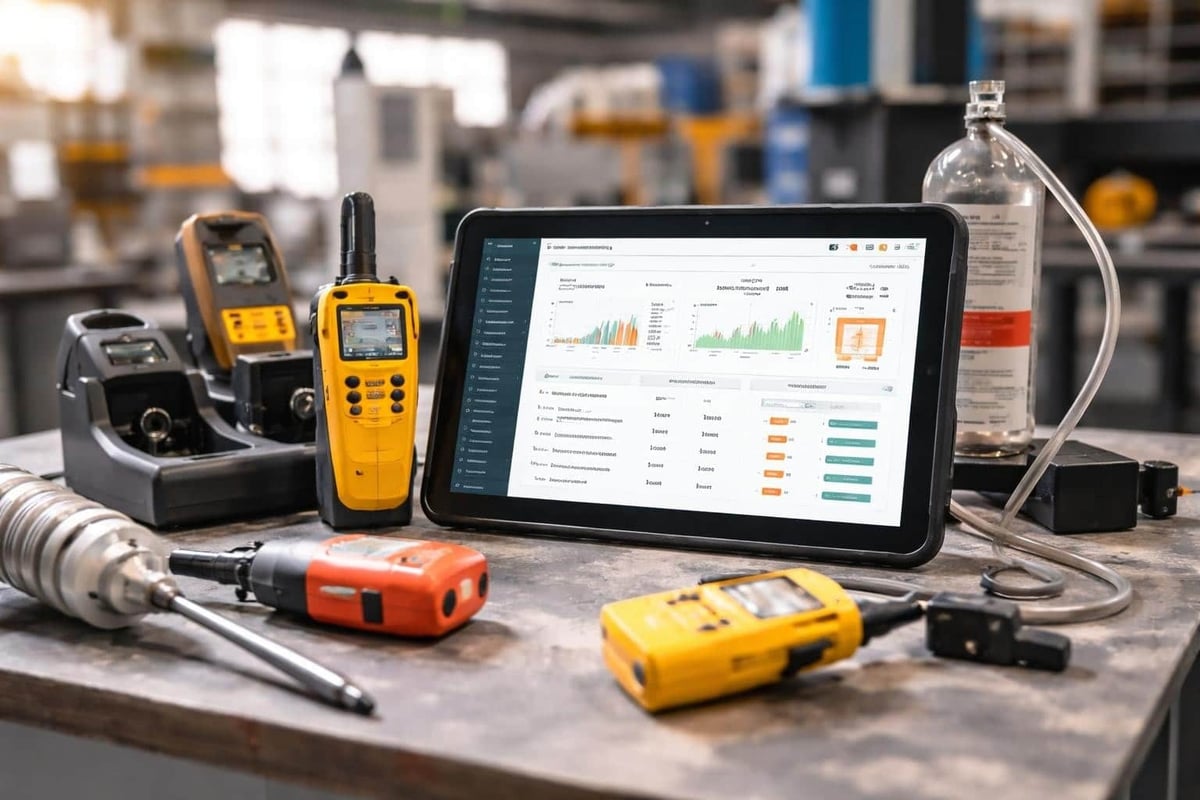
A safety equipment service company receives a multi-gas detector for annual calibration. The technician scans the QR code on the device housing, instantly retrieving the asset record showing last calibration date, calibration gases used, sensor replacement history, and customer assignment. The system displays the manufacturer-recommended service procedure and presents a digital checklist.
After performing bump testing, full calibration with certified gas standards, and sensor evaluation, the technician updates the asset record with new calibration values, test results, and certificate generation date. A final QR scan marks the service complete and triggers automatic notification to the customer with downloadable certification documents. The asset's location updates to "Ready for Pickup" and the next service due date calculates automatically based on the customer's interval policy.
This workflow demonstrates how qr code asset tracking integrates identification, service documentation, and workflow automation in field service operations. Organizations managing similar equipment lifecycles can explore asset tracking and loan-out software solutions that extend basic QR scanning with rental management and compliance features.
What data should QR codes encode for effective asset tracking?
QR codes for asset tracking should encode unique identifiers that enable reliable database lookups while remaining scannable at practical physical sizes. The optimal data payload balances information density with error correction and label dimensions.
The simplest and most reliable approach encodes only the asset ID as a plain alphanumeric string. This minimizes code complexity, maximizes scanning distance, and decouples the label from database schema changes. When scanned, the mobile application uses the asset ID as a query parameter to retrieve the full record from the backend system.
Common encoding formats include:
- Plain asset ID:
AST-2024-00127(12–20 characters, Version 1–2 QR code) - URL with asset ID:
https://example.com/asset/AST-2024-00127(Version 3–4 QR code) - GS1 Digital Link URI:
https://id.gs1.org/01/12345678901234/21/AST127(standardized product and serial number encoding) - JSON payload:
{"id":"AST-2024-00127","type":"detector","sn":"DG445521"}(Version 5–6 QR code)
URL-based encoding provides immediate web-based access to asset information without requiring a dedicated mobile application. Scanning the code with any smartphone camera opens the encoded URL in the device's default browser, where a web application displays the asset record. This approach reduces deployment friction but requires continuous internet connectivity and may expose asset data through browser history and network logs.
GS1 Digital Link URIs follow international standards for product identification and enable interoperability across supply chain systems. Organizations tracking serialized inventory alongside general assets benefit from standardized encoding that downstream systems can parse without custom integration.
Embedded JSON payloads enable offline functionality by encoding critical asset attributes directly in the QR code. When network connectivity is unavailable, the scanning application parses the JSON and displays embedded information without database access. However, embedded data becomes stale as asset attributes change in the database, requiring periodic label regeneration.
Research documented in arXiv explores advanced QR code data models including binary encoding schemes and multi-record structures that could support richer embedded datasets. While these approaches remain experimental, they suggest future capabilities for encoding service history, sensor data, or cryptographic signatures directly in asset labels.
Error correction level selection significantly impacts scanning reliability and data capacity. QR codes support four correction levels: L (seven percent recovery), M (fifteen percent recovery), Q (twenty-five percent recovery), and H (thirty percent recovery). Asset tracking implementations typically use Level M for indoor applications and Level Q for outdoor or industrial environments where labels may accumulate dirt or suffer minor damage.
How does mobile scanning integrate with asset management databases?
Mobile scanning integrates with asset management databases through API connections that transmit scan events and retrieve asset records in real time. Modern qr code asset tracking architectures use RESTful APIs with JSON payloads to exchange data between mobile clients and backend systems.
When a user scans a QR code, the mobile application extracts the encoded identifier and constructs an API request to the asset management system. The request includes the asset ID, scan timestamp, user identifier, GPS coordinates (if available), and any additional context such as scan type (location update, checkout, service event) or custom field values.
The backend API endpoint receives the request, validates the user's authentication token, retrieves the corresponding asset record from the database, and returns a response containing current asset attributes. This response populates the mobile interface with information such as asset description, current location, assignment status, service history, and available actions.
Typical API workflow:
- Mobile app scans QR code and extracts asset ID
- App constructs HTTP POST request with scan data
- API authenticates request and queries asset database
- Database returns asset record and related entities
- API formats response as JSON and returns to mobile app
- App updates local cache and displays asset information
- User performs action (update location, log service, etc.)
- App sends update request to API
- API validates and commits changes to database
- Confirmation response updates mobile UI
Offline synchronization requires local data storage on the mobile device and queue-based upload mechanisms. When network connectivity is unavailable, the scanning application writes scan events to a local database (typically SQLite on mobile platforms). Each queued event includes all necessary metadata to reconstruct the transaction when connectivity resumes.
Upon network restoration, the synchronization service iterates through queued events and submits them to the backend API in chronological order. The API applies business logic to validate each event (checking for conflicting updates or expired authentication) and either commits the change or returns an error code. Successful synchronization removes events from the local queue, while errors flag items for user review.
Conflict resolution policies handle scenarios where multiple users modify the same asset record while offline. Common strategies include last-write-wins (most recent timestamp prevails), user-priority-based resolution (supervisor changes override technician changes), or manual conflict review where users compare competing versions and select the correct state.
Healthcare implementations provide practical examples of robust offline QR scanning. Research published in PubMed Central describes clinical workflows where medical equipment tracking continues during network outages, with scan events synchronizing automatically when connectivity resumes. These systems demonstrate the reliability requirements for mission-critical asset tracking in regulated environments.
Real-time location updates represent a key integration point between mobile scanning and facility management. When scan events include GPS coordinates or manually selected location codes, the asset management system updates its spatial database to reflect current placement. Organizations with complex multi-building campuses use this capability to maintain accurate equipment distribution maps and optimize resource allocation.
Integration with external systems expands qr code asset tracking capabilities. Many organizations link asset databases with procurement systems to auto-populate new asset records, service scheduling platforms to trigger maintenance workflows, and compliance management tools to enforce certification requirements. Brytend's platform architecture supports these integrations through custom software development that connects asset tracking with broader business systems.
What are the operational challenges and solutions in QR code asset tracking?
Operational challenges in qr code asset tracking center on label durability, scan reliability, user adoption, and data quality maintenance. Each challenge requires specific technical and procedural solutions to ensure system effectiveness over multi-year deployments.
Label durability directly impacts system usability. QR codes exposed to harsh environments accumulate dirt, suffer physical damage, or degrade from UV exposure, reducing scan success rates. Solutions include material selection matched to environmental conditions, protective overlays or clear coatings, and periodic label inspection programs.
Environmental challenge and material solutions:
| Environment | Challenge | Label Material | Protection |
|---|---|---|---|
| Indoor office | Paper label fading | Paper with UV-resistant ink | None required |
| Warehouse | Abrasion, dust | Polyester with adhesive | Clear laminate |
| Outdoor equipment | UV, moisture | Vinyl with solvent ink | UV-resistant coating |
| Chemical exposure | Solvent attack | Anodized aluminum | Laser-etched code |
| High temperature | Adhesive failure | Metal tag with rivets | Ceramic coating |
Scan reliability depends on code size, printing resolution, and camera quality. Codes smaller than one centimeter square require high-resolution printing and modern smartphone cameras for reliable capture. Organizations should standardize on minimum label dimensions of two centimeters square for general assets and three centimeters square for equipment scanned from distances exceeding fifty centimeters.
Lighting conditions affect scan success, particularly for reflective labels or backlit environments. Matte label finishes reduce glare, while scanning applications with exposure compensation and manual focus controls improve capture in challenging conditions. Training users to angle devices slightly off-perpendicular minimizes reflections from glossy surfaces.
User adoption failures often stem from workflow friction rather than technical limitations. If scanning requires excessive steps, navigation, or duplicate data entry, users revert to manual logging or skip tracking entirely. Solutions include context-aware interfaces that auto-populate common actions, configurable quick-action buttons for frequent tasks, and progressive disclosure that shows advanced features only when needed.
Data quality degradation occurs when users can update asset records without validation or when records accumulate stale information. Implementing field-level permissions ensures only authorized users modify critical attributes such as certification status or disposal dates. Automated data quality rules flag suspicious entries (future dates, duplicate serial numbers, implausible locations) for review.
Common data quality issues and preventive controls:
- Duplicate asset IDs: Generate IDs algorithmically with check digits or use database constraints to enforce uniqueness
- Location drift: Require QR scan confirmation for location changes rather than accepting manual text entry
- Missing service records: Configure mandatory fields that block record save until technician enters required service data
- Orphaned assets: Schedule periodic audits that flag assets without scan activity within defined intervals
- Inconsistent nomenclature: Use controlled vocabularies and dropdown selections instead of free-text entry for asset types, conditions, and statuses
Organizations managing complex equipment inventories can benefit from integrated platforms that enforce data quality rules at the database level. The Brytend Service Module combines QR-based asset tracking with structured service workflows, automatic validation, and customizable business rules that maintain data integrity across the asset lifecycle.
Scalability challenges emerge as asset counts grow into thousands or tens of thousands of items. Database query performance, mobile application responsiveness, and label generation efficiency all require optimization. Solutions include database indexing on frequently queried fields (asset ID, location, assigned user), pagination in mobile list views, and batch QR code generation with template-based customization.
Security and access control prevent unauthorized asset transactions and protect sensitive equipment data. Mobile applications should require user authentication, enforce role-based permissions, and transmit all data over encrypted connections. Audit logs capturing every scan event, record modification, and user action provide accountability and support compliance reporting.
QR code asset tracking delivers immediate asset identification, real-time location updates, and complete service history through mobile-first workflows that leverage existing smartphone infrastructure and low-cost printed labels. Organizations implementing these systems gain operational visibility, reduce equipment loss, and streamline service documentation without the capital expense of RFID installations. If you need a customized asset tracking solution that integrates QR scanning with your specific service workflows, maintenance schedules, and compliance requirements, Brytend develops tailored software platforms that connect mobile field operations with centralized management systems for complete equipment lifecycle control.