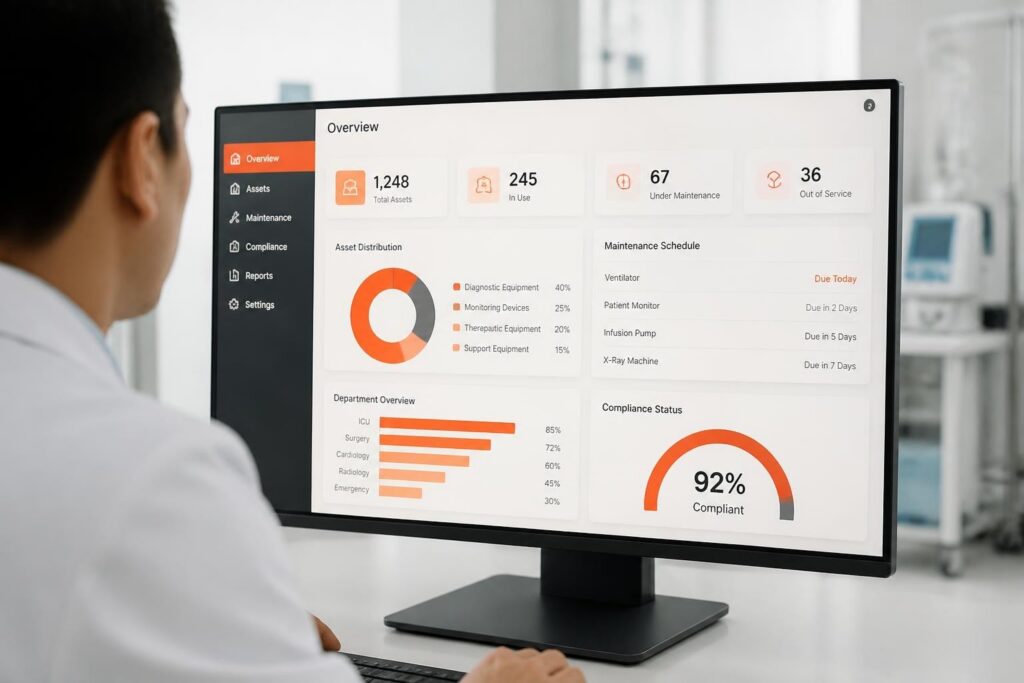
The best project tracking applications for a software team are Jira for sprint-based development, ClickUp for low-cost all-in-one work, and Asana or monday.com for cross-department visibility. For a gas detection, SCBA or safety equipment service company, the same tools can track the internal software work behind service portals, calibration records and compliance reporting. A project tracking application is software that records tasks, owners, deadlines and status for a body of work so a team can see progress in one place.
This list compares twelve options by price, key specs and the work each one suits. It also covers how to pick between them and how an equipment service company can structure a real tracking workflow. Prices change often, so check each vendor's current pricing before you decide.
1. What do software teams need from project tracking applications?
A software team needs a tool that tracks work items from request to release, shows who owns each item, and keeps a history that can be audited. For service companies that maintain gas detectors, SCBA sets and calibration equipment, that history matters because customers and auditors ask for proof of what changed and when.
Check these requirements before comparing tools:
- Backlog and sprint support for planning releases in fixed cycles
- Custom statuses that match your real process, such as "in review" or "awaiting customer test"
- Audit trail showing who changed an item and when
- Integrations with code repositories, chat and document storage
- Reporting such as burndown, velocity or workload views
- Per-seat cost at your actual team size, including free-plan limits
If the work being tracked is a physical service job, such as a bump test, calibration or cylinder refill, a general task tool is usually the wrong layer. Brytend's project tracking tools page covers that distinction in more detail.
2. Asana: which tool connects daily tasks to project milestones?
Asana connects tasks across projects and ties daily work to larger milestones, which suits teams coordinating several departments. According to Asana’s own comparison, the Starter plan is $10.99 per seat per month and Advanced is $24.99, billed annually, and the free plan supports up to two users.
- Price: $10.99 to $24.99 per user per month (annual billing)
- Free plan: yes, up to 2 users
- Key spec: tasks can sit in several projects and link to milestones
- Suits: cross-functional teams where development, support and operations share deadlines, on a mid-range per-seat budget
Verdict: A solid coordination layer, but its sprint tooling is lighter than Jira's.
3. monday.com: which tool offers the most customizable boards?
monday.com is the most configurable board-based option in this list, using typed columns to model almost any workflow. Per the same Asana comparison, its plans are $9 per seat per month for Basic, $12 for Standard and $19 for Pro, with a free plan covering two seats.
- Price: $9 to $19 per seat per month (annual billing)
- Free plan: yes, 2 seats
- Key spec: boards built from configurable typed columns
- Suits: teams that want visual workflows across departments and are willing to spend time configuring boards
Verdict: Flexible and approachable, though heavy configuration can drift into inconsistent boards.
4. ClickUp: which tool bundles the most features at the lowest price?
ClickUp bundles tasks, documents, chat and whiteboards into one workspace at a low per-seat price. The Unlimited plan is $7 per user per month and Business is $12, and the same source says native time tracking, Docs and Whiteboards are included from the $7 tier.
- Price: $7 to $12 per user per month (annual billing)
- Free plan: available
- Key spec: native time tracking, Docs and Whiteboards from the $7 tier
- Suits: small to mid-size teams that want one workspace and need to keep per-seat spend low
For teams exploring cost-free entry points, ClickUp publishes an overview of free project management software options that shows what is available without a paid plan.
Verdict: Best value for breadth; expect a longer setup because of the number of features.
5. Jira: which tool is built for sprints and backlogs?
Jira is built for agile software delivery and is the strongest option here for sprint planning and prioritized backlogs. The Standard plan is $9.70 per user per month, Premium is $19.60, and the free plan supports up to 10 users, as listed in Asana's pricing summary.
- Price: $9.70 to $19.60 per user per month
- Free plan: yes, up to 10 users
- Key spec: agile reports including velocity, burndown and cumulative flow
- Suits: software teams that run sprints, maintain a ranked backlog and need release reporting
Teams weighing agile-specific tools can also read Asana's overview of agile project management software for sprint planning and board comparisons.
Verdict: The default choice for engineering teams; less suited to non-technical stakeholders.
6. Trello: which tool is simplest for small teams?
Trello is the simplest option in this list, using boards, lists and cards for visual task tracking. The Standard plan is $5 per user per month and Premium is $10, while Enterprise starts at $17.50 per user per month with a 50-seat minimum.
- Price: $5 to $10 per user per month (annual billing); Enterprise from $17.50
- Key spec: visual boards, lists and cards
- Suits: small teams tracking a short list of work items on a tight budget
Verdict: Fast to adopt, but it offers little reporting depth as projects grow.
7. Wrike: which tool handles portfolios and formal request intake?
Wrike suits larger organizations that coordinate portfolios and need formal request intake. The Team plan is $10 per user per month, Business is $25, and Pinnacle pricing is quoted on request.
- Price: $10 to $25 per user per month; Pinnacle quoted
- Key spec: Spaces and cross-tagging let a task appear in several folders without duplicate records
- Suits: multi-department organizations running request queues and portfolio reporting
Wrike also publishes notes on intake and approval workflows for creative teams, which show how its request features work.
Verdict: Strong governance features; more than a small development team needs.
8. Basecamp: which tool centers work on discussion and to-do lists?
Basecamp organizes work around message boards, to-do lists, schedules and file sharing, which suits client-service projects. The Freelancer plan is $29 per month in total and covers up to 5 users and 3 active projects, while Pro Unlimited is $199 per month with unlimited users and projects.
- Price: $29 per month (Freelancer) to $199 per month (Pro Unlimited)
- Key spec: to-do lists, message boards, schedules and file sharing in one project space
- Suits: small teams and client-facing work where flat pricing beats per-seat costs once headcount grows
Verdict: Predictable cost and low overhead, with no sprint or backlog tooling.
9. Brytend CRM: where does customer-linked tracking fit?
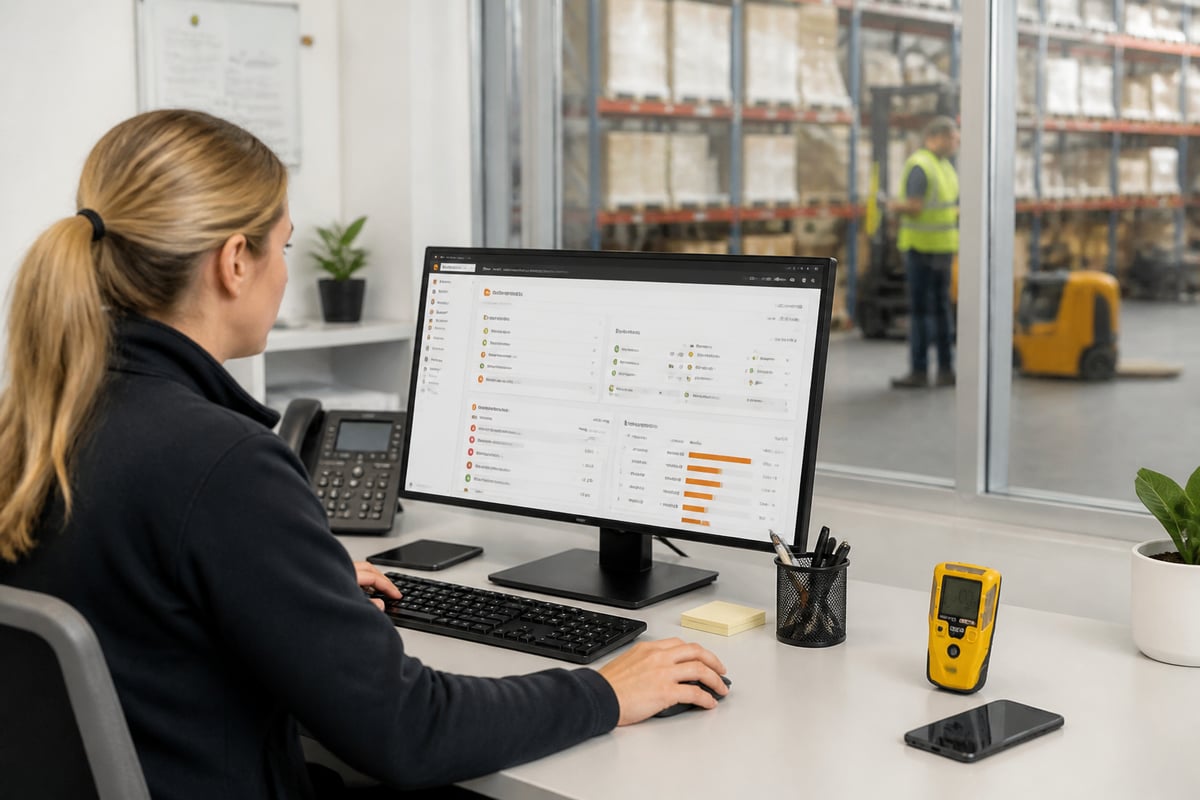
Brytend CRM fits when the work you track starts with a customer record, such as a service request, a lead or a questionnaire, rather than a code ticket. It is a customer relationship management system with AI-driven lead forms and questionnaires that fit into an existing workflow, available at Brytend CRM.
- Key spec: customers, devices, documents and data shared across modules in one platform
- Rating: 5.0 on Google
- Suits: equipment service companies that need customer, device and document records linked to the jobs they track; contact Brytend for pricing
Verdict: A fit when customer and device history drive the work; pair it with a sprint tool such as Jira for the engineering backlog.
10. How do the tools compare side by side?
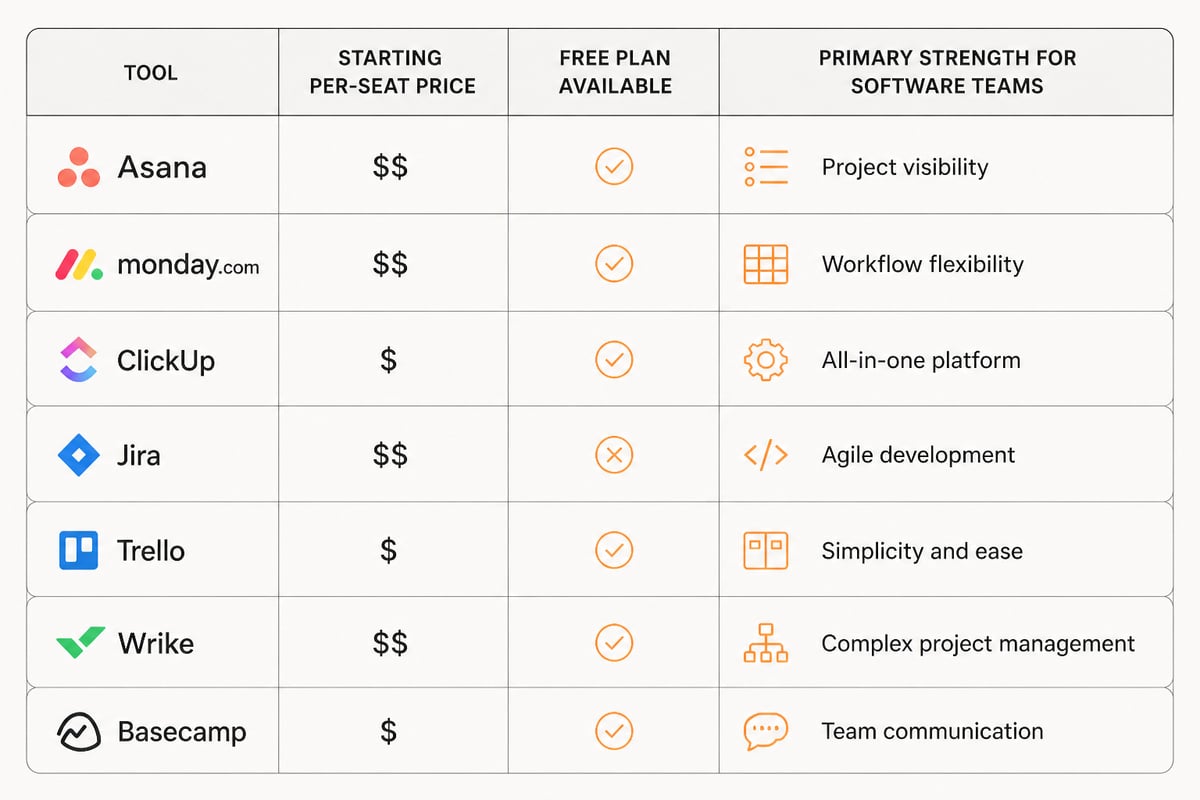
The table summarizes price, free plan availability and primary strength for each tool.
| Tool | Approx. price per user/month | Free plan | Strongest at |
|---|---|---|---|
| Asana | $10.99 to $24.99 | Yes (2 users) | Cross-team milestones |
| monday.com | $9 to $19 | Yes (2 seats) | Custom visual boards |
| ClickUp | $7 to $12 | Yes | All-in-one workspace |
| Jira | $9.70 to $19.60 | Yes (10 users) | Sprints and backlogs |
| Trello | $5 to $10 | Not listed | Simple card boards |
| Wrike | $10 to $25 | Not listed | Portfolios and intake |
| Basecamp | $29 flat to $199 flat per month | Not listed | Discussion-led projects |
| Brytend CRM | Contact Brytend | Not listed | Customer-linked records |
11. How should an equipment service company track a job end to end?
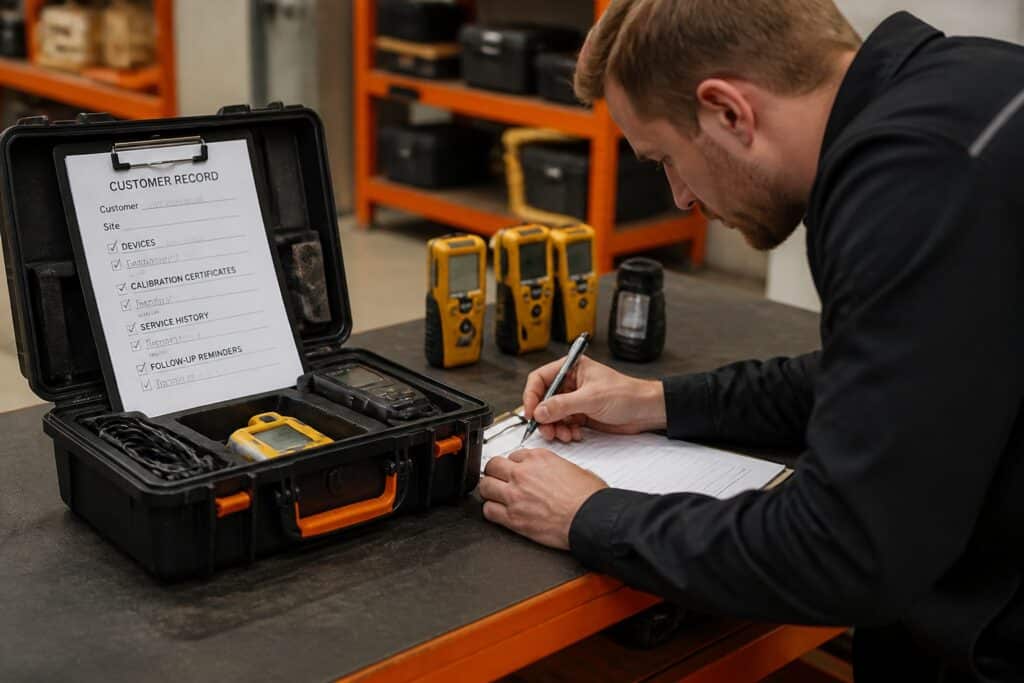
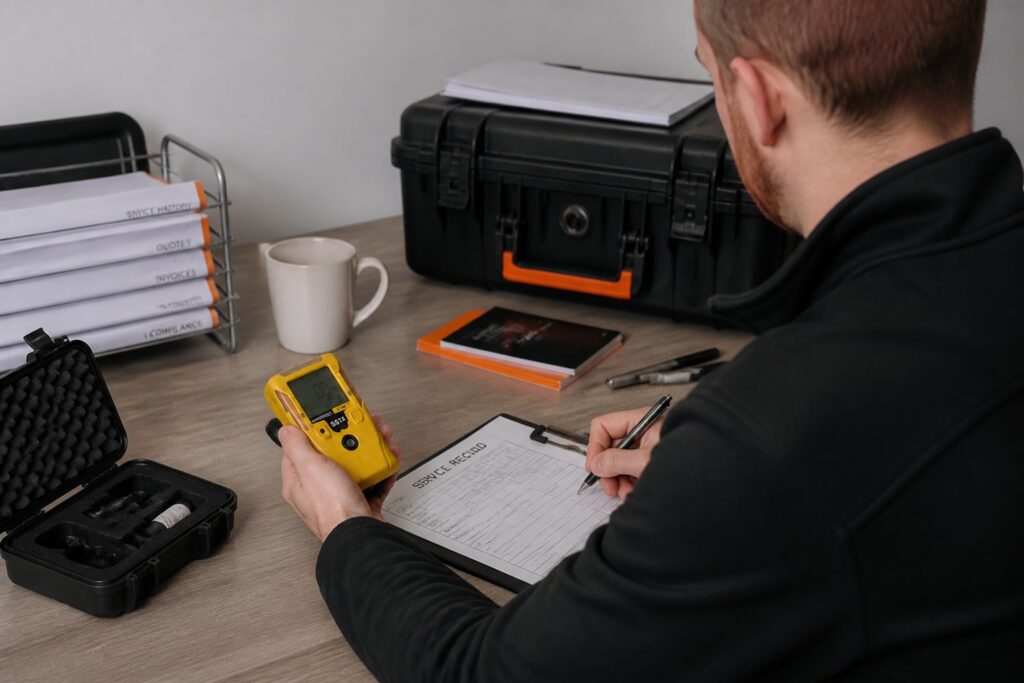
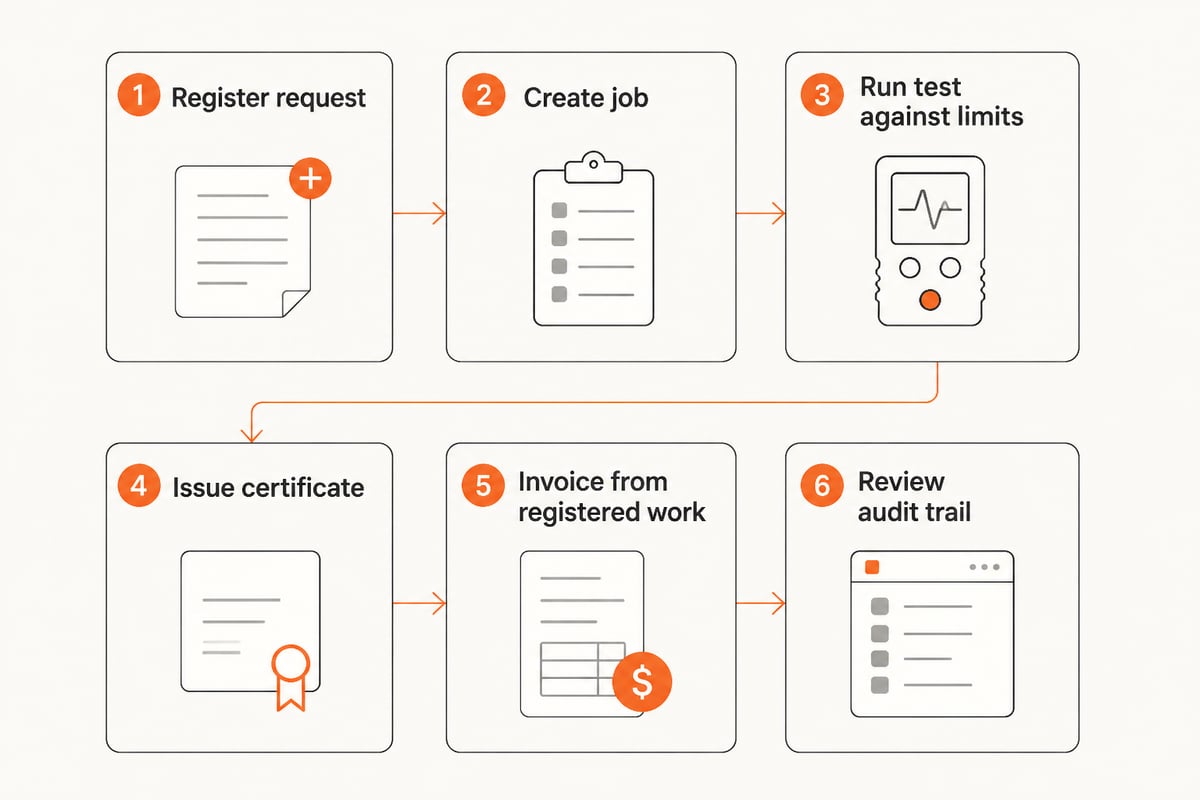
An equipment service company should track each job as a sequence of recorded steps, with every step tied to a customer, a device and a document. The workflow below uses a gas detector calibration job as the example, and the same pattern applies to SCBA inspections.
- Register the request. Log the customer, the detector serial number and the service type in the customer record.
- Create the job. Assign a technician and a due date, and link the device's previous service history.
- Run the test. Record bump test or calibration results against your own limits, so a pass or fail is decided by rule rather than by memory.
- Issue the certificate. Attach the calibration certificate to the device record, and clear the unit for return only when the readings are within limits.
- Invoice from the work. Build the invoice from the work already registered, so billing matches what was done.
- Review the audit trail. Confirm each change has a user, a reason and a source document.
Brytend covers this layer with service inspections and gas cylinder tracking. Gas tests are checked against your own limits, so a clearance is given only when the readings fall within them. Stock changes can be recorded with a reason, a user and a source document, and invoices can be built from registered work. For the engineering side, the software project management software page covers tracking development work.
12. How do you choose between project tracking applications?
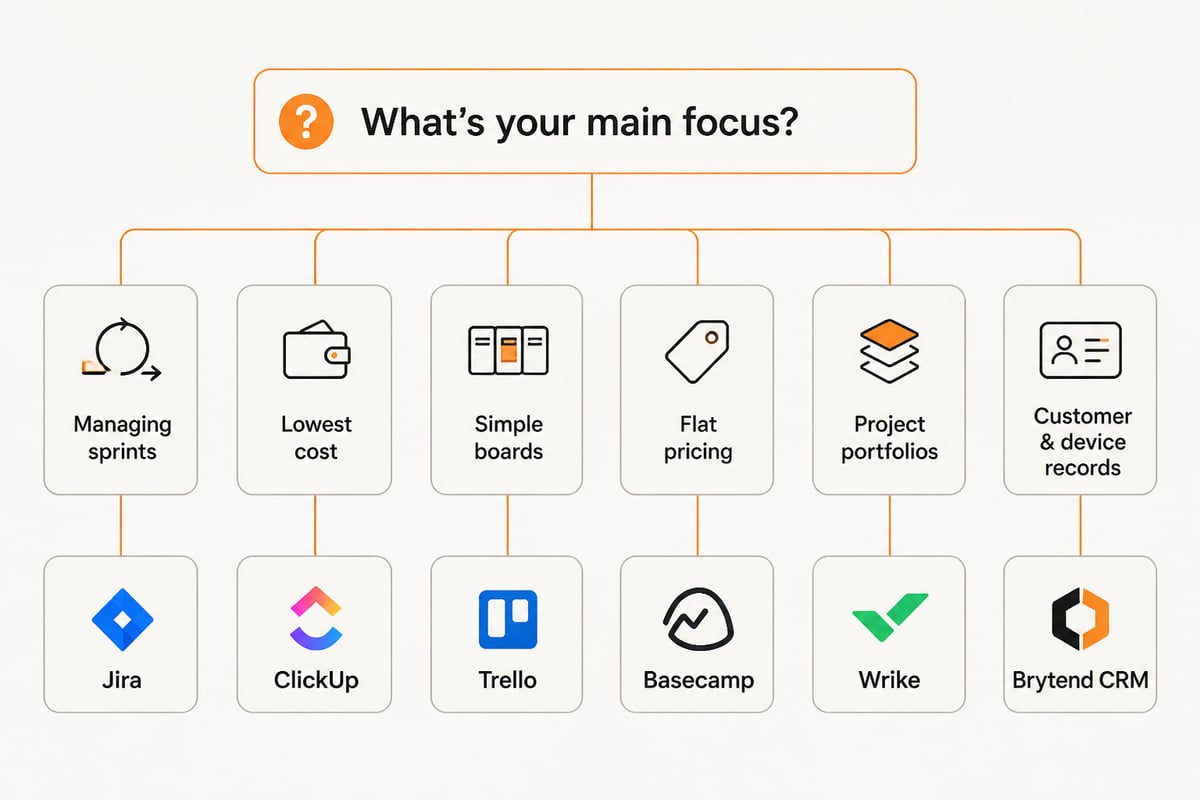
Choose by matching the tool to the kind of work being tracked, then check per-seat cost at your real team size. A short decision path helps:
- Sprints and a ranked backlog: Jira
- Lowest cost for the most features: ClickUp
- Simple boards for a small team: Trello
- Flat pricing for client projects: Basecamp
- Cross-department milestones: Asana or monday.com
- Formal intake and portfolios: Wrike
- Customer, device and document records behind the work: Brytend CRM
If none of these match your process, a custom build is an option. Teams that need developer support for integrations or AI features can look at practical tutorials such as AI Code Central, and Brytend's custom tracking page describes tailored builds.
Start by listing the three records your auditors or customers ask for most often, then check which tool above can hold them with a user, a date and a source document. If your service work needs customer, device and calibration history in one place, Brytend CRM is a good starting point, and you can start a free trial with Brytend to see how it fits your own jobs and compliance records.