

Task management software where every follow-up has an owner.
Your tasks in your own groups, with due dates, priority and progress. Every task can belong to a customer or a project, so the context is one click away.
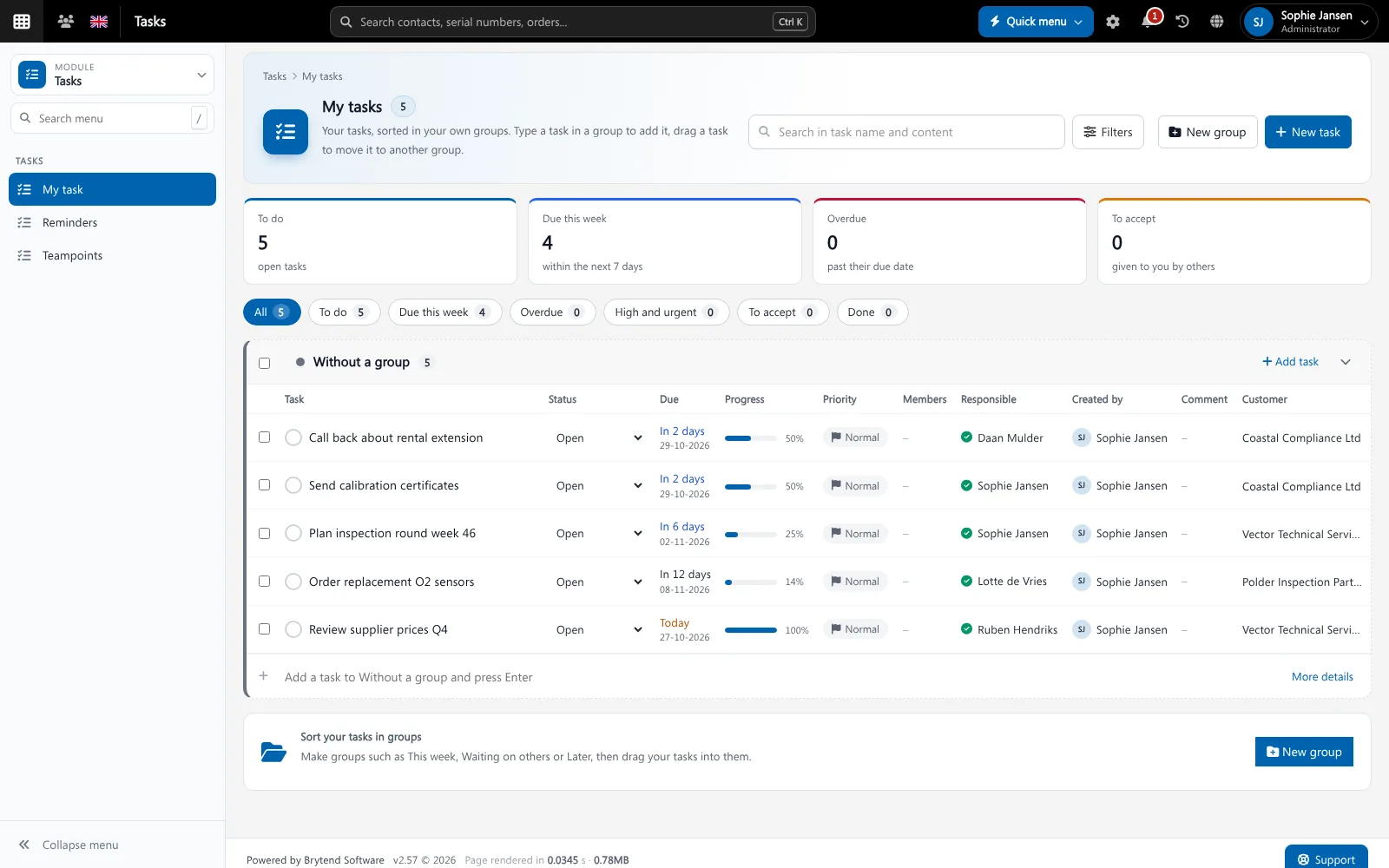
Task management software keeps the work a team has to do in one shared list, with an owner, a due date and a status for every task. Brytend Tasks is linked to the rest of the platform, so a task can belong to a customer, a project, a ticket or a document.
Tasks is one part of Brytend, the business operations platform that replaces multiple disconnected business systems with one fully integrated platform: CRM, Assets, Rentals, Quality, Service, Compliance, Documents, Reporting and AI.
Tasks and projects together
Tasks of a project show in the project and in My tasks, so nobody has to keep two lists.
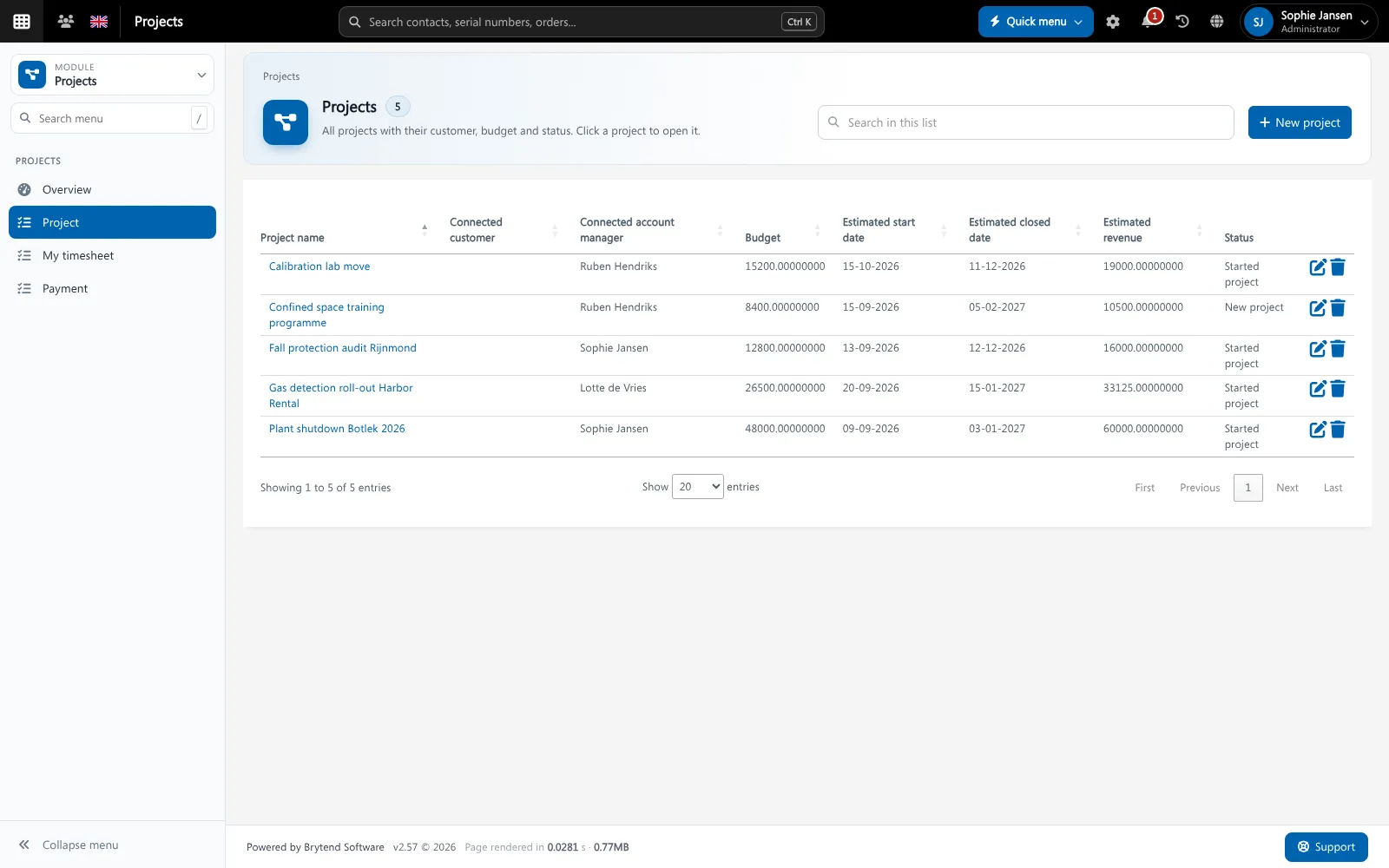
Project tasks use the same task module. Screenshot with sample data.
What goes wrong without task management software
Tasks in e-mail
Work that is agreed in an e-mail thread has no owner and no due date.
Nobody sees the overdue work
Without one list a manager only hears about late work when the customer calls.
No context
A task “call back” without the customer, the quote or the ticket behind it costs time to figure out.
My tasks, sorted the way you work
Make your own groups such as This week, Waiting on others or Later, and drag tasks between them. Add a task by typing in a group and pressing Enter.
- To do, due this week, overdue, high and urgent, to accept and done
- Status, progress, priority and members per task
- Tasks given to you by others wait in To accept
- Reminders and recurring tasks
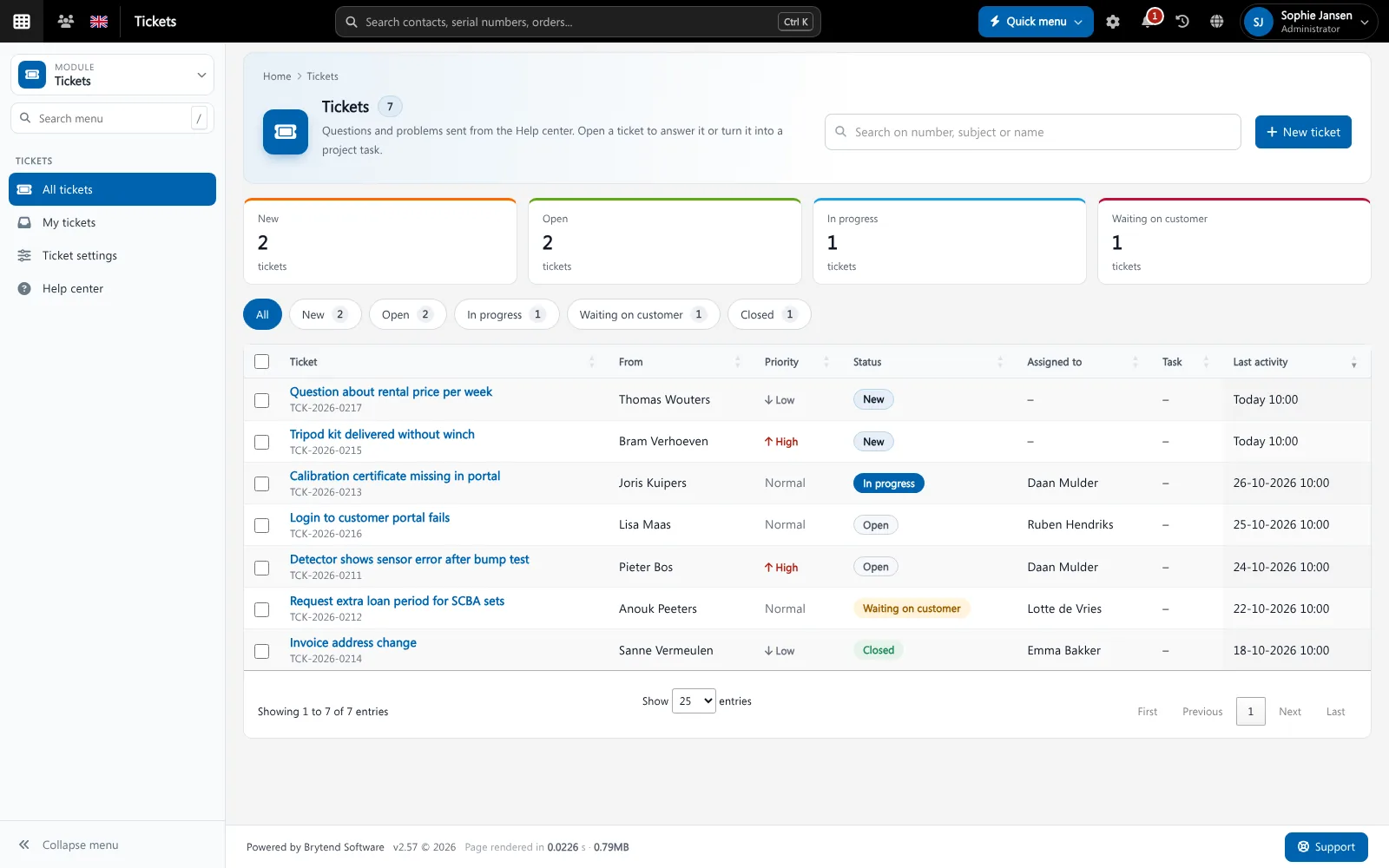
Tasks features
Own groups
Sort your tasks in groups and drag them around.
Due dates and priority
See at a glance what is due today, this week or overdue.
Members
Add colleagues to a task so everybody involved sees it.
Reminders
Get a reminder in the bell or by e-mail before a task is due.
Recurring tasks
Repeat a task every day, month or year.
Outlook sync
Sync your tasks with Microsoft To Do and Outlook.
Team points
Reward finished work with team points.
Linked to customers
Open the customer, the project or the ticket of a task in one click.
On your phone
Check and finish tasks on a phone or tablet.
Get started in three steps
Collect
Add tasks yourself, from a customer, a project or a ticket.
Plan
Sort them in groups, set due dates and add colleagues.
Finish
Tick them off. Overdue work shows in red, for you and your manager.
Rated 5 stars on Google
“We used to create and track orders in Ultimo. Switching to Brytend was a challenge, yet we were very pleasantly surprised. Not only the software, but their support too is better than expected. Super!”
“Our company has used Brytend software for several years. It has let us tackle various processes quickly and efficiently that we had not found a solution for before.”
“Excellent experience with this company and its software applications. If you want changes, no problem. Arranged quickly and at a fair price.”
Reviews translated from Dutch.
Frequently asked questions
What is task management software?
It keeps the tasks of a team in one list, with an owner, a due date and a status, so nothing is forgotten.
Can I link a task to a customer?
Yes. A task can belong to a customer, a project, a ticket or a document.
Does Brytend Tasks sync with Outlook?
Yes. Tasks can be synced with Microsoft To Do and Outlook.
Can I give a task to a colleague?
Yes. The task appears in their To accept list until they accept it.
Are there recurring tasks?
Yes. Repeat a task every day, month or year.
How does the free trial work?
You use the full Brytend platform free for 90 days. Take the tour first, or start the trial straight away.
Every task. An owner. A date.
Take the tour to see Tasks with the rest of the platform, or start your free 90-day trial.
Prefer to talk first? Call +31 (0)85 013 02 04