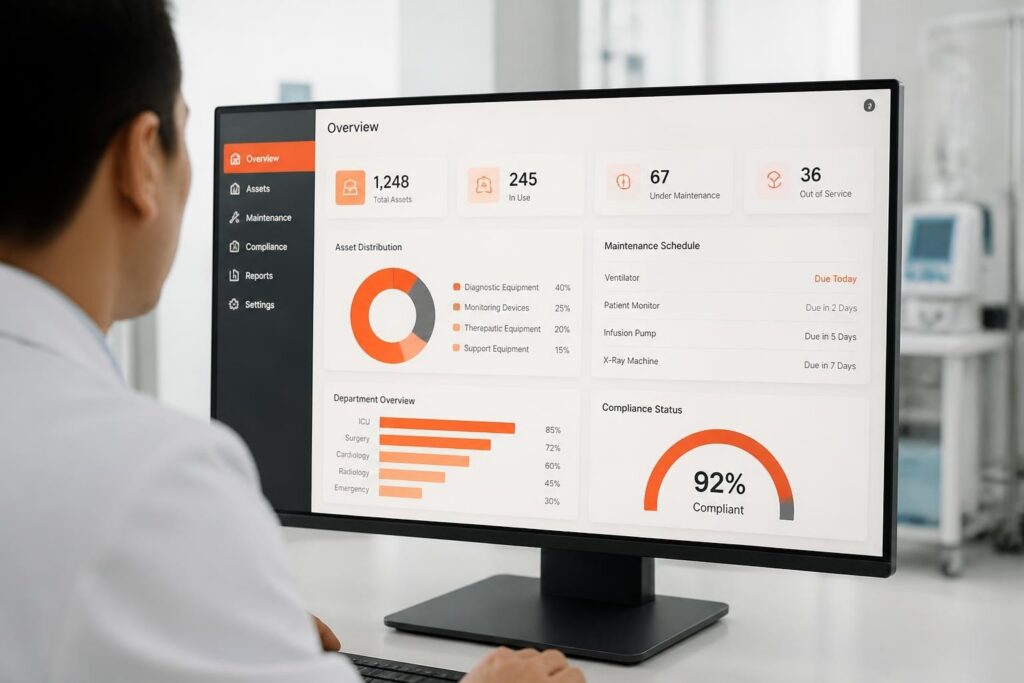
Product registration software records every serialized product you sell or maintain: what it is, who owns it, where it is installed and what service it needs. For manufacturers, distributors and service companies, that one record is the basis for warranty, service reminders, recalls and certificates.
This guide covers B2B equipment such as gas detectors, breathing apparatus, measuring instruments and tools. It explains what to register, where registration usually goes wrong, and how to set it up so it saves work instead of creating it.
What product registration is for
Registration is not paperwork for its own sake. A good registration answers four questions at any moment:
- Which exact unit is this? Model, serial number, firmware or configuration.
- Who is responsible for it? Customer, site, location and the person who uses it.
- What does it need? Warranty end date, service interval and the protocol that applies.
- What has happened to it? Every service, repair, part and certificate since delivery.
If any of those answers lives in a separate spreadsheet or inbox, it will eventually be wrong.
Where registration usually goes wrong
- Typing everything by hand. Serial numbers and product data are retyped from labels and delivery notes, and typos break the link to service history.
- Registering at the wrong moment. Products are registered weeks after delivery, or only when they first come in for service.
- No owner or location. The device is known, but nobody knows which site or person has it, so reminders reach nobody.
- One record for many layers. The distributor sells to a contractor who supplies a subcontractor. If you only record the first customer, you lose the actual user.
- Registration and service in different systems. The registration exists, but the service team never sees it.
What to register for each product
| Field | Example |
|---|---|
| Manufacturer, model, serial number | Portable 4-gas detector, SN 23A0147 |
| Product group | Portable gas detection |
| Customer and site | Contractor X, refinery site Rotterdam |
| Location and responsible user | Workshop B, J. de Vries |
| Delivery and warranty date | Delivered 12 Mar, warranty until 12 Mar + 2 years |
| Service protocol and interval | Calibration every 6 months |
| Contractor chain | Main contractor and subcontractor |
How to make registration fast
The fastest registration is the one nobody has to type. Three techniques do most of the work:
- Pull data from the supplier. When a supplier is connected by API, entering only the serial number fills in the rest.
- Bulk add. When a customer receives twenty identical units, register them in one action instead of twenty.
- Templates. Set up a complex product once, with its components and service protocol, and reuse it with one click.

How Brytend handles product registration
In Brytend Device Registration & Service, registration and service are the same record. In practice:
- Enter a serial number and, if the supplier is connected, all product information is retrieved automatically.
- Import or bulk-add similar products, and save complex products as templates.
- Link each device to a person and an exact location per site, so reminders go to the right contact.
- Record every layer of contractors, from main contractor to subcontractor.
- Give each product group its own service protocol and certificate layout.
- Exchange data through the REST API, or via CSV and XML, locally or over FTP(S).
Because the service history is attached to the registration from day one, the next calibration, the reminder email and the certificate all follow automatically. See how this works for gas detection service or read how one gas detection manufacturer took full control.
A simple rollout plan
- Decide which product groups must be registered first, usually those with a legal service obligation.
- Collect your existing lists and clean up the serial numbers.
- Import them and link customers, sites and responsible users.
- Register all new deliveries at the moment of shipment, not later.
- Connect your main suppliers so new units arrive with their data already filled in.
Frequently asked questions
What is product registration software?
It is software that records each serialized product with its owner, location, warranty and service requirements, so you always know which unit is where and what it needs next.
Why register products at delivery instead of at first service?
Because warranty, reminders and recall actions depend on knowing the owner from day one. Registering late leaves gaps exactly when you need the data.
Can I register many products at once?
Yes. In Brytend you can import products from CSV or XML, add similar products in bulk, or reuse a saved template.
How does registration connect to service?
In Brytend the registration and the service history are one record. Each product group has a service protocol, and reminders and certificates are generated from it.
Can I record contractors and subcontractors?
Yes. Brytend records multiple layers of contractors, so you know both who bought the product and who actually uses it.
Ready to register your first products? Start a free 90-day trial or call +31 (0)85 013 02 04.