Rental booking software lets you reserve equipment for a customer and a period, checks that the item is actually available and ready, and turns the booking into a check-out and a return. It replaces the shared calendar, the phone notes and the spreadsheet that never quite match the warehouse.
This article is for companies that rent or lend out technical equipment, such as gas detectors, measuring instruments, tools or safety gear, to customers or to their own staff.
The three problems booking software solves
- Double bookings. Two people reserve the same unit because the calendar does not know about the other booking.
- Available, but not ready. The unit is free on paper but still waiting for cleaning, a bump test or a calibration.
- No return in sight. Nobody notices that equipment is overdue until the next customer is waiting for it.
What a booking flow should look like
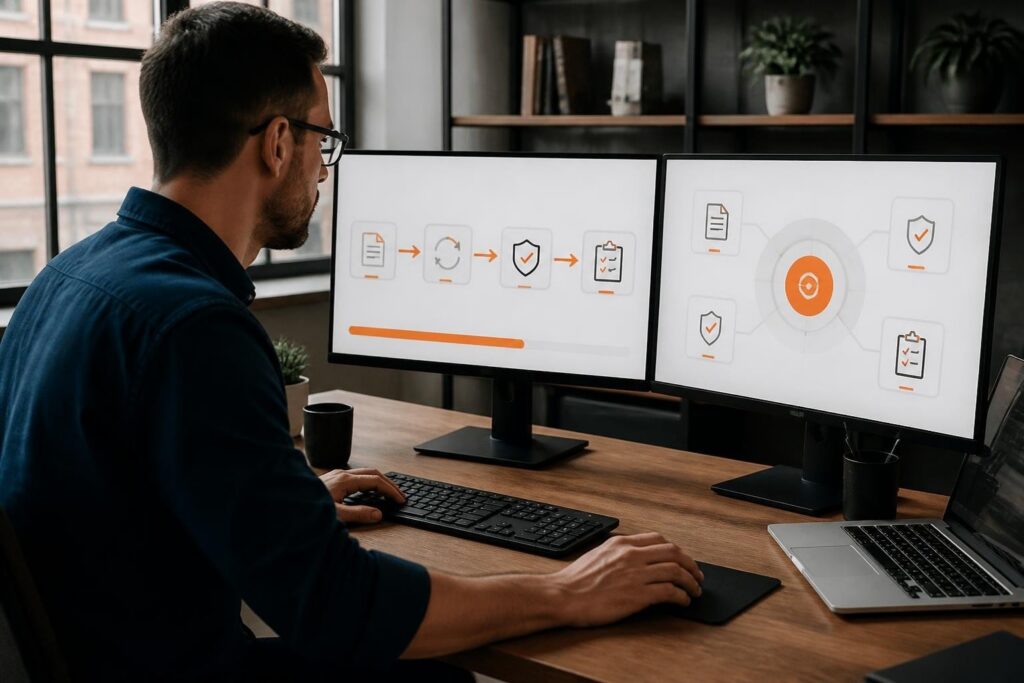
- Reserve. Pick the customer or employee, the equipment type and the period. The system shows what is available for those dates.
- Prepare. Before the start date, the tasks for each unit are done, such as a function test or a service protocol.
- Check out. Scan the barcode or QR code, record the condition and get a digital signature.
- Remind. The renter gets an email or SMS before the return date.
- Return. Scan the unit back in, alone or in bulk, record damage or missing parts, and put it back into preparation.
Features that matter most
| Feature | What it prevents |
|---|---|
| Availability per date range | Double bookings |
| Tasks per device before release | Handing out equipment that is not ready |
| Barcode or QR scanning | Wrong unit or typing errors at check-out |
| Digital signature | Disputes about what was handed over |
| Email and SMS reminders | Late and missing returns |
| Bulk returns | Long queues when a whole kit comes back |
| Link to service history | Renting out a unit with an expired calibration |
Booking for busy periods
Shutdowns, projects and seasonal peaks mean many reservations for the same weeks. Reserving in advance lets you see the shortage early and decide whether to move dates, add stock or sub-rent, instead of finding out on the morning of the job.
How Brytend handles rental booking
The Brytend Rental Assets module covers the full flow:
- Register contractors or employees before they borrow equipment, with barcodes or QR codes for speed.
- Reserve equipment in advance for busy periods.
- Assign tasks and service protocols to each device, so it is prepared before it leaves.
- Check out paperless, with digital signatures.
- Send automatic email and SMS reminders, and follow up on damaged or lost devices.
- Return many devices at once by serial number or from an overview.
- Track your own stock and customer consignment stock in the warehouse module.
Because rental is connected to device registration and service, a unit with an expired calibration cannot quietly go out on rent. Also see rental asset management for managing the fleet itself.
Frequently asked questions
What is rental booking software?
It is software for reserving equipment for a customer and period, checking availability and readiness, and handling check-out, reminders and returns.
How does it prevent double bookings?
Every reservation blocks the unit for its period, so the system only offers equipment that is free for the dates you choose.
Can renters get automatic reminders?
Yes. Brytend sends email and SMS reminders before the return date and helps you follow up on late, damaged or lost devices.
Can I use it for lending equipment to my own staff?
Yes. The same flow works for internal loan-out to employees or contractors.
Does it work with barcodes and QR codes?
Yes. Equipment and people can be identified by barcode or QR code to speed up check-out and return.
See the booking flow with your own equipment. Start a free 90-day trial or call +31 (0)85 013 02 04.