

Service and inspection software with the full history of every device.
Find any customer device by serial number, see when it was serviced last, record the next service and send the report. Reminders tell you which devices are due.
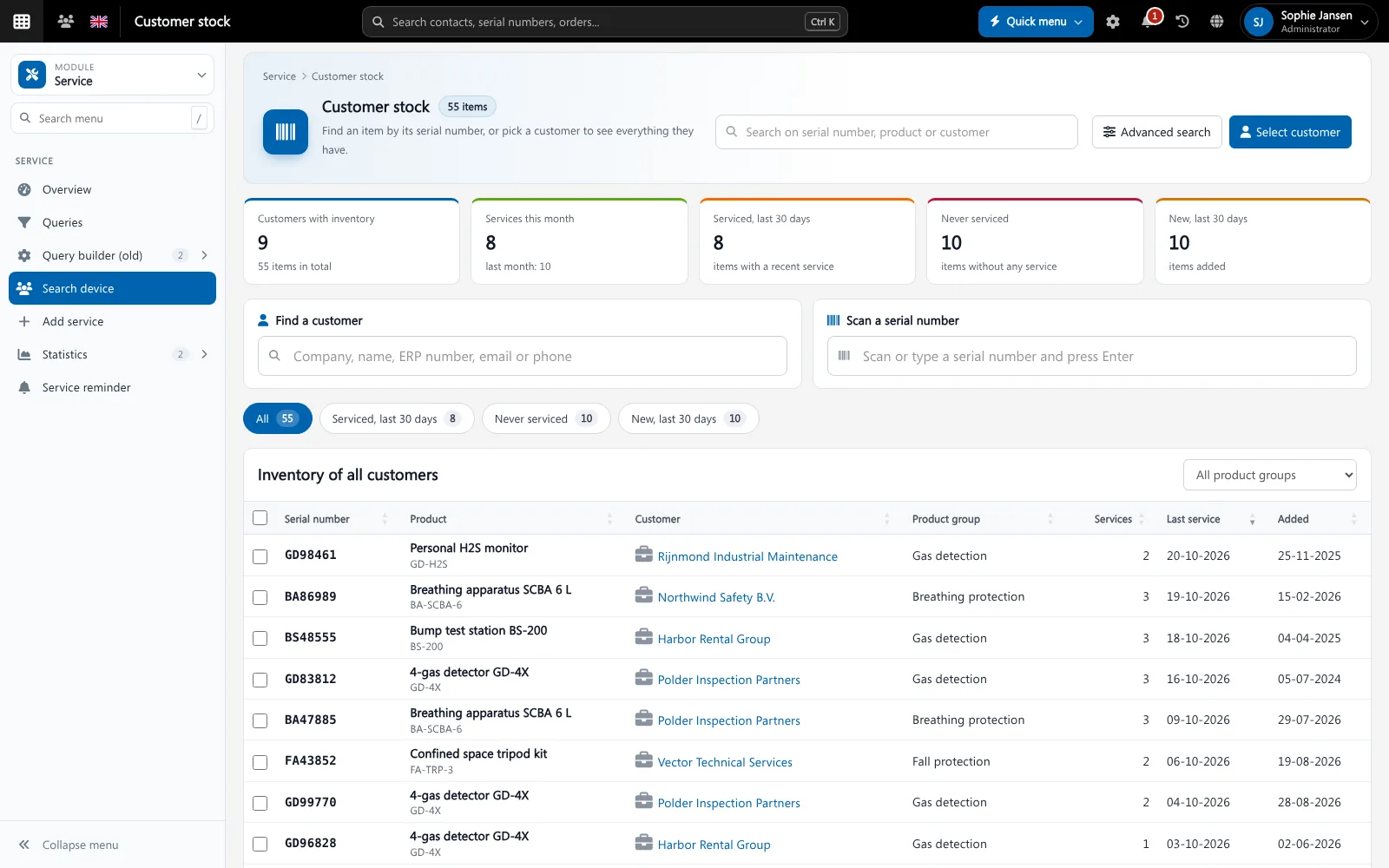
Service management software keeps track of the equipment you service for your customers: what they have, where it is, when it was inspected or repaired, and when the next service is due. In Brytend this installed base is called customer stock, and every service is a numbered record with its own report.
Service and inspections is one part of Brytend, the business operations platform that replaces multiple disconnected business systems with one fully integrated platform: CRM, Assets, Rentals, Quality, Service, Compliance, Documents, Reporting and AI.
Spare parts and service on one platform
Parts used during a service come from your own stock, with reorder points and prices, so nothing is invoiced twice or forgotten.
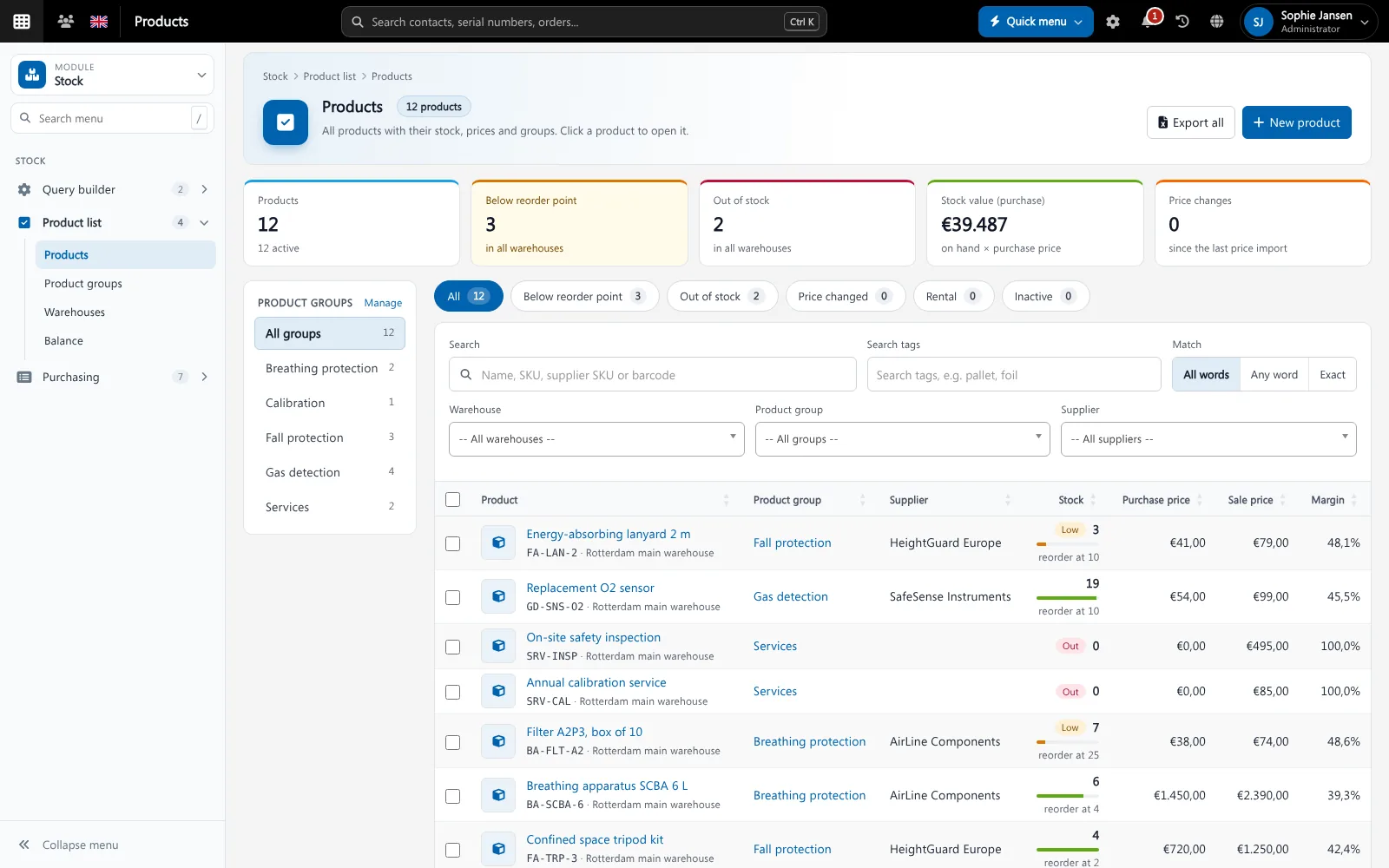
Spare parts come from the same stock. Screenshot with sample data.
What goes wrong without service management software
Which devices are due?
Without a list of due dates, inspections are missed and customers find out before you do.
History on paper
Service reports in binders or loose PDFs mean nobody can answer “what did we do on this unit last year?”
Serial numbers retyped
Retyping serial numbers on every form leads to mistakes and devices that cannot be traced.
Scan a serial number, see everything
Type or scan a serial number and Brytend opens the device: the customer, the product group, every service and the documents.
- Customer stock with serial numbers per customer
- Numbered service records with your own report templates
- Quick views: serviced in the last 30 days, never serviced, new
- Service reminders for devices that are due
Service and inspections features
Customer stock
Every device your customers have, with serial number, product group and the date it was added.
Service records
Each service gets a number, a technician and a report with your own fields.
Report templates
Print or e-mail the service report as a PDF in your own layout.
Service reminders
See which devices are due and plan the work before the deadline.
Statistics
Services per month, per technician and per product group.
Certificates
Calibration certificates and inspection reports are stored with the device in Document control.
Queries
Build your own lists of devices and services and export them.
Gas testing
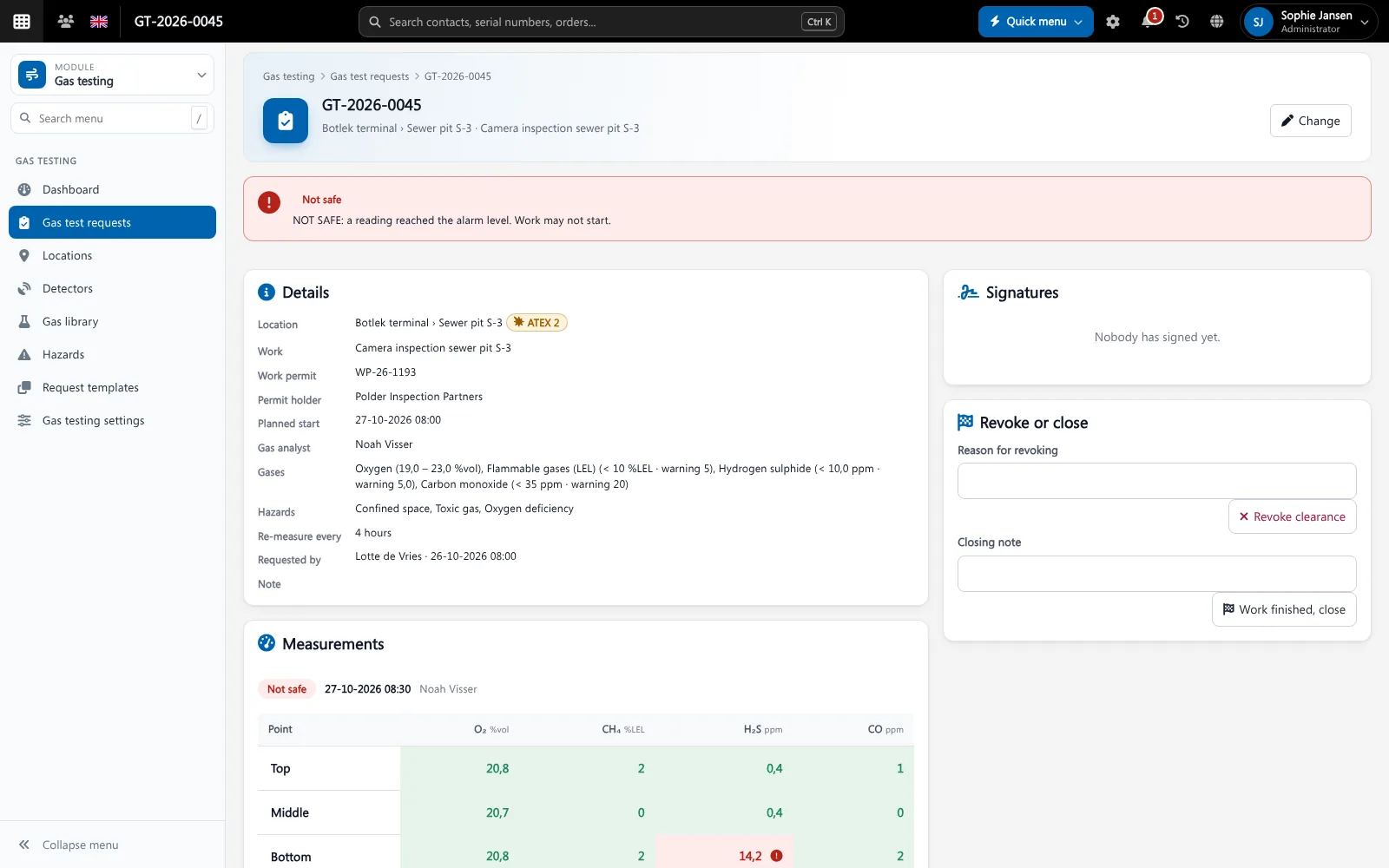
Record gas tests with readings against your own limits, as a separate module.
Works on a phone
Technicians look up a device and record the service on site.
Get started in three steps
Register the devices
Import or add the equipment of your customers, with serial numbers.
Service and inspect
Record each service with the report, parts and technician.
Stay ahead
Reminders show which devices are due, so you plan the next round in time.
Rated 5 stars on Google
“We used to create and track orders in Ultimo. Switching to Brytend was a challenge, yet we were very pleasantly surprised. Not only the software, but their support too is better than expected. Super!”
“Our company has used Brytend software for several years. It has let us tackle various processes quickly and efficiently that we had not found a solution for before.”
“Excellent experience with this company and its software applications. If you want changes, no problem. Arranged quickly and at a fair price.”
Reviews translated from Dutch.
More than service management software
Linked to the customer
Every device belongs to a customer in CRM, so sales sees what service sees.
Rental and loans too
Your own fleet for rent or loan sits in Rental and loans, with the same serial numbers.
Proof for audits
Reports and certificates are kept under version control in Document control.
Works with the other Brytend modules
CRM
See how CRM works with Service and inspections.
Rental and loans
See how Rental and loans works with Service and inspections.
Gas testing
See how Gas testing works with Service and inspections.
Document control
See how Document control works with Service and inspections.
Frequently asked questions
What is service management software?
It keeps track of the equipment you service for customers, with every inspection and repair and the next due date.
Can I find a device by serial number?
Yes. Type or scan the serial number in the search box and Brytend opens the device with its full history.
Can I use my own service report?
Yes. You design the fields of the service record and the PDF template.
Does Brytend remind me when a service is due?
Yes. Service reminders list the devices that are due, so you can plan the work.
Can technicians work on a phone?
Yes. The pages work on phones and tablets, so a technician can look up a device and record the service on site.
How does the free trial work?
You use the full Brytend platform free for 90 days. Take the tour first, or start the trial straight away.
Every device. Every service. One history.
Take the tour to see Service and inspections with the rest of the platform, or start your free 90-day trial.
Prefer to talk first? Call +31 (0)85 013 02 04