A lead is a person or company that has shown interest in what you sell but has not yet been qualified as a real opportunity. For B2B equipment suppliers and service companies, leads come mainly from trade shows, website forms, social channels and existing customers. The value is not in collecting them, but in following up fast and on the right topic.
Leads, prospects and customers
| Stage | Definition | Next action |
|---|---|---|
| Lead | Contact details and an interest, not yet checked | Qualify: is there a need, budget and decision maker? |
| Prospect | Qualified possible customer with a known interest | Assign an account manager and plan follow-up |
| Opportunity | A concrete need with a possible deal | Send a quote |
| Customer | Has bought | Onboard, service and sell again |
Where B2B leads come from
- Trade shows. Often the richest source, and the one where most leads get lost between the stand and the office.
- Website and download forms. Contact forms, trial requests and brochure downloads.
- Social channels. Lead forms on LinkedIn and other platforms.
- Existing customers. New sites, new departments and referrals.
- Imported lists. Purchased or partner lists, which always need checking for duplicates.
Capturing trade show leads properly
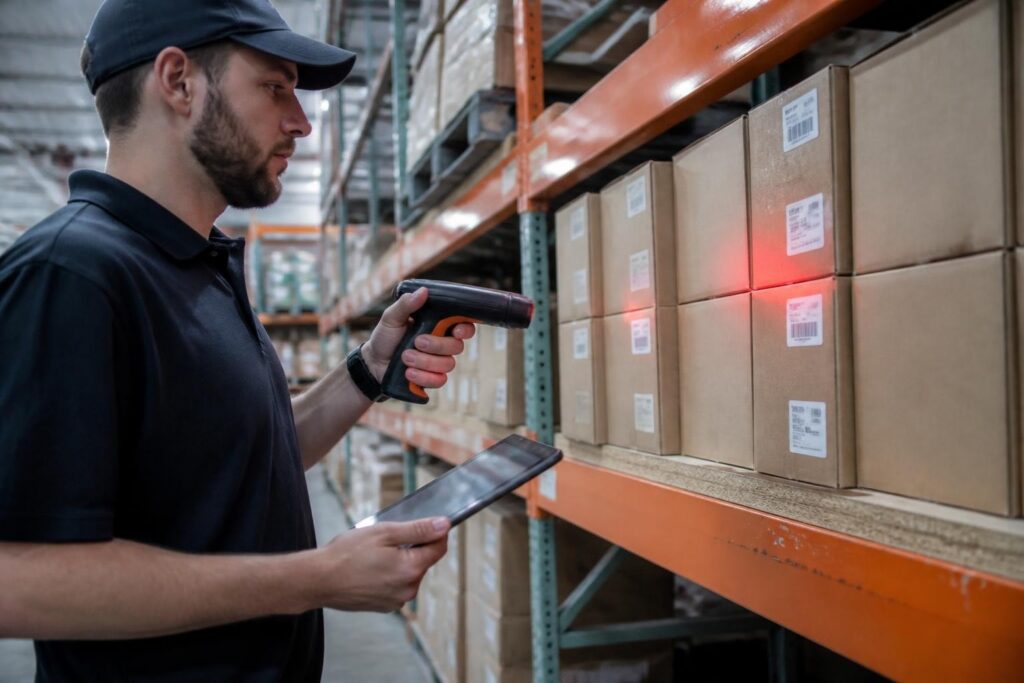
- Scan the business card instead of collecting paper.
- Record the interest on the spot, using fixed choices for your products and brands.
- Assign the account manager automatically, by region or product.
- Create the follow-up task immediately, with a date.
- Send relevant information within days, about the topic they asked for, not a generic brochure.
The difference between a good and a bad trade show is often decided in the week after it.
Qualifying and following up
Do not send every lead to sales. Check first whether there is a real need, whether the person can decide or influence the decision, and when they expect to buy. Leads that are not ready go into a nurture flow with useful information. Leads that are ready become prospects with an owner and a date.
Common mistakes
- Leads stay on paper or in a phone for weeks.
- The same company is entered twice by different colleagues.
- Follow-up is generic and ignores what the lead was interested in.
- Nobody owns the lead, so nobody calls.
How Brytend handles leads
The Brytend CRM captures leads from the Brytend app, social channels and trade shows. You scan a business card, collect brand-specific interests in a form you design, and save the contact. Each new lead is assigned to the right account manager with reminders scheduled. Leads can also be imported from Excel with duplicate checks, then promoted to prospect and customer. The CRM connects with your mailing tool, so follow-up is on the topic the lead asked about. For trade shows, also see trade show sign-up.
Frequently asked questions
What is a lead in B2B sales?
A person or company that has shown interest in your products or services but has not yet been qualified as a real opportunity.
What is the difference between a lead and a prospect?
A lead is unqualified. A prospect has been checked for need and fit, and has an owner and a follow-up plan.
How do I stop losing trade show leads?
Capture them digitally at the stand, record the interest, assign an account manager automatically and schedule follow-up immediately.
Can I import leads from Excel?
Yes. Brytend imports leads from Excel, checks for duplicates and can assign the account manager automatically.
Want to see it in practice? Start a free 90-day trial or call +31 (0)85 013 02 04.