
Fire protection inspection software for companies that keep sites safe.
Extinguishers, breathing apparatus, gas detectors and other safety equipment by customer and location. Inspect on a tablet, hand over the report on the spot and know which sites are due next month.
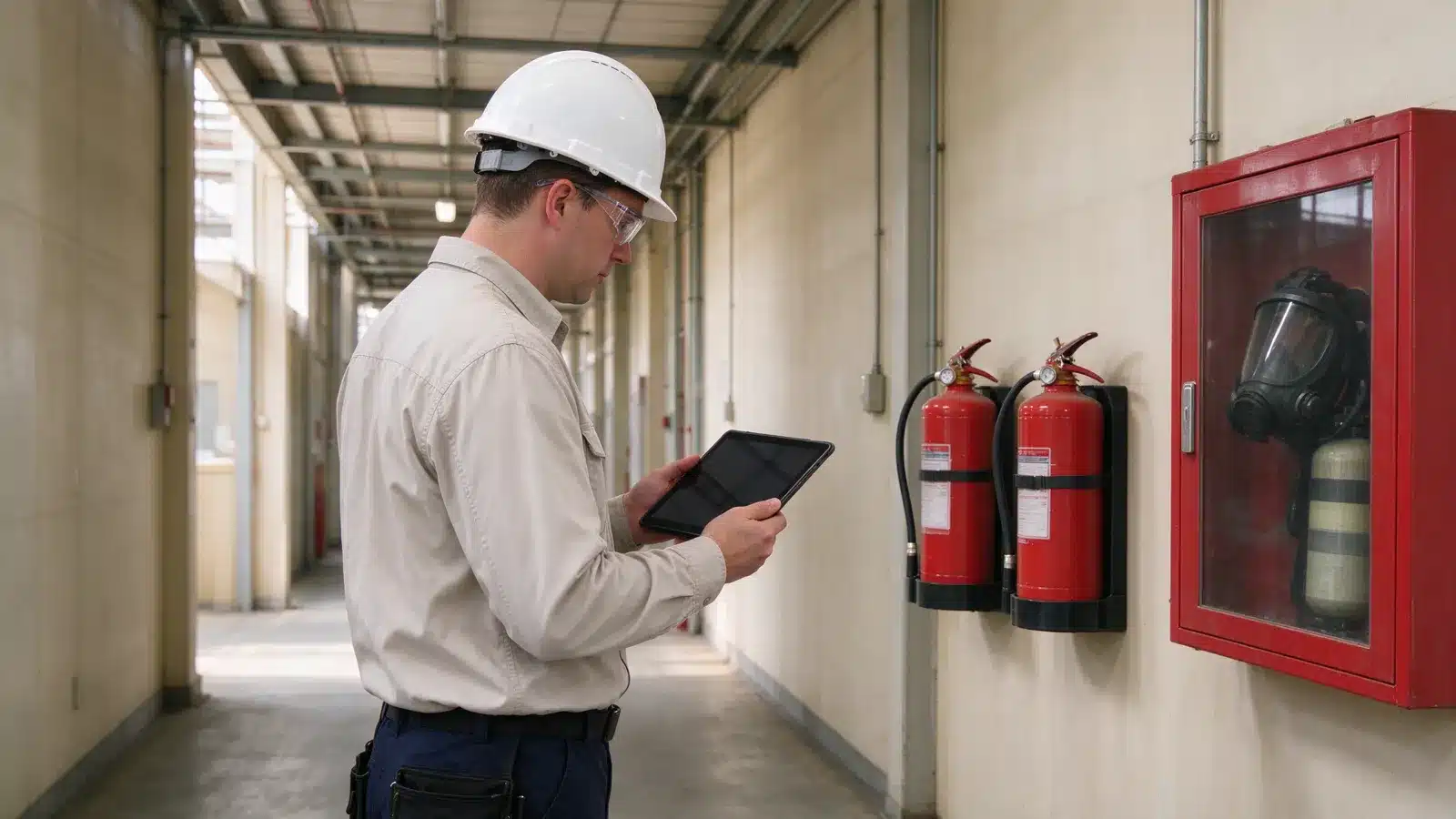
Fire protection inspection software keeps track of the safety equipment a service company inspects for its customers: what is installed where, when it was last inspected, what was found and when the next inspection is due. Brytend does this for fire and safety companies that service extinguishers, breathing apparatus (SCBA), PPE, gas detection and other safety equipment, and that also sell, rent and invoice it.
Brytend is one business operations platform: CRM, sales, service, rental, stock, quality, documents, finance, reporting and AI, so you replace several disconnected systems with one.
Where fire & safety companies lose time
Hundreds of items per site
A single customer site has dozens of extinguishers and cabinets, and the inspection list is a printed spreadsheet from last year.
Reports typed twice
The inspector ticks boxes on paper and the office types it into a report, days later.
Missed inspections
A site is overdue because the reminder depended on a calendar entry that was never made.
Every item, every site, every inspection
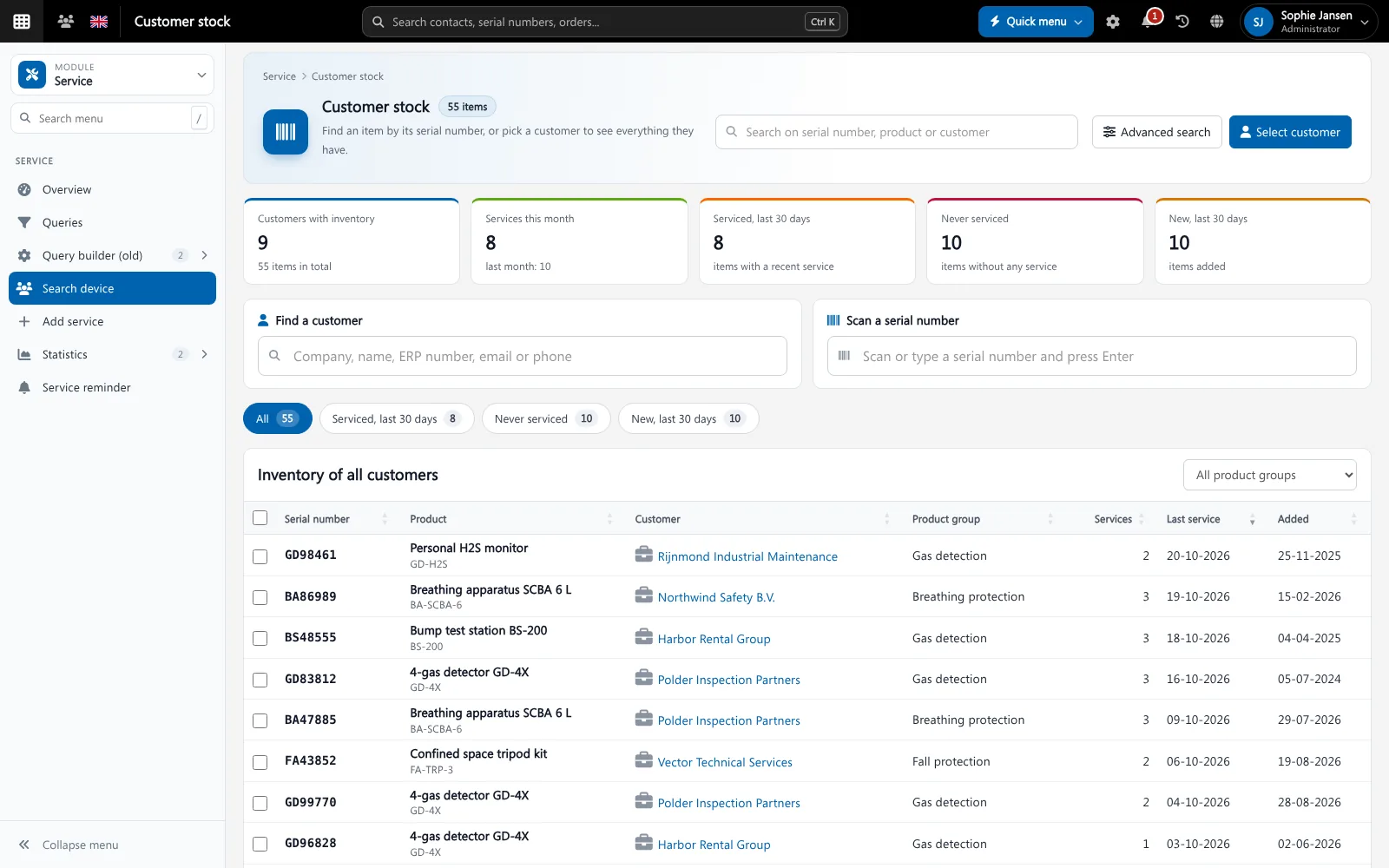
Each piece of equipment has its customer, location, serial number, inspections and documents. Inspectors work through a site on a tablet and the report is ready when they leave.
- Safety equipment per customer and location, by serial number
- Inspection forms with your own checks and findings
- Reminders for every site and item that is due
- Training records, so inspectors are qualified for the work
Qualified people on every job
Academy keeps courses, attendance and certificates per employee, so you know who may inspect breathing apparatus and whose training is about to expire.
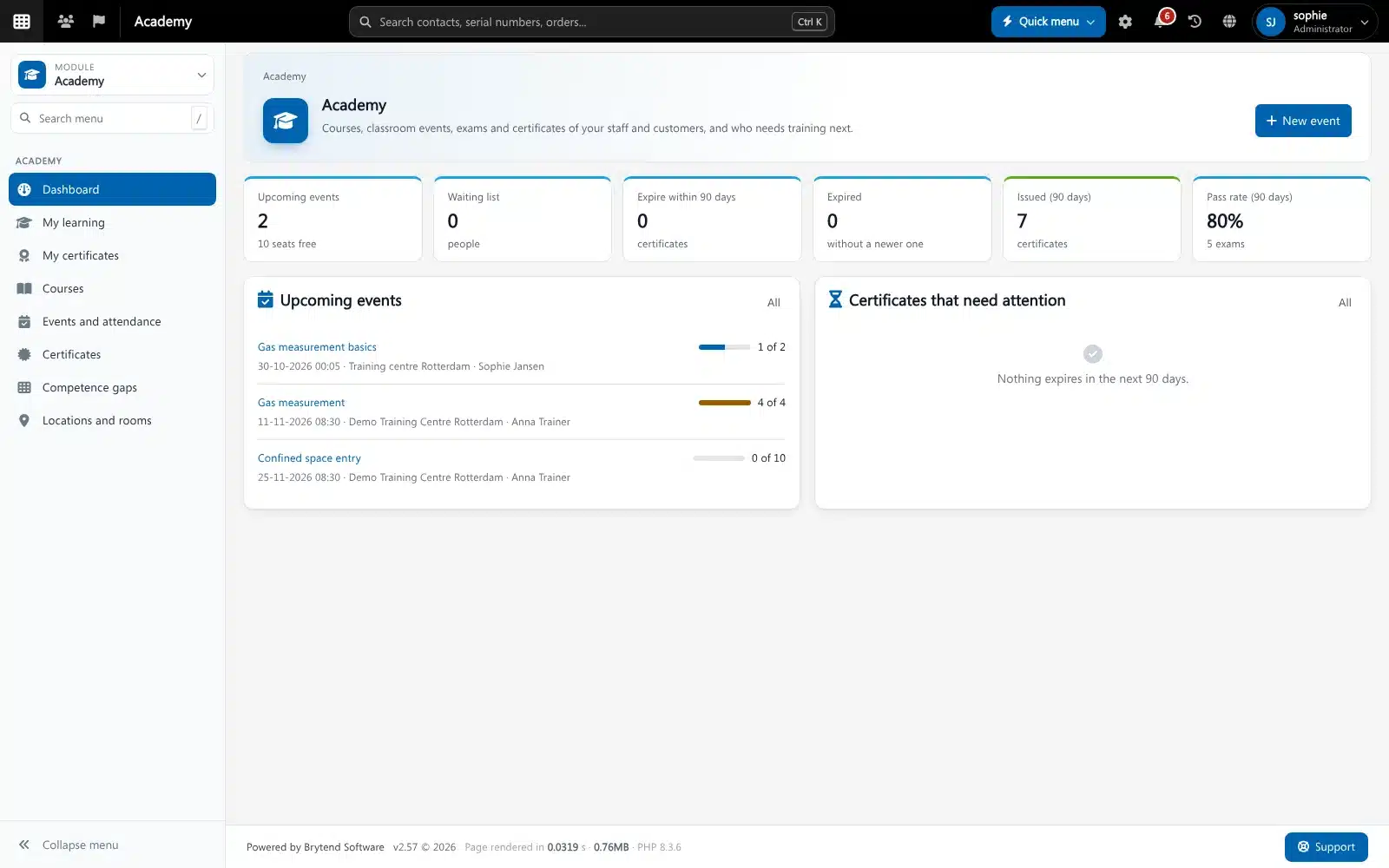
Academy in Brytend. Screenshot with sample data.
What fire & safety companies use in Brytend
Service and inspections
Safety equipment, inspection forms, reports and reminders.
Gas testing
Gas tests with readings, limits, signatures and audit trail.
Academy
Training matrix, courses and certificates for your inspectors.
Stock
Spare parts, refills and replacement units in stock.
Rental and loans
Rent or lend breathing apparatus and detectors by serial number.
Invoicing
Invoice inspections and parts without retyping.
Get started in three steps
Import customers, sites and equipment
Bring in each site with its extinguishers, cabinets, breathing apparatus and due dates.
Build your inspection forms
Define the checks and findings per equipment type, and the report your customer receives.
Inspect, report and invoice
Inspect on a tablet, hand over the report and invoice the visit and the parts.
Rated 5 stars on Google
“We used to create and track orders in Ultimo. Switching to Brytend was a challenge, yet we were very pleasantly surprised. Not only the software, but their support too is better than expected. Super!”
“Our company has used Brytend software for several years. It has let us tackle various processes quickly and efficiently that we had not found a solution for before.”
“Excellent experience with this company and its software applications. If you want changes, no problem. Arranged quickly and at a fair price.”
Reviews translated from Dutch.
Frequently asked questions
What is fire protection inspection software?
Software that keeps track of the fire and safety equipment you inspect for customers: what is installed where, the inspections, the findings and the next due date. Brytend adds quotes, stock, rentals, training records and invoicing.
Can inspectors work on a tablet?
Yes. Brytend works in the browser on tablets and phones and has a mobile app, so inspectors fill in the form on site.
Can I use my own inspection checklist?
Yes. You define the checks, readings and findings per equipment type, and the layout of the report.
Does Brytend cover breathing apparatus and PPE?
Yes. Breathing apparatus, masks, harnesses and other PPE are equipment with a serial number and an inspection history, like extinguishers.
Can I see which inspectors are qualified?
Yes. Academy keeps training and certificates per employee, and Brytend can warn when someone is not qualified for a type of equipment.
How does the free trial work?
You use the full Brytend platform free for 90 days. Take the tour first, or start the trial straight away.
Every site inspected on time, every report on record.
Take the tour to see Brytend with your own kind of work, or start your free 90-day trial.
Prefer to talk first? Call +31 (0)85 013 02 04