
Software for security companies that install and maintain the systems.
Every alarm panel, camera, door controller and detector per site, with its contract, maintenance visits and service history. Quote the installation, plan the service and invoice it from one place.
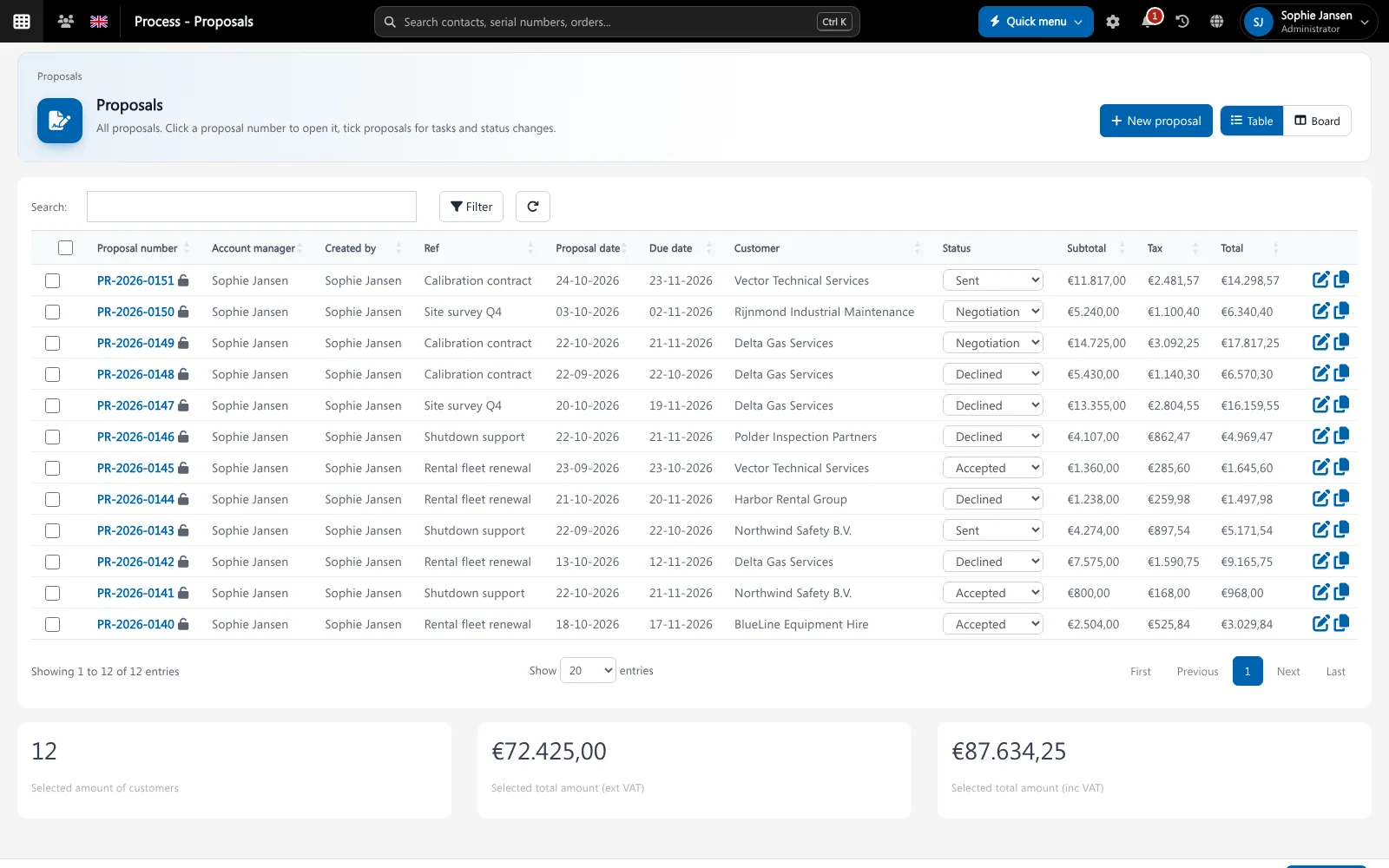
A security installer designs, installs and then maintains alarm, CCTV and access control systems, usually under a contract with annual maintenance. The value sits in the installed base: knowing exactly which equipment is where, when it was serviced and what it needs next. Brytend is security company software that keeps that installed base together with quotes, stock and invoices.
Brytend is one business operations platform: CRM, sales, service, rental, stock, quality, documents, finance, reporting and AI, so you replace several disconnected systems with one.
Where security installers lose time
Which panel is where?
Nobody can say which firmware, detectors or cameras are on a site without driving there.
Maintenance visits missed
Annual maintenance is in the contract, but the planning lives in a calendar and visits slip.
Parts sitting in vans
Detectors and cameras are spread over vans and the office, and nobody knows the real stock.
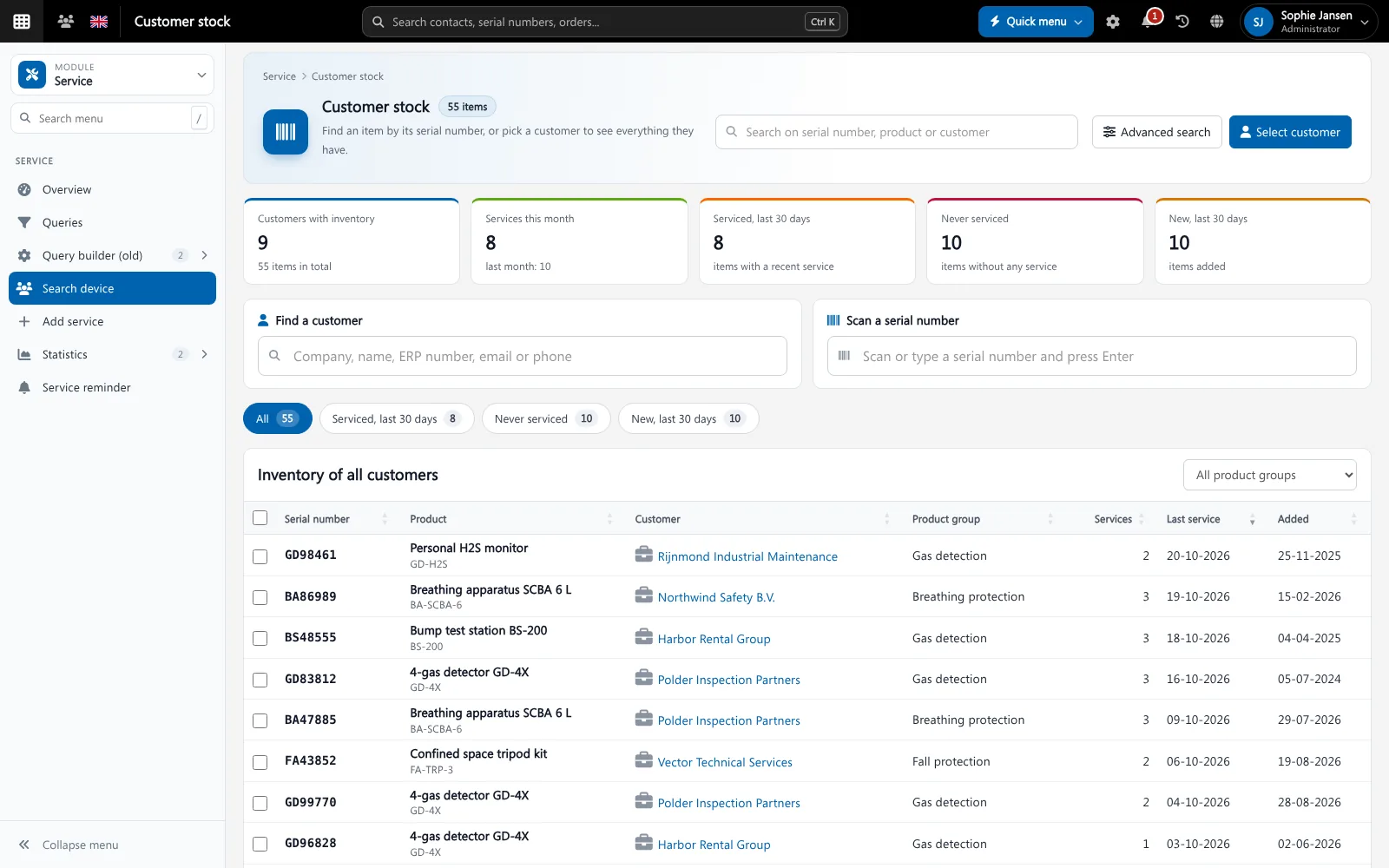
Every system on the customer page
Each site has its installed equipment with serial numbers, contract, visits and documents, so any engineer can pick up the job.
- Installed equipment per customer and site
- Maintenance reminders per system
- Service reports with your own checks
- Parts booked from stock and invoiced
Recurring revenue in view
Maintenance contracts and monitoring subscriptions with their recurring revenue and renewal dates.
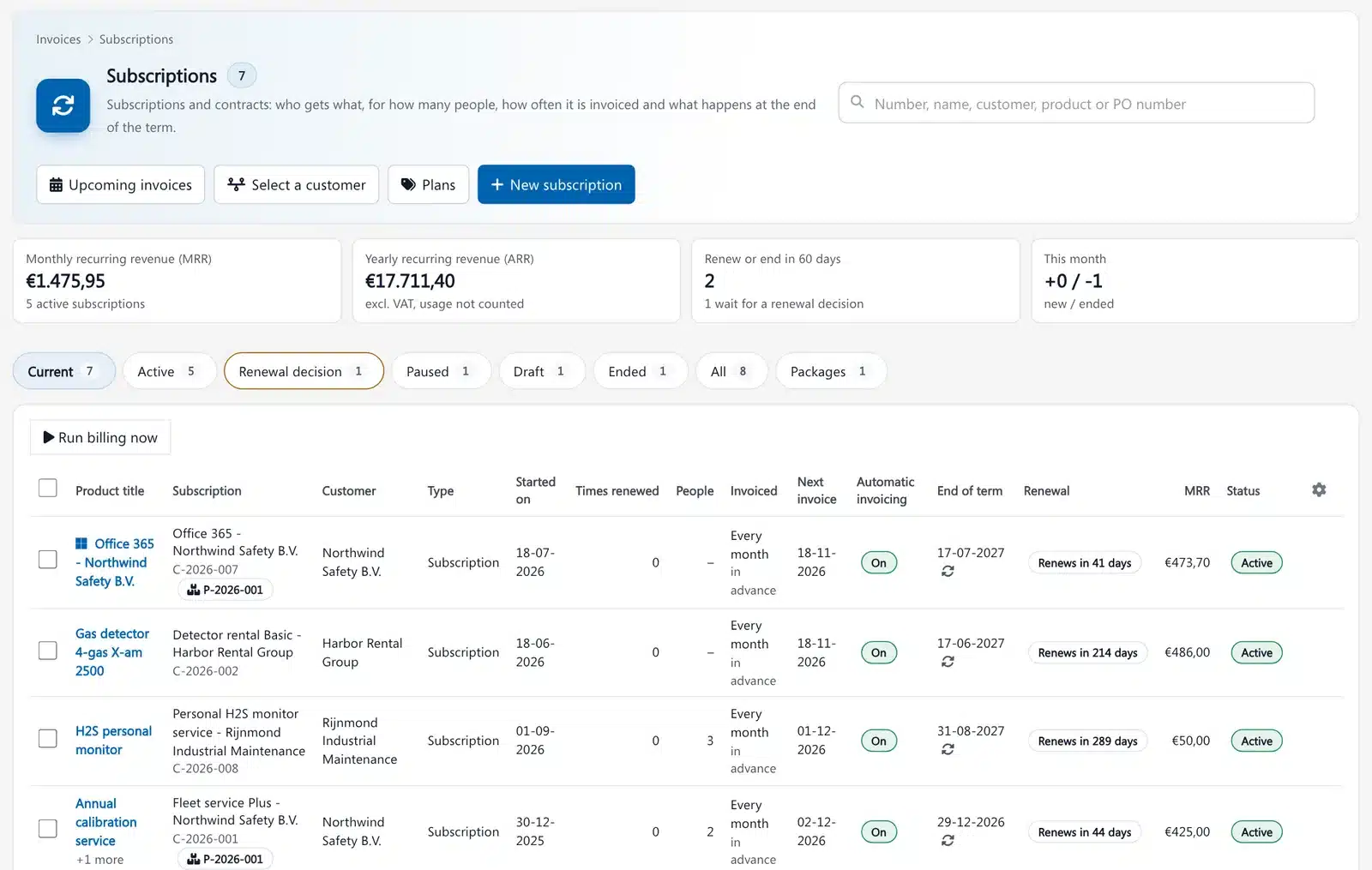
Subscriptions in Brytend. Screenshot with sample data.
What security installers use in Brytend
Service and inspections
Installed systems, maintenance plans, service reports and reminders.
Sales: quotes and orders
Quotes for installations and maintenance contracts.
Projects
Installation projects with planning, hours and materials.
Stock
Detectors, cameras and parts with reorder points, per van.
Help desk
Faults and customer requests as tickets.
Invoicing
Invoice installations, visits and contract terms.
Get started in three steps
Import your sites and systems
Bring in customers, sites and installed equipment with serial numbers.
Set your service report
Choose the checks your engineers record and the PDF the customer gets.
Install, maintain and invoice
Run installations as projects and maintenance as planned services.
Rated 5 stars on Google
“We used to create and track orders in Ultimo. Switching to Brytend was a challenge, yet we were very pleasantly surprised. Not only the software, but their support too is better than expected. Super!”
“Our company has used Brytend software for several years. It has let us tackle various processes quickly and efficiently that we had not found a solution for before.”
“Excellent experience with this company and its software applications. If you want changes, no problem. Arranged quickly and at a fair price.”
Reviews translated from Dutch.
Guides for security installers
Frequently asked questions
What is security company software?
Software that runs the business of a security installer: quotes, installations, the installed base per site, maintenance contracts, service visits, stock and invoices. Brytend does this in one system.
Can Brytend receive alarms like an alarm receiving centre?
No. Brytend is not alarm monitoring software. It manages the systems you install and maintain, and the business around them.
Can I keep the equipment list per site?
Yes. Every site has its installed equipment with serial numbers and the full service history.
Can engineers use it on site?
Yes. Brytend works on any phone and has a mobile app.
How does the free trial work?
You use the full Brytend platform free for 90 days. Take the tour first, or start the trial straight away.
Every system on every site, maintained on time.
Take the tour to see Brytend with your own kind of work, or start your free 90-day trial.
Prefer to talk first? Call +31 (0)85 013 02 04