A project management app is software that organizes tasks, schedules, owners and status in one place so a team can plan work and see progress. For software teams, the best fit combines issue tracking, board and roadmap views, and automation tied to the code repository, and for service companies it must also keep compliance records attached to each job.
A project management app is a tool that stores work items, assigns them to people, tracks their status over time and reports on delivery. This article covers what software teams need from one, how the main options compare, how to set one up, and how a gas detection service company can track calibration jobs and keep audit-ready records.
What does a project management app do for a software team?
A project management app gives a software team one shared system for planning, assigning and tracking work from backlog to release. It replaces scattered spreadsheets, chat threads and personal to-do lists with a single source of truth.
The core functions are consistent across products:
- Work item tracking: bugs, features, tasks and ideas with owners, labels and status.
- Planning views: a backlog list, a sprint or iteration board, and a roadmap for releases.
- Dependencies and hierarchy: larger items split into smaller ones, with links between related work.
- Reporting: charts for throughput, open items and progress against a milestone.
- Automation: rules that move items, set fields or archive finished work.
GitHub's documentation shows how far these functions have moved into development tooling. GitHub Projects supports table, board and roadmap views, with filters, sorting, grouping, charts, custom fields, templates and automation. The same documentation notes that a single project can hold up to 50 fields, including built-in and custom fields, which is enough for most teams to model priority, estimate, customer and release without leaving the tool.
Software teams also need a connection between the tracker and the code. When an issue links to a pull request and the status updates when the pull request merges, nobody has to update two systems by hand.
Which features matter most when choosing a project management app?
The features that matter most are the ones that match how the team already ships software: flexible views, work breakdown, automation and integration with the repository. Features outside that workflow add cost and training time without improving delivery.
Use this checklist to compare options:
- Multiple layouts. Table for triage, board for daily work, roadmap for release planning.
- Custom fields. Fields for estimate, severity, customer or compliance flag.
- Sub-tasks and hierarchy. GitHub recommends breaking large issues into smaller ones to make work more manageable, enable parallel work and support smaller pull requests that are easier to review.
- Automation. Rules for status changes, auto-adding items and archiving.
- Integrations. Links to the repository, CI pipeline, chat and time tracking.
- Permissions and audit trail. Who changed what, and when.
- Reporting. Burndown, cycle time and workload views.
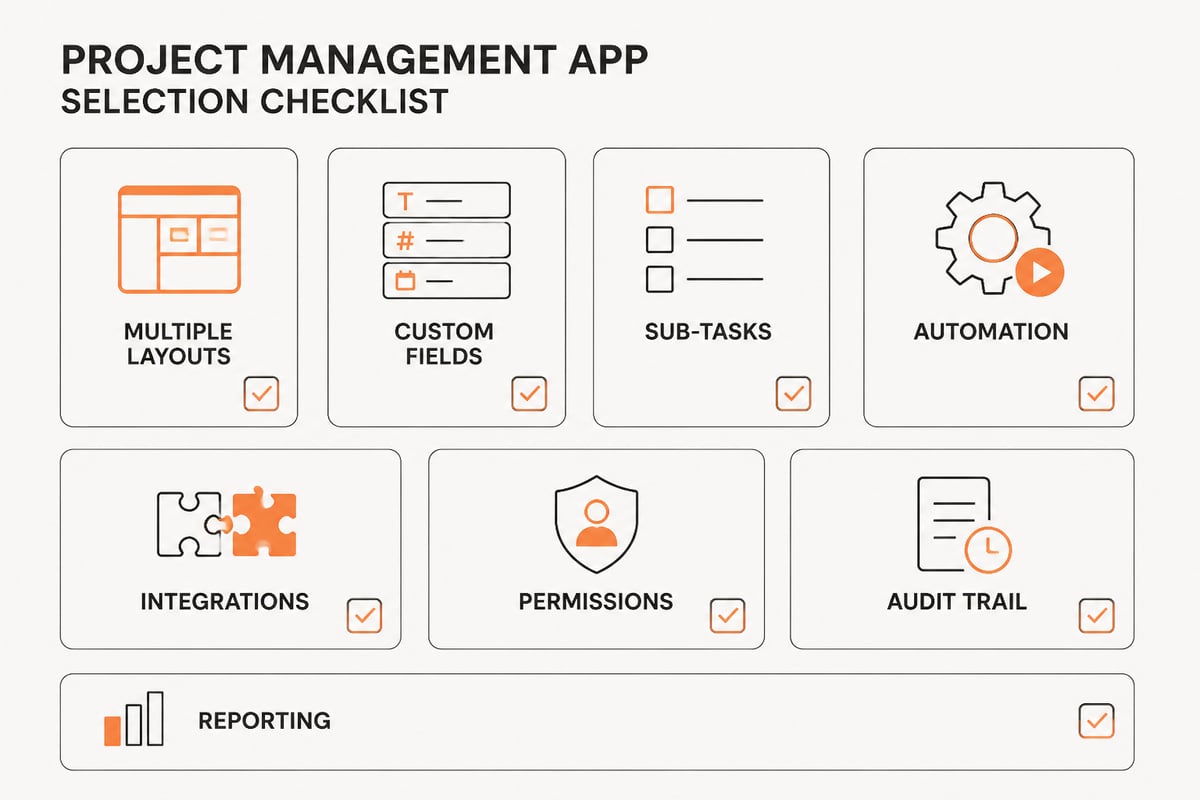
The audit trail item deserves extra weight for teams that build or run software for regulated clients. A tool that records every change with a user and a timestamp makes later reviews faster and disputes shorter.
How do the main project management app types compare?
The main types are repository-native trackers, dedicated software-development platforms, general work-management tools and custom-built systems, and they differ in how closely they follow the code and how well they fit non-software workflows. The table below summarizes the trade-offs.
| Type | Examples | Strength | Limitation |
|---|---|---|---|
| Repository-native | GitHub Projects | Work items live next to code, pull requests and commits | Less suited to non-engineering stakeholders |
| Software-development platform | Jira | Deep agile workflows, sprints, release tracking | Setup and administration take time |
| General work management | Asana, monday.com, ClickUp, Trello | Easy onboarding, flexible boards | Weaker links to code and releases |
| Custom-built system | Built to a client's specification | Matches the exact process, compliance rules and data model | Requires a build and maintenance partner |
Teams comparing options can also find general guidance on running software projects in the Atlassian project management resources, although that material is not specific to any one product.
Most teams start with the first three types because they are fast to adopt. A custom-built system becomes worth considering when the work is not only software tasks but also physical assets, inspections, certificates and customer records that must stay linked.
How do you set up a project management app for software delivery?
Set up a project management app by defining the work structure first, then the views, then the automation, and only then the reporting. Configuring tools before agreeing on the structure produces fields nobody uses.
Follow these steps:
- Define the work item types. Typical set: epic, feature, task, bug. Keep the list short.
- Agree on the status flow. For example: backlog, ready, in progress, in review, done. Every status needs a clear exit condition.
- Create the custom fields. Add only fields the team will fill in, such as estimate, priority and release.
- Build the views. A table for backlog grooming, a board for the current iteration and a roadmap for upcoming releases. GitHub notes these layouts support backlogs, weekly iterations, roadmaps and feature-release planning.
- Add templates. Issue templates for bugs and feature requests standardize the information that arrives.
- Set automation. Auto-add new repository items that match criteria, update status on merge and archive completed items. GitHub Projects can automatically update fields, archive items that meet criteria and add repository items matching specified criteria.
- Assign owners and review cadence. Name who grooms the backlog, who closes the iteration and when reports are reviewed.
GitHub also publishes a guide to planning and tracking work for a team or project for teams starting from scratch.
How does a service company track calibration and compliance work in a project management app?
A service company tracks calibration and compliance work by treating each customer job as a work item that carries the device, the customer, the test result and the documents with it. A generic task board can list the jobs, but it rarely holds the records an auditor asks for.
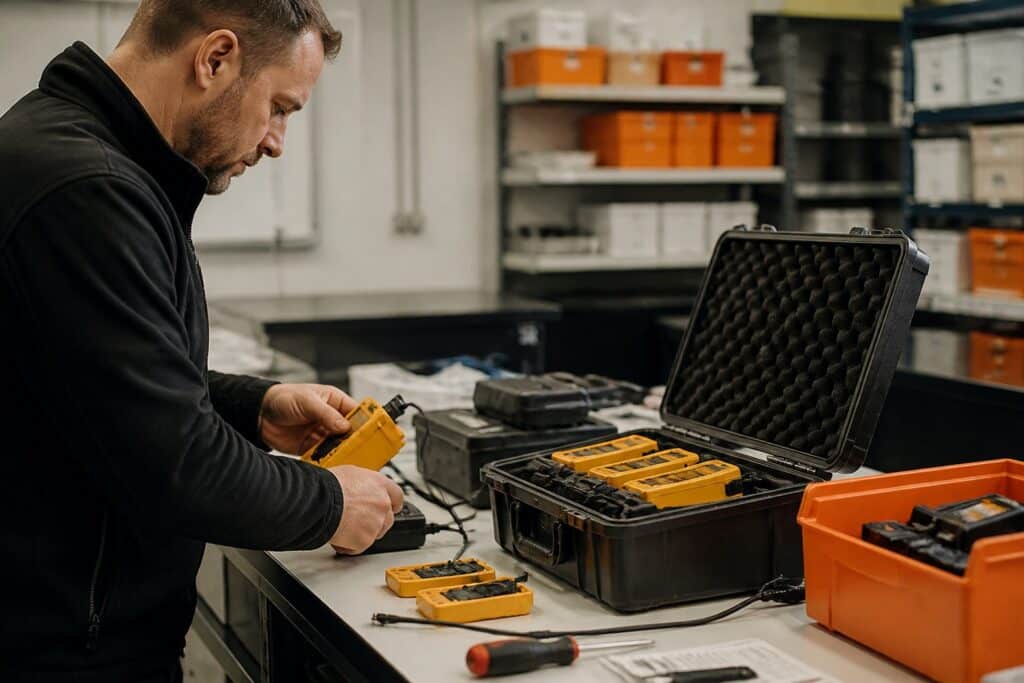
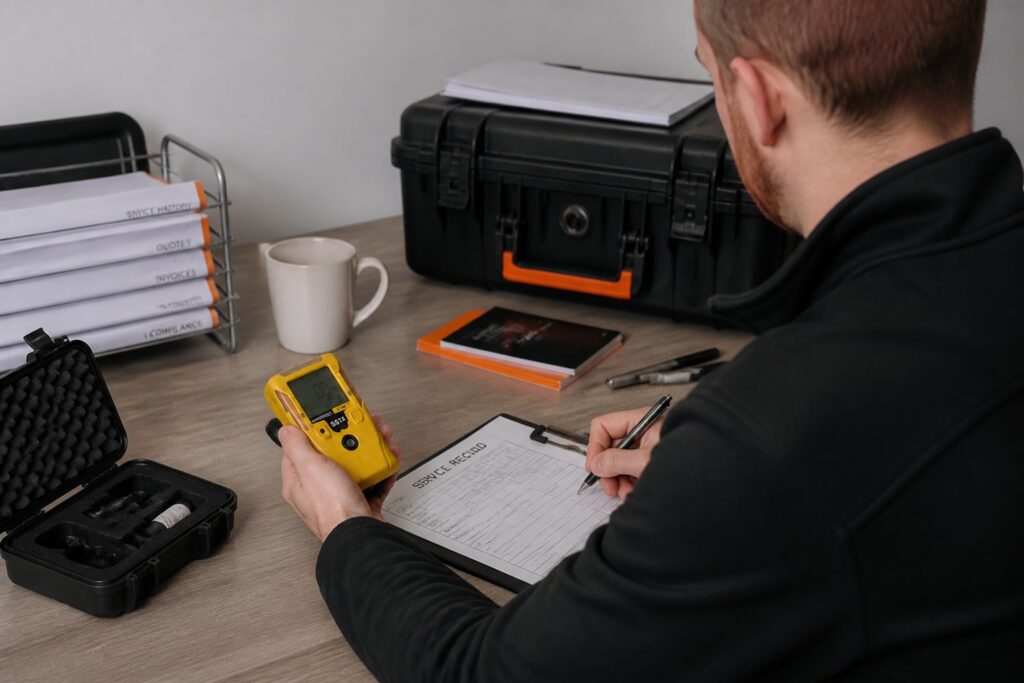
Consider a realistic workflow for a company that services gas detectors and SCBA sets for industrial customers:
- Intake. A customer sends 40 portable gas detectors for annual service. A job is created and each device is registered against the customer.
- Scheduling. The job is assigned to a technician with a due date that matches the customer's contract.
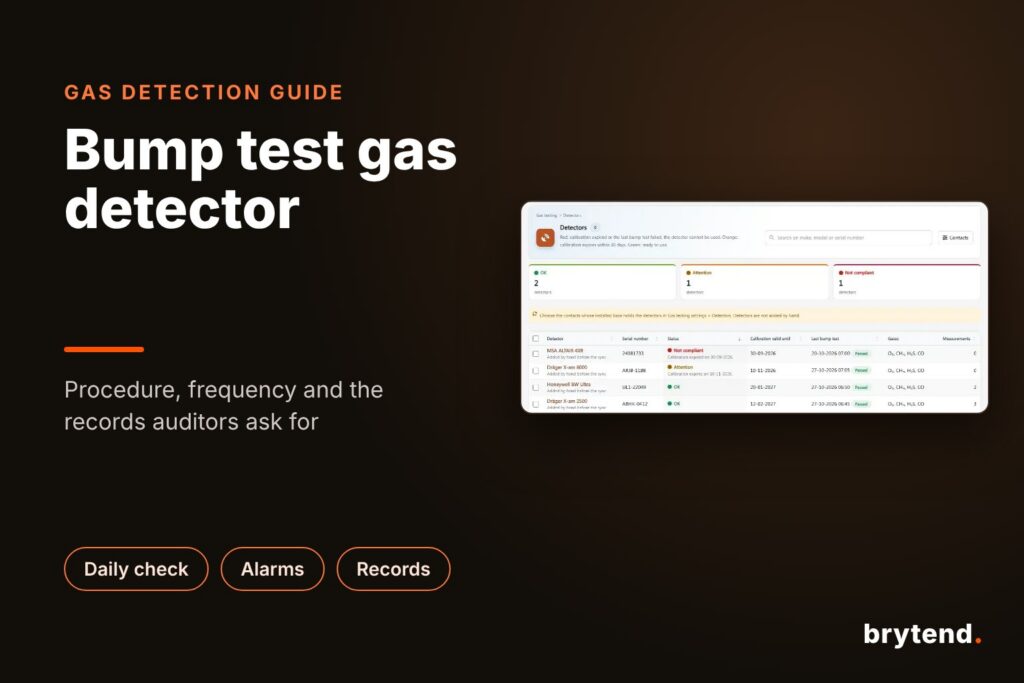
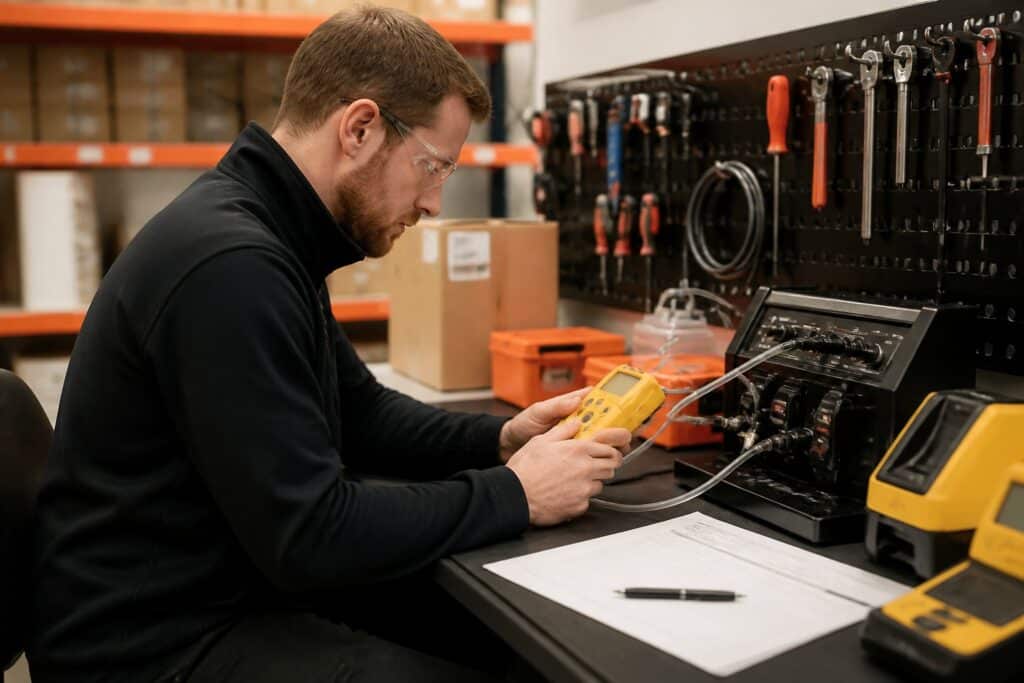
- Bump test and calibration. The technician exposes each detector to reference gas and records the readings. The readings are checked against the company's own limits, and a device passes only when results fall inside them.
- Repair or replacement. Failed units move to a repair sub-task, with parts drawn from stock and every stock change recorded with a reason, a user and a source document.
- Certificate and release. A certificate is generated from the registered results, and the device is cleared for return only when the readings are within limits.
- Invoice and archive. The invoice is built from the work already registered, and the job record stays searchable for the next audit.
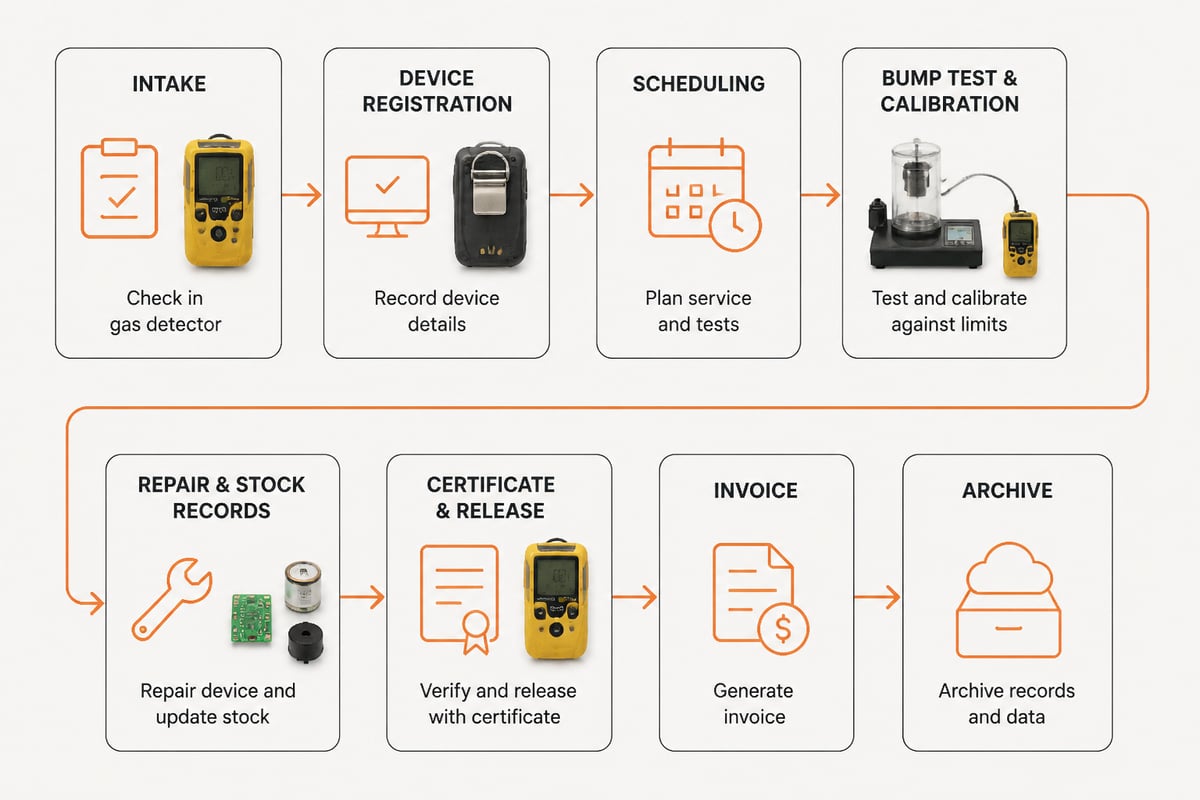
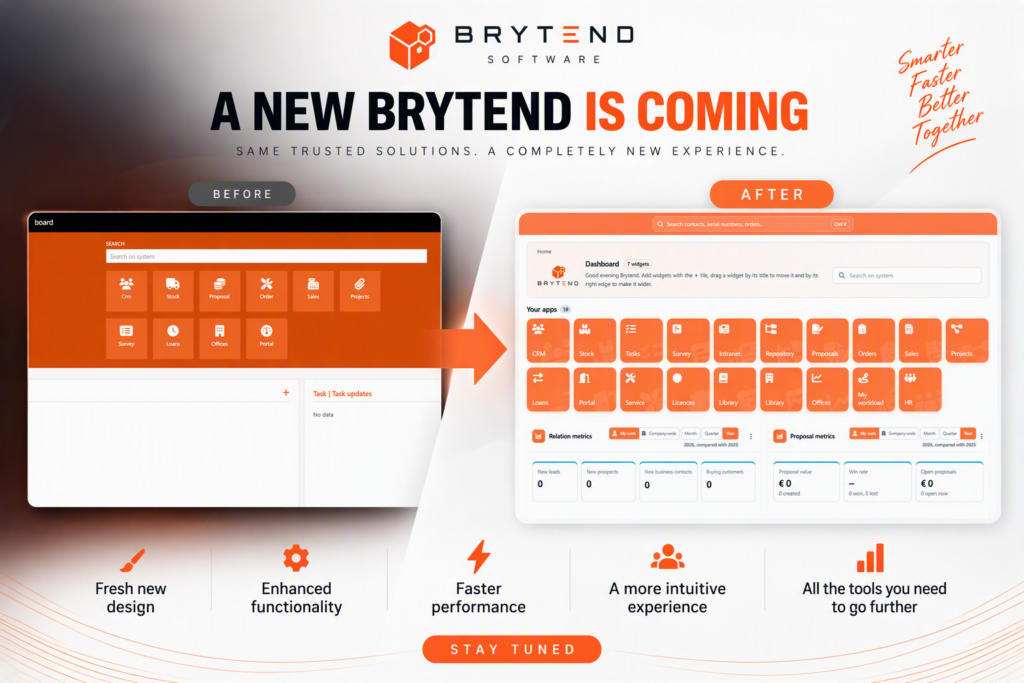
A general project management app can track steps 1, 2 and 4 as tasks. Steps 3, 5 and 6 need structured test data, certificates and invoicing, which is where purpose-built software saves manual re-entry. Brytend's calibration management software and work order management software cover these steps, and its certification management software keeps the resulting certificates tied to each device. For planning-level tracking across jobs, its project management software page describes how projects connect to the same customer and device records.
When should a team build a custom project management app instead of buying one?
A team should build a custom project management app when its workflow depends on data that off-the-shelf tools cannot model, such as devices, certificates, stock movements and customer contracts that must stay linked to each task. If a tool needs a pile of workarounds to hold the records the business is audited on, the workaround cost usually exceeds the build cost.
Signs that a custom build is justified:
- Compliance records are kept in a separate system from the task tracker, and staff copy data between them.
- Auditors request evidence per device or per job, and assembling it takes days.
- Several disconnected tools hold customers, assets, documents and invoices.
- Approvals are needed for specific actions, for example corrections above a set limit.
- The business needs e-invoicing in a specific format required by its customers.
Signs that a standard tool is enough:
- The work is purely software tasks with no physical assets or certificates.
- Reporting needs are met by the built-in charts.
- The team is small and processes change often.
Brytend is a custom software development team that builds on one platform in which customers, devices, documents and data are shared across every module, so a task, a calibration result and an invoice refer to the same records. It hosts in the EU so that client data stays the client's own, and holds a 5.0 rating on Google. Its project tracking applications page outlines how tracking is built around a client's own process. For scope, timelines and cost, the contact page is the place to start, since those details depend on the project.
What mistakes should teams avoid when rolling out a project management app?
The most common mistakes are over-configuring before use, skipping ownership, and letting the tool drift from the real process. Each one is avoidable with a few rules.
- Too many fields and statuses. Every extra field is one more thing to fill in. Start with the minimum and add fields when a recurring question needs one.
- No backlog owner. Without a named person, the backlog grows and priority loses meaning.
- Large work items. Items that span weeks hide risk. Splitting them follows the GitHub guidance cited above and keeps reviews small. GitHub Issues also supports multiple levels of sub-issues for this purpose.
- Manual status updates. If people must remember to move cards, the board will be wrong. Use automation tied to pull requests and test results.
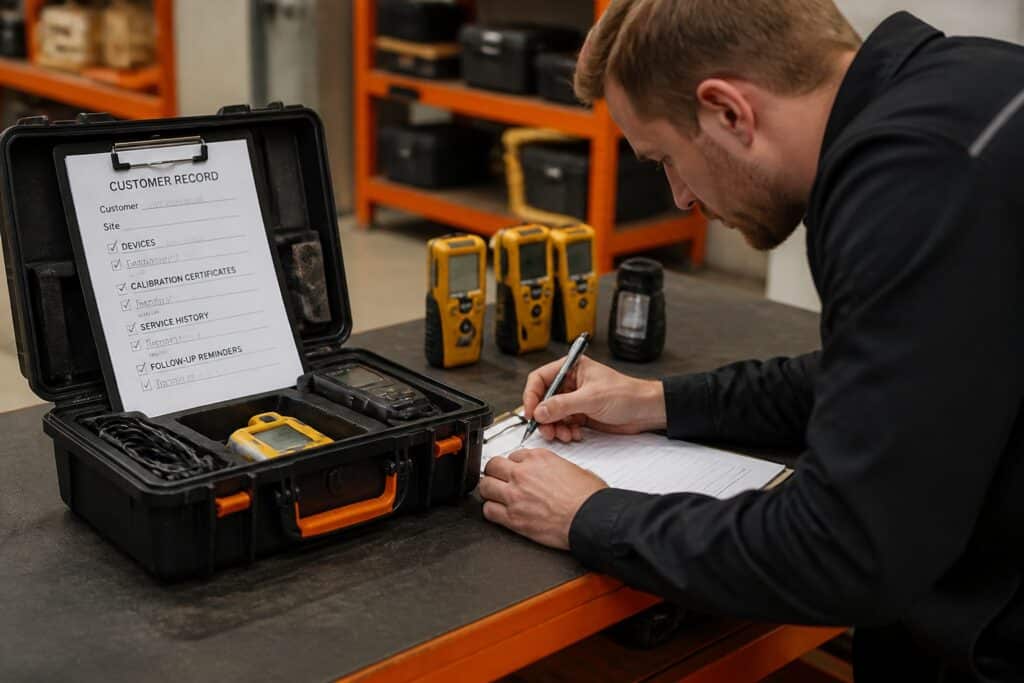
- Records outside the tool. Certificates, test results and approvals in email or personal folders are lost at audit time. Attach them to the job.
- No review cadence. A tracker that nobody reviews turns into an archive. Fix a weekly backlog review and an end-of-iteration review.
A short pilot with one team for one iteration surfaces these problems cheaply. Adjust the fields, statuses and automation after the pilot, then roll out to the remaining teams.
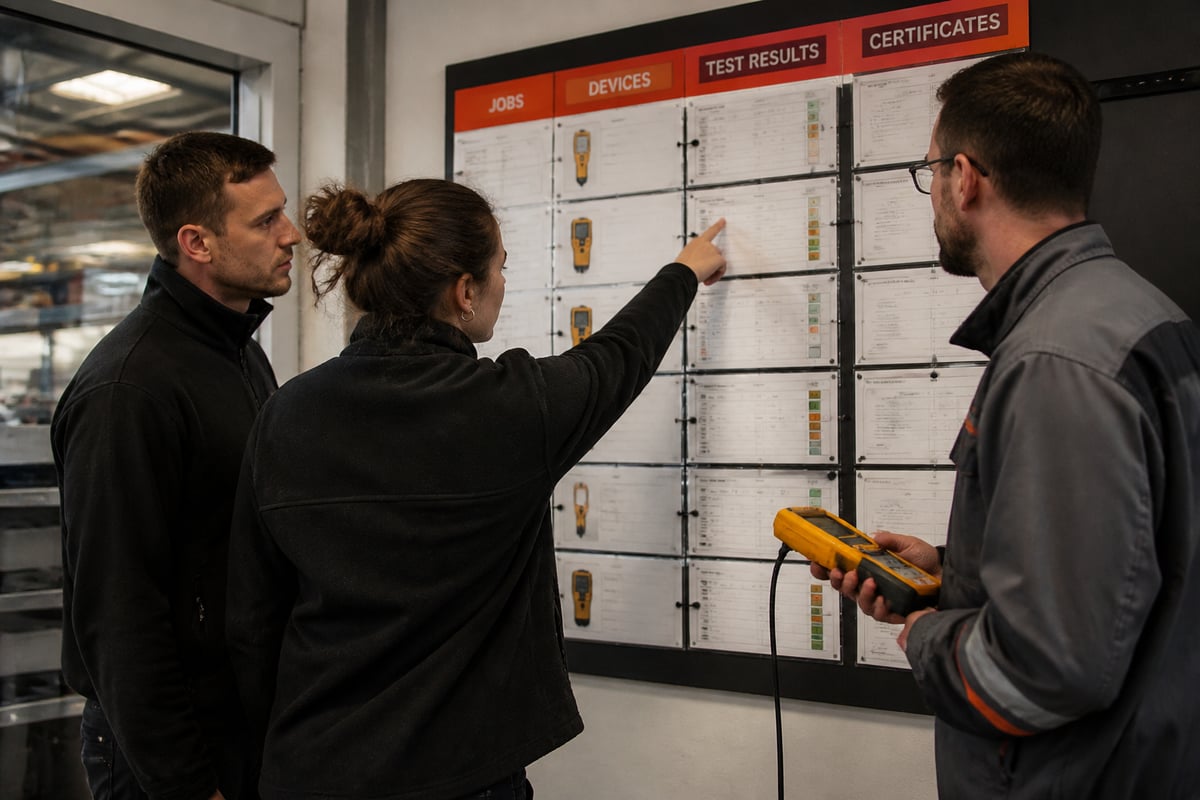
Pick one current job, such as a customer batch of gas detectors, and list every record you must produce for it: device IDs, test readings, certificates, stock changes and the invoice. If those records live in more than one place today, that gap shows what a better system must close. Brytend builds service, calibration and compliance software around that exact process, so the Brytend team can walk you through a working setup and help you start a free trial on your own job data.