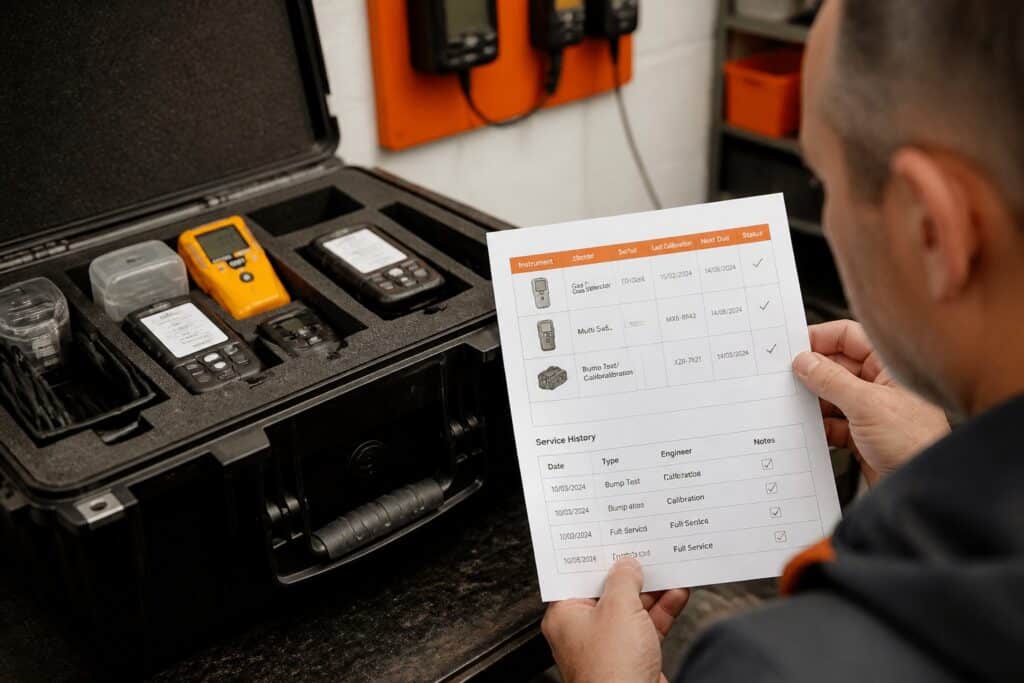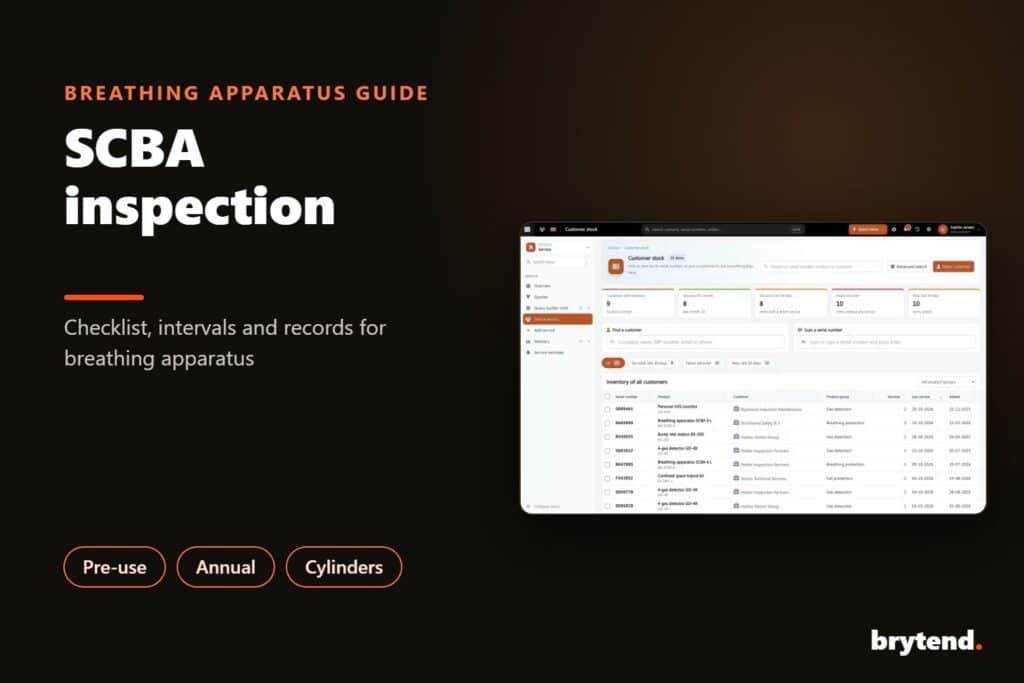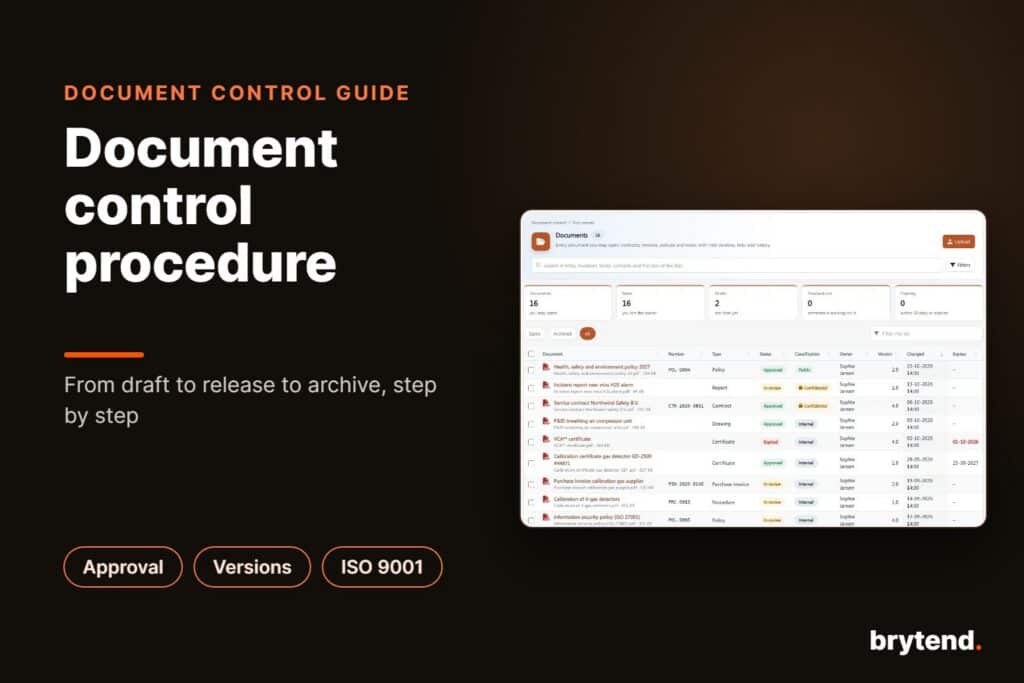
A product datasheet is a one- or two-page document that summarises what a product is, what it does and its key technical specifications, so engineers, buyers and installers can decide quickly whether it fits their needs. A good datasheet has a clear product name and model number, a short description, the main features and benefits, a specifications table with units, dimensions and certifications, ordering information and contact details. Because customers use it to make technical and purchasing decisions, every number on it must be correct and match the current product, which is why datasheets should go through the same review and approval as other controlled documents.
TL;DR:
- A product datasheet, also called a product data sheet or technical datasheet, is a short factual summary of a product and its specifications
- Must-haves: product name and model, description, features, specifications with units, certifications, ordering codes, contact details, version and date
- Write for two readers: the engineer who checks the numbers and the buyer who compares options
- The biggest risk is outdated or wrong specifications; tie every datasheet to the approved product data and give it a version
- AI can draft datasheets quickly, but only safely when it works from your own approved sources and a person approves the result
A product datasheet is a document that summarises the performance, specifications and other characteristics of a product.
What Is a Product Datasheet?
A product datasheet is the document a customer downloads when they want the facts. Brochures sell; datasheets inform. Where a brochure talks about why a product is great, a datasheet lists its measuring range, accuracy, power supply, dimensions, operating temperature, certifications and part numbers. In many industries, such as electronics, instrumentation, gas detection and industrial equipment, a missing or unclear datasheet can lose a sale on its own. A broader description is on the datasheet page.
Different names are used for similar documents:
- Product datasheet or product data sheet: the general term, used in marketing and sales
- Technical datasheet (TDS): focused on specifications and performance, common for materials, chemicals and instruments
- Safety data sheet (SDS): a legally required document about hazards of chemicals, with a fixed format; not the same as a product datasheet
- Spec sheet: an informal name for a short specifications overview
What Should a Product Datasheet Include?
| Section | Content |
|---|---|
| Header | Company logo, product name, model or part number |
| Short description | Two or three sentences: what it is, who it is for, the main benefit |
| Product image | A clear photo or drawing, with dimensions if relevant |
| Key features | Four to eight bullet points with concrete facts, not adjectives |
| Specifications table | Every relevant parameter with value, unit and test condition |
| Certifications and standards | CE, ATEX, IECEx, UL, ISO or other approvals with numbers |
| Applications | Typical use cases or industries |
| Ordering information | Part numbers, variants, accessories, spare parts |
| Footer | Contact details, website, document number, version and date, disclaimer |
The version and date are often forgotten, and they are what tells a customer whether the datasheet in their folder is still valid.
How Do You Write a Product Datasheet Step by Step?
1. Collect the facts from the source
Get the specifications from engineering, test reports and certificates, not from an old brochure. Note the test conditions: an accuracy figure means little without the temperature or range it applies to.
2. Decide what matters to the reader
Ask sales and support which questions customers ask before they buy. Put those answers on the first page.
3. Write the description and features
Lead with what the product does and for whom. Turn each feature into a fact: “IP67 housing for outdoor use” is better than “rugged design”.
4. Build the specifications table
Use consistent units (SI units, with imperial in brackets if your market needs it), group related parameters, and use the same order across your product range so customers can compare.
5. Add certifications and ordering information
List approvals with their certificate numbers, and give the exact part numbers for each variant and accessory.
6. Review and approve
Have engineering check every number and marketing check the wording. Record who approved which version. Then publish it in one place, so sales, the website and distributors all use the same file.
7. Keep it current
When the product, a certificate or a specification changes, update the datasheet, increase the version and replace the old file everywhere.
What Does a Product Datasheet Template Look Like?
A simple template that works for most technical products:
- Page 1, top: logo, product name, model number, product image
- Page 1, left: short description and key features
- Page 1, right: highlights box with the three or four numbers customers compare first
- Page 2: full specifications table, certifications, dimensions drawing
- Page 2, bottom: ordering information, accessories, contact details, document number, version, date
Keep the template the same for every product. Customers who compare three of your models should find the same information in the same place.
What Are Common Product Datasheet Mistakes?
- Outdated specs: a datasheet that still shows a previous sensor or an expired certificate
- Several versions in circulation: sales, the website and distributors each have a different file
- Missing units or conditions: “accuracy 2%” without saying 2% of what, at which temperature
- Marketing language instead of facts: “best-in-class performance” tells an engineer nothing
- No version or date: nobody knows which file is current
- Specs copied by hand: typing numbers from one document to another introduces errors
Most of these problems are document control problems, not writing problems. The same rules that apply to procedures apply to datasheets: one approved version, a clear owner and a change history. See how a document control procedure works.
Can AI Write Product Datasheets?
AI can draft a datasheet in seconds, and it can turn one datasheet into a brochure, a presentation and a web page. The risk is that a general AI tool does not know your product. It fills gaps with plausible numbers, which is the last thing you want on a technical document.
AI works safely for datasheets when three conditions are met:
- It works from your own sources: approved product data, manuals and test reports, not the open internet
- It shows which sources it used: so a reviewer can check every number against the original
- A person approves before release: the AI drafts, an engineer and marketer sign off
How Does Brytend Marketing and AI Media Create Datasheets?
Brytend Marketing and AI media makes datasheets, presentations, Word and PDF documents, blogs and landing pages with AI, from your own manuals, product data and approved documents. The AI reads what your company really knows, including released documents in Brytend document control, and creates real files in your company layout.
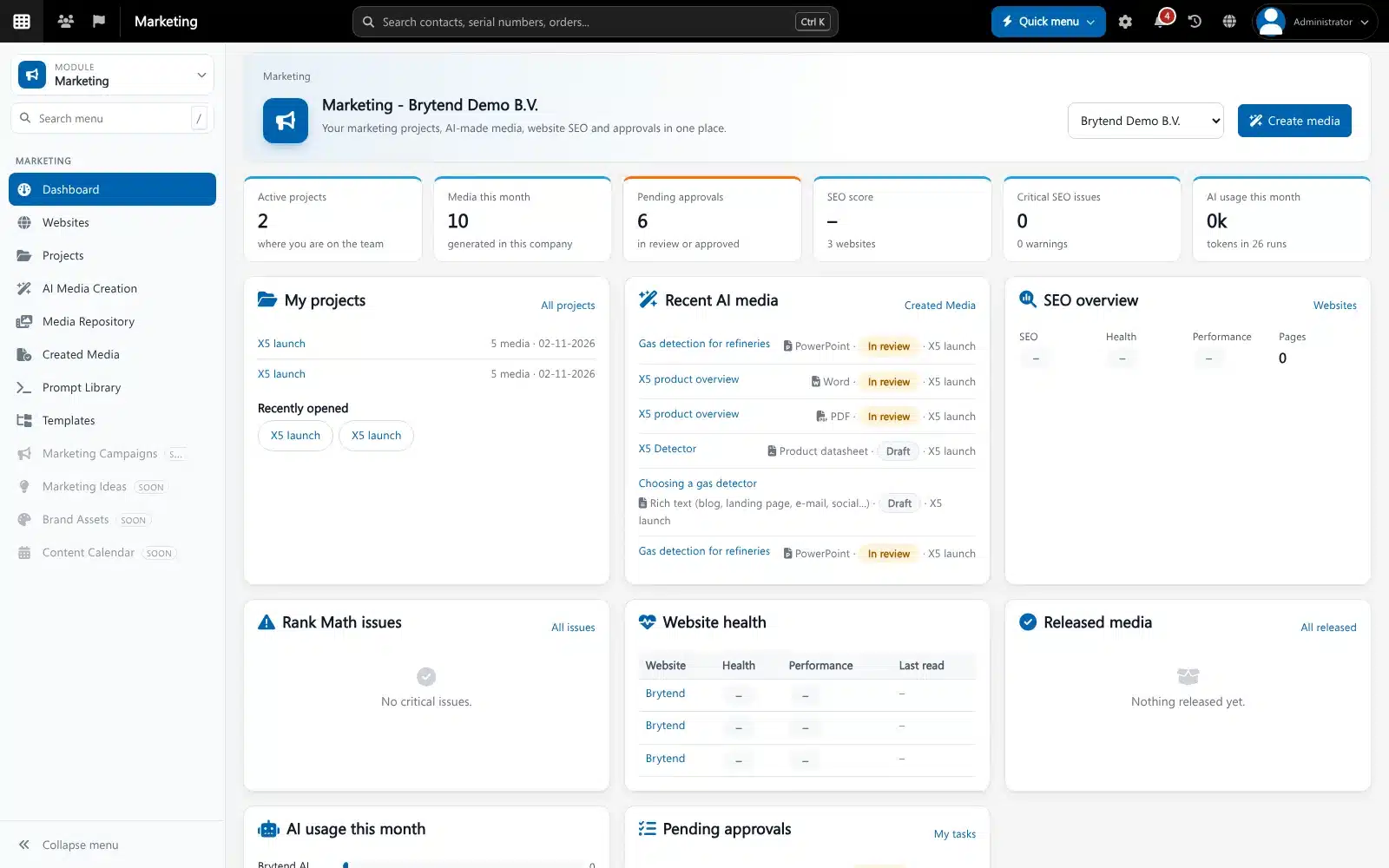
- Sources used: every result lists the documents and data it was based on
- Approval in document control: a datasheet goes through your normal approval before anyone publishes it
- Company workspaces: layouts, logos and tone of voice per company or brand
- Projects: one project per launch, with all its documents, media and conversations
- Prompt library: proven prompts reused across the team
- AI SEO advisor: help with web pages and blogs built from the same approved content
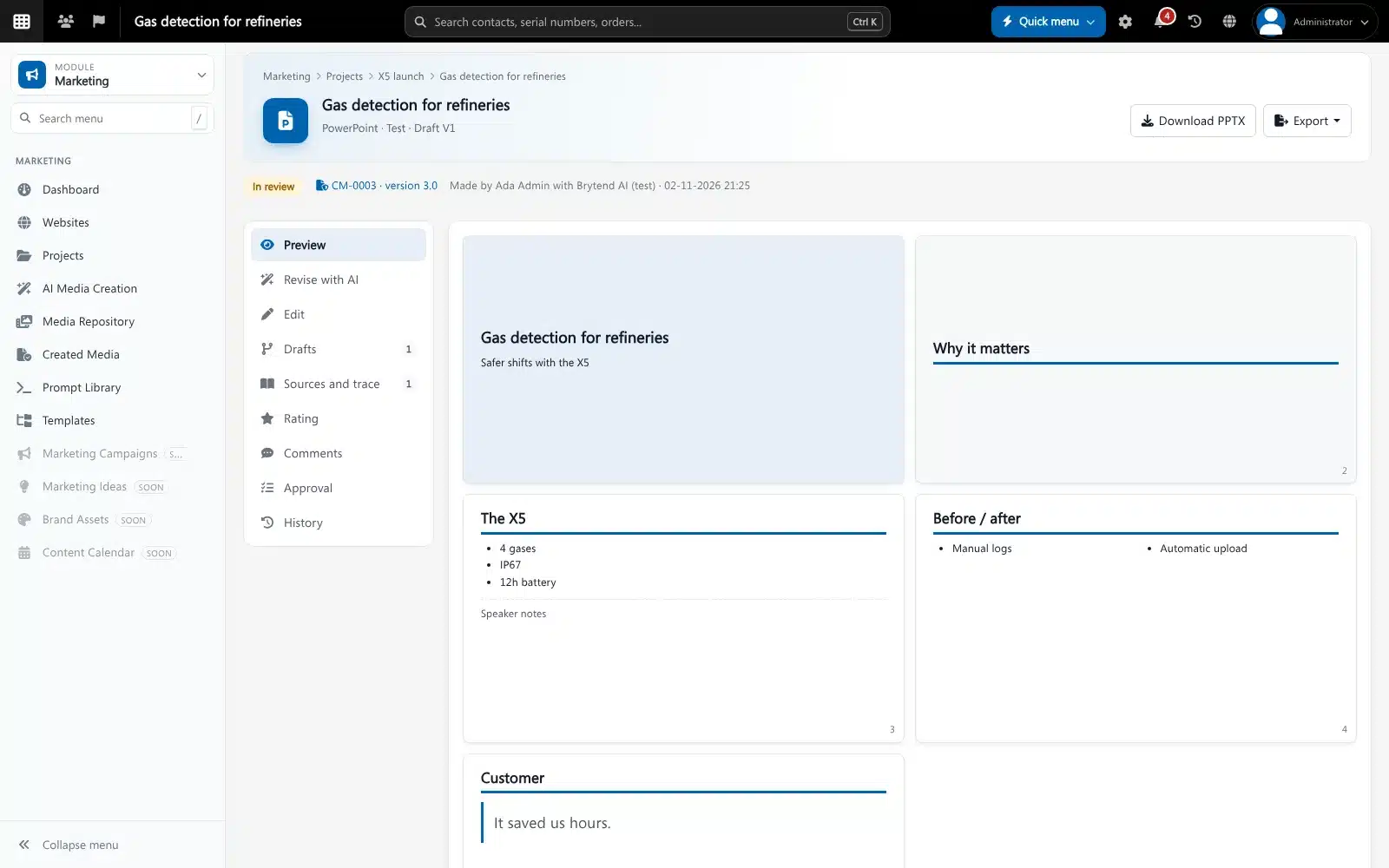
Because it is part of the same platform as the CRM and Brytend AI, the same product knowledge serves sales, service and support.
Frequently Asked Questions About Product Datasheets
What is a product datasheet?
A product datasheet is a short document that summarises a product, its main features and its technical specifications. Engineers and buyers use it to decide whether a product fits their needs.
What should be included in a product datasheet?
Include the product name and model number, a short description, key features, a specifications table with units and conditions, certifications, ordering information, contact details and a document number with version and date.
What is the difference between a datasheet and a brochure?
A brochure is persuasive and explains why to buy a product. A datasheet is factual and lists specifications, certifications and ordering details so the reader can check if the product fits.
What is the difference between a technical datasheet and a safety data sheet?
A technical datasheet describes a product’s performance and specifications. A safety data sheet is a legally required document that describes the hazards of a chemical and how to handle it safely, in a fixed format.
How long should a product datasheet be?
Most product datasheets are one or two pages. Put the key information on the first page and the full specifications table on the second.
Can AI write a product datasheet?
AI can draft a datasheet quickly, but it should only work from your own approved product data and show which sources it used. An engineer and a marketer should check and approve the result before it is published.
How do you keep product datasheets up to date?
Store each datasheet as a controlled document with an owner, version and date. When the product or a certificate changes, update the datasheet, approve the new version and replace the old file everywhere it is used.
A product datasheet earns trust by being short, factual and always correct. Collect the facts from the source, use one template, show units and conditions, put a version and date on it and approve it like any controlled document. AI can make the work much faster, as long as it writes from your own approved sources and a person signs off. Brytend Marketing and AI media creates datasheets from your own product knowledge, with sources and approval built in. Try it free for 90 days.