An AI knowledge base is a collection of company knowledge, such as procedures, manuals, product data and support articles, that an AI model can search and use to answer questions in plain language. Instead of browsing folders or reading a 60-page manual, an employee or customer asks a question and gets a short answer with links to the documents it came from. The quality of the answers depends far more on the knowledge behind it than on the AI model: the documents must be current, approved and accessible only to the people allowed to see them.
TL;DR:
- An AI knowledge base combines your own documents with an AI model that finds the relevant parts and writes an answer
- Most systems use retrieval: the AI first searches your documents, then answers only from what it found
- Good answers need good sources: one current, approved version of every document, and no outdated copies
- Every answer should show its sources so people can check it
- Access rules must apply to the AI too: it should never reveal a document the user is not allowed to open
An AI knowledge base is a knowledge base that people query in natural language, with an AI model that answers from the stored content.
What Is an AI Knowledge Base?
A traditional knowledge base is a library of articles: FAQs, how-to guides, troubleshooting steps, policies. People search it with keywords and read the articles themselves. An AI knowledge base adds a layer on top: you ask a question in normal words, the system finds the relevant passages across all documents, and an AI model writes a direct answer.
Typical questions it handles well:
- “What is the calibration interval for this detector model?”
- “Which steps do I follow when a bump test fails?”
- “What does our warranty cover for rental equipment?”
- “Which certificate does a technician need for confined spaces?”
The value is speed and consistency. A new technician gets the same answer as an experienced colleague, at any hour, without waiting for someone to reply.
How Does an AI Knowledge Base Work?
Most AI knowledge bases use a method called retrieval-augmented generation, often shortened to RAG. In simple terms it works in four steps:
- Index: documents are split into passages and stored in a searchable index, often with “embeddings” that capture meaning instead of exact words
- Retrieve: when a question comes in, the system finds the passages most related to it
- Generate: the AI model gets the question plus those passages, and writes an answer based on them
- Cite: the answer links back to the documents and passages it used
The big advantage of this approach is that the AI does not need to be trained on your data. When a document changes, the index is updated and the next answer uses the new version. You can read more about retrieval-augmented generation.
What Are the Benefits of an AI Knowledge Base?
| Area | Without AI | With an AI knowledge base |
|---|---|---|
| Finding information | Search folders, open several documents | Ask one question, get one answer with sources |
| Onboarding | New staff ask colleagues for everything | New staff find answers themselves |
| Support | Same questions answered again and again | Common questions answered instantly |
| Field work | Call the office for a procedure | Ask on the phone at the customer site |
| Consistency | Answers depend on who you ask | Answers come from the same approved documents |
Why Do AI Knowledge Bases Give Wrong Answers?
When an AI knowledge base answers wrongly, the cause is usually not the AI model but the content behind it.
- Old versions: the index contains three versions of the same procedure, and the AI quotes the oldest
- Drafts mixed with released documents: a draft that was never approved ends up in an answer
- Duplicates and contradictions: two departments wrote different instructions for the same task
- Missing knowledge: the answer is in someone’s head or mailbox, not in a document, so the AI guesses
- No sources shown: users cannot check the answer, so mistakes are noticed late
The fix is the same discipline you already need for quality and audits: one current, approved version of each document. That is exactly what a document control procedure gives you.
How Do You Build an AI Knowledge Base You Can Trust?
1. Start from controlled documents
Feed the AI only documents that have been reviewed and released. Keep drafts and superseded versions out of the index, or make sure the system knows their status.
2. Fill the gaps
Look at the questions people actually ask: support tickets, calls to the office, chat messages. Where no document answers them, write a short article and approve it like any other document.
3. Write for questions
Short sections with clear headings, one topic per article, answers first. This helps both humans and AI find the right passage.
4. Apply access rules
Confidential documents, customer-specific information and internal pricing must only be used in answers for people allowed to see them. The AI must respect the same permissions as the document system.
5. Always show sources
Every answer should link to the documents it used. If the AI cannot find a source, it should say so instead of guessing.
6. Review and improve
Track which questions get poor answers or no answer, and fix the content. Treat the knowledge base as a living part of your quality system, with owners and review dates.
Is an AI Knowledge Base Safe for Company Data?
It can be, if you check a few things before you choose one:
- Where the data is stored and processed, for example in the EU for GDPR reasons
- Whether your data is used to train public models; for business data the answer should be no
- Whether permissions are enforced per user in every answer
- Whether there is an audit trail of questions and AI actions
- Which certifications the provider has, such as ISO 27001 for information security
See how Brytend handles this in Brytend security and data protection.
How Does Brytend Use AI on Your Own Knowledge?
Brytend AI works on the data and documents already in your Brytend platform. People ask questions in plain language about customers, assets, stock, service history or procedures, and get answers from their own records. Because the AI runs inside the platform, it follows the same roles and permissions as the rest of the system: a user only gets answers from data they are allowed to see.
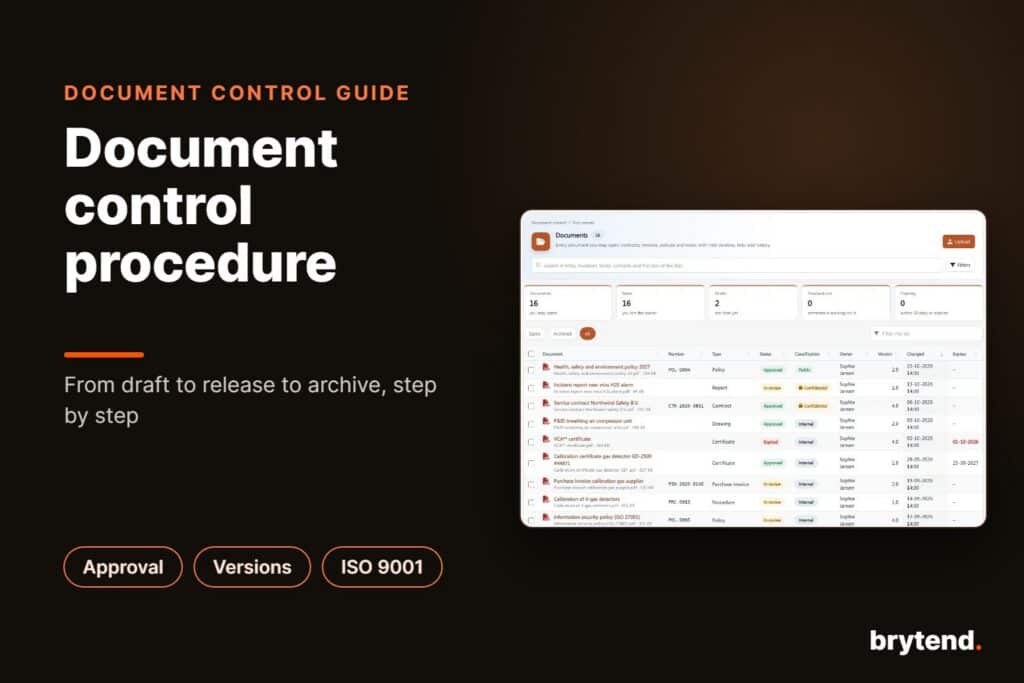
The documents come from Brytend document control, which means the AI works from released, versioned and approved documents instead of a loose folder of files. When the marketing team uses AI to write a datasheet or presentation, the result lists the sources it used, so a reviewer can check every claim before release.
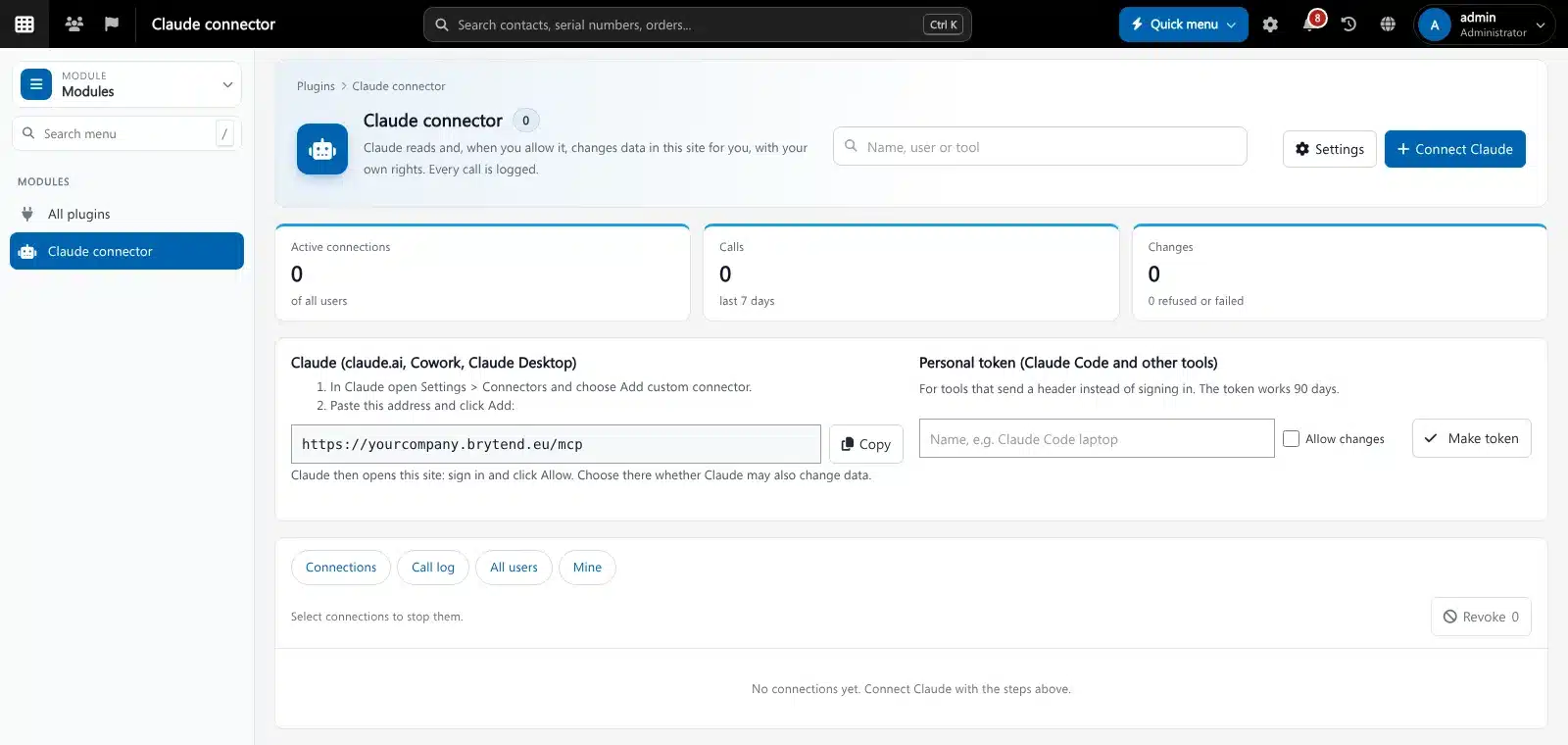
- Ask: questions across modules, such as “which calibrations are due in the next 30 days?”
- Act: create tasks, draft e-mails and fill in forms from an answer with one click
- Predict: forecasts for stock, cylinders, due dates and service volume
- Connect: Microsoft 365, Outlook and AI tools like Claude through the connector
For how AI can automate whole processes rather than answer questions, read the guide on AI workflow automation software.
Frequently Asked Questions About AI Knowledge Bases
What is an AI knowledge base?
An AI knowledge base is a collection of company documents and articles that an AI model searches to answer questions in plain language. It returns a direct answer with links to the documents it used.
How does an AI knowledge base work?
Most AI knowledge bases use retrieval-augmented generation. The system first finds the passages in your documents that relate to the question, then the AI writes an answer based only on those passages and cites them.
Does an AI knowledge base need to be trained on my data?
No. With retrieval-augmented generation the AI model reads your documents at the moment of the question. When a document changes, the next answer uses the new version without retraining.
Why does an AI knowledge base give wrong answers?
Wrong answers usually come from the content: old versions, drafts, duplicates or missing documents. Feeding the AI only current, approved documents and showing sources with every answer solves most problems.
Is an AI knowledge base safe for confidential documents?
It is safe when the system enforces the same permissions as your document system, stores data in a suitable region, does not use your data to train public models and keeps an audit trail.
What is the difference between a knowledge base and an AI knowledge base?
A traditional knowledge base is searched with keywords and people read the articles themselves. An AI knowledge base understands questions in normal language and writes a direct answer from the articles.
Can Brytend AI answer questions from my own documents?
Yes. Brytend AI works on the data and released documents in your Brytend platform, follows each user’s permissions, and shows the sources it used where it writes content.
An AI knowledge base is only as good as the knowledge it reads. Give it one approved version of every document, fill the gaps people ask about, enforce access rights and always show the sources, and it becomes the fastest way for your team to find the right answer. Brytend combines document control and AI on one platform, so answers come from documents you have approved. Start a free 90-day trial and ask your first question this week.