WatchGas RTR now integrates with Brytend. If you sell, rent, lend or service WatchGas gas detectors, the compliance of every detector now shows up where you already run your business: next to the customer, the loan, the rental and the service visit. Brytend reads your RTR data live and matches each detector to the right customer item by its serial number, so you see its bump tests, calibrations and status before it goes out the door.
TL;DR:
- Every detector in your RTR company appears in Brytend, matched to the customer stock by serial number
- A green, yellow or red compliance status with the reason: a failed bump test, an overdue calibration, no recent check-in
- Brytend warns you when you scan a detector to lend it out and it is not compliant or needs attention
- Bump test and calibration certificates, events, sensor health and exposure peaks per detector, read live from RTR
- Connect in a few minutes with an RTR API token
What Is WatchGas RTR?
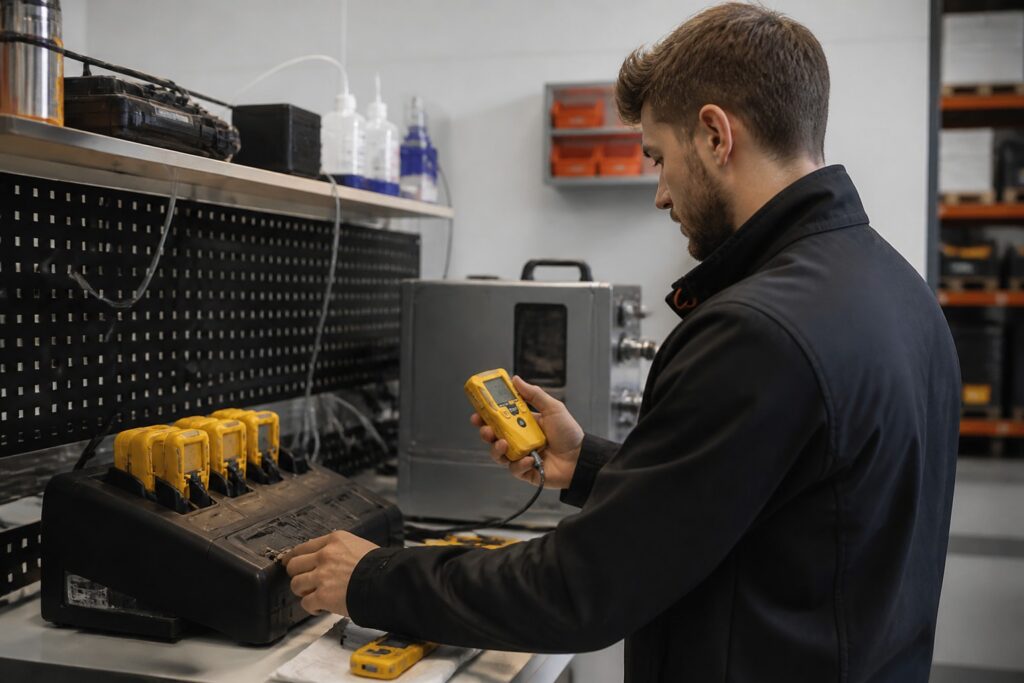
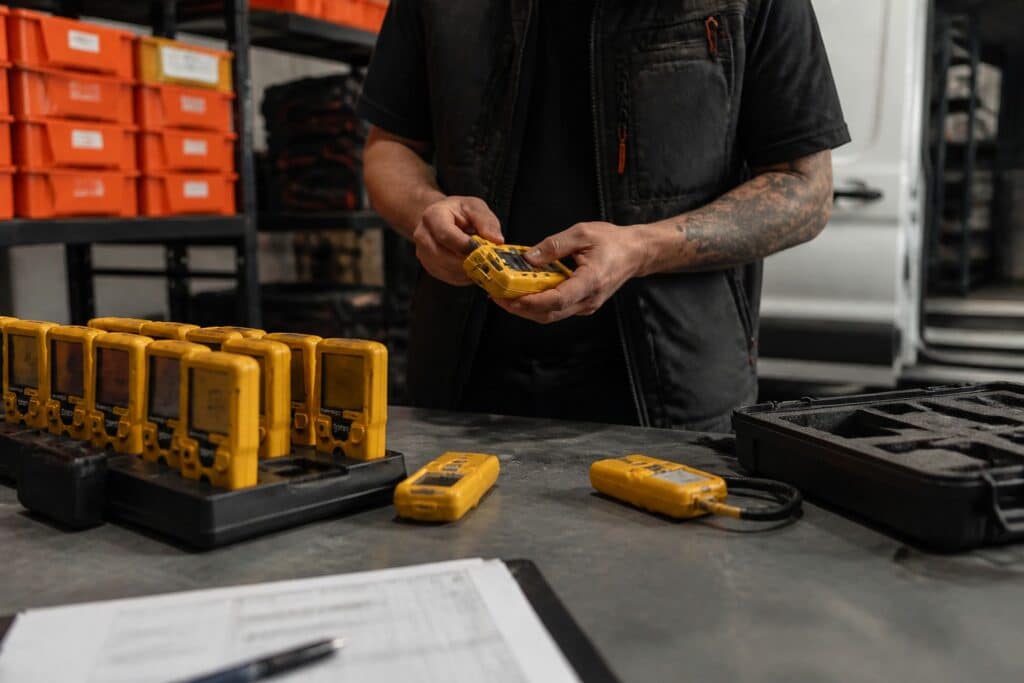
WatchGas SST RTR (Record To Report) is the web-based reporting software of WatchGas, the Dutch gas detection specialist from the Rotterdam area. It gives safety managers, fleet coordinators and service teams an overview of their SST range portables: unit status, alarm and event reporting and compliance checks. The data comes from the SST Dock, an automated station for bump tests and calibration, and from the Compliance Kiosk, where users check in their detector.
RTR knows what every detector has done. What it does not know is who the detector belongs to, which contract it falls under, when it was lent out and to whom. That lives in your business system. The integration brings the two together.
Why Compliance Matters Before You Lend or Rent Out a Detector
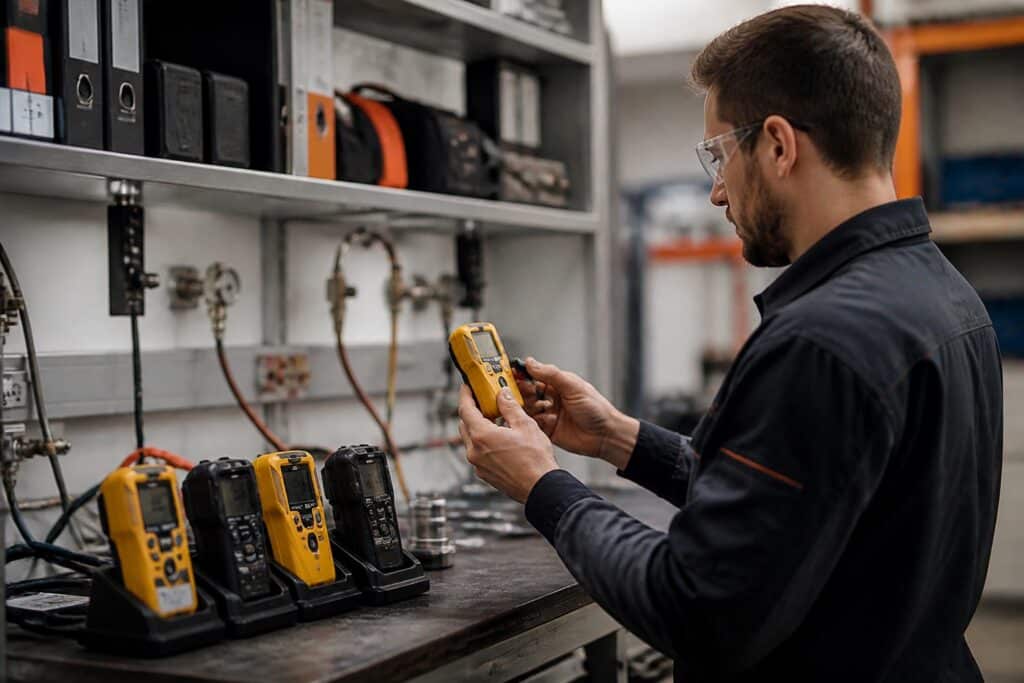
A portable gas detector has one job: warn the person who carries it about toxic gas, flammable gas or too little oxygen. A bump test checks that the sensors respond to gas and the alarms go off. A calibration checks that the readings are accurate. A detector that failed its last bump test, or whose calibration has expired, may stay silent when it should alarm.
That is why the moment a detector leaves your building matters so much. When you lend a detector to a colleague, rent it to a contractor or hand out a replacement during a service visit, the person receiving it trusts that it works. If it was not compliant, they walk into a confined space, a tank or a plant with a false sense of safety. And the company that handed it out carries the responsibility.
In practice the risk is rarely carelessness. It is information sitting in the wrong place. The docking station knows the bump test failed yesterday, but the person at the rental counter only sees a detector on the shelf. Our guides on bump testing a gas detector and gas detection rental software explain the rules in more detail.
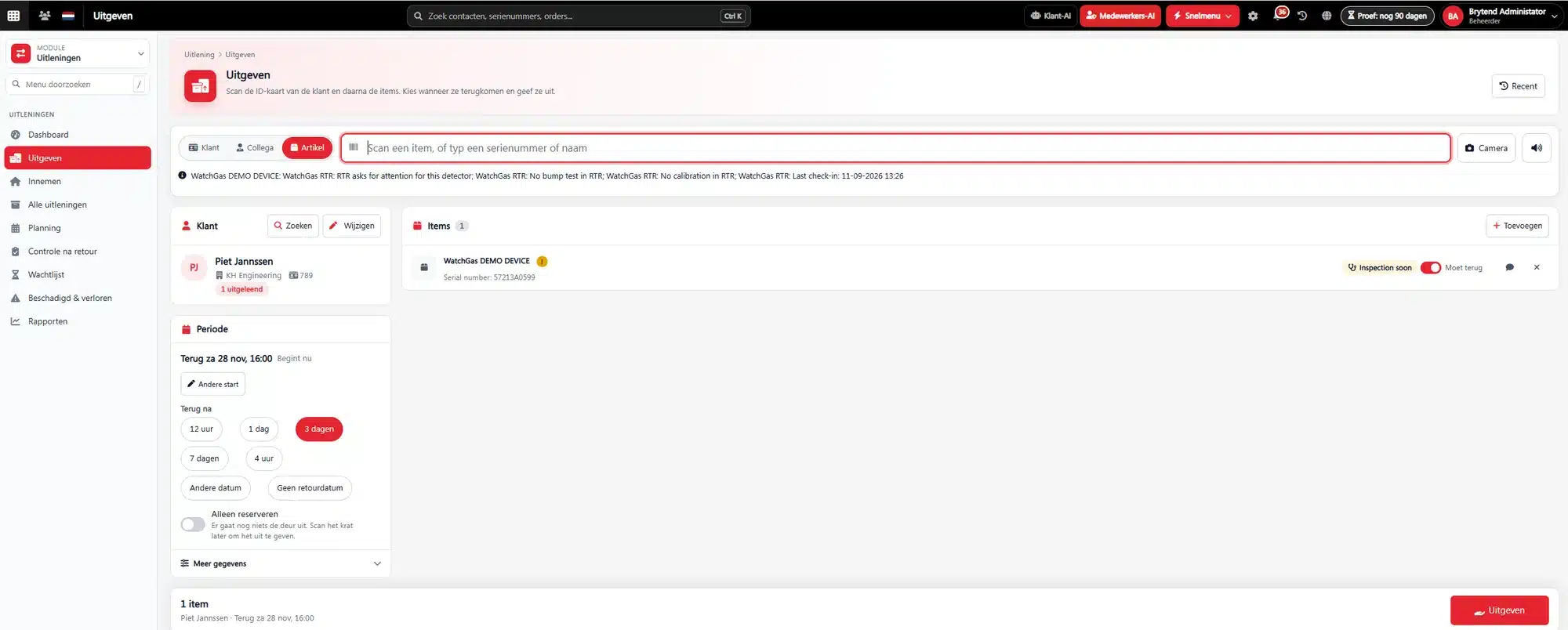
With the WatchGas RTR integration, Brytend shows the RTR status the moment you scan a detector to lend it out. If RTR says the detector is not compliant or needs attention, you see why before you hand it over: no bump test, no calibration, or the last time it checked in.
What Do You See in Brytend?
The RTR dashboard
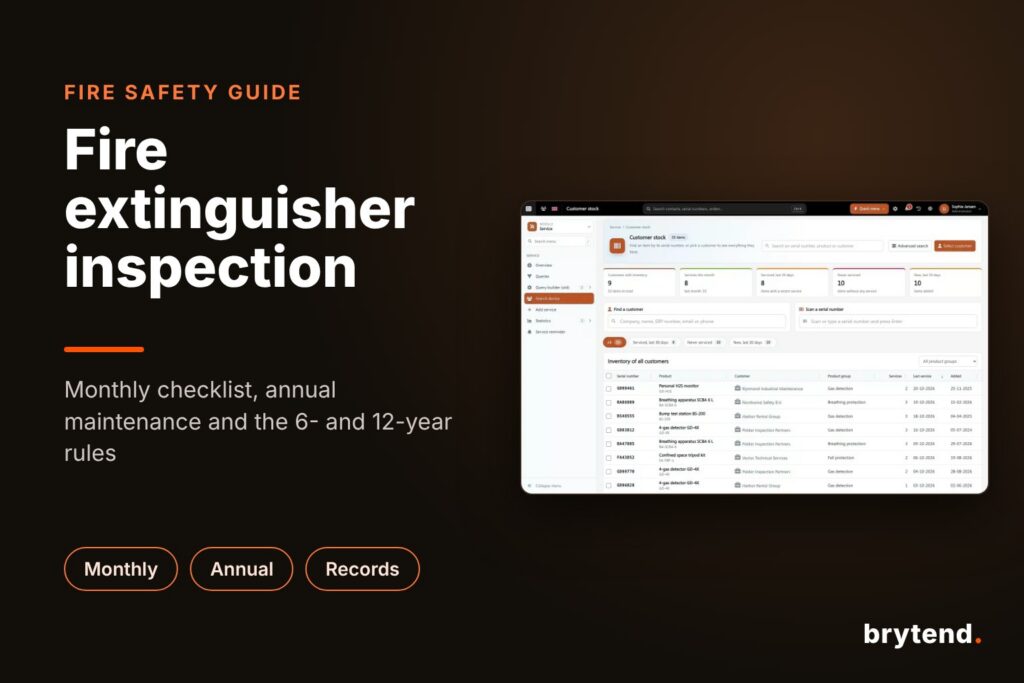
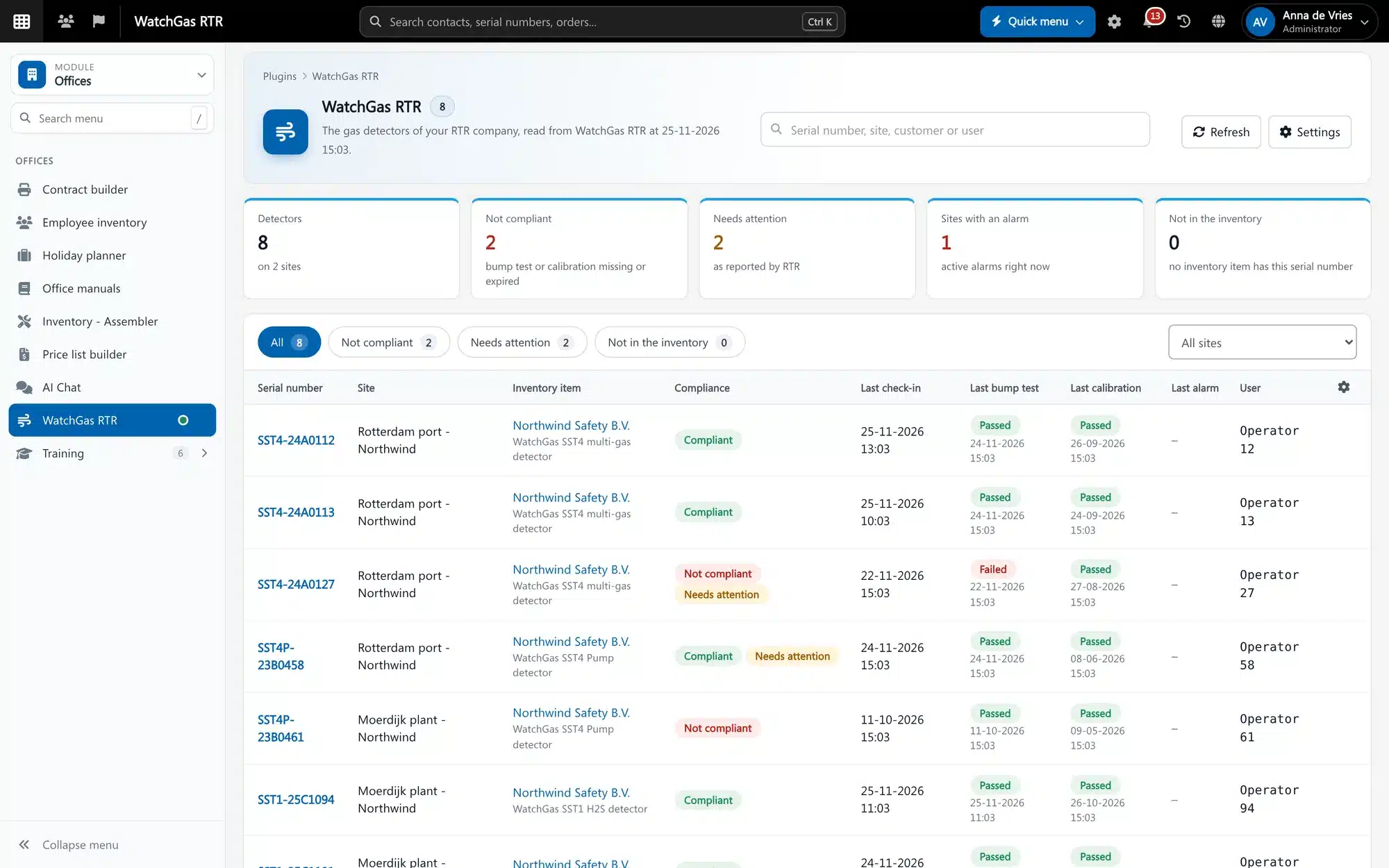
One page lists every detector of every site in your RTR company, with the customer and inventory item it belongs to in Brytend, its compliance, last check-in, last bump test, last calibration and last alarm. Key numbers at the top show how many detectors are not compliant, how many need attention, which sites have an active alarm, and which RTR detectors have no inventory item in Brytend yet.
The full RTR record of one detector
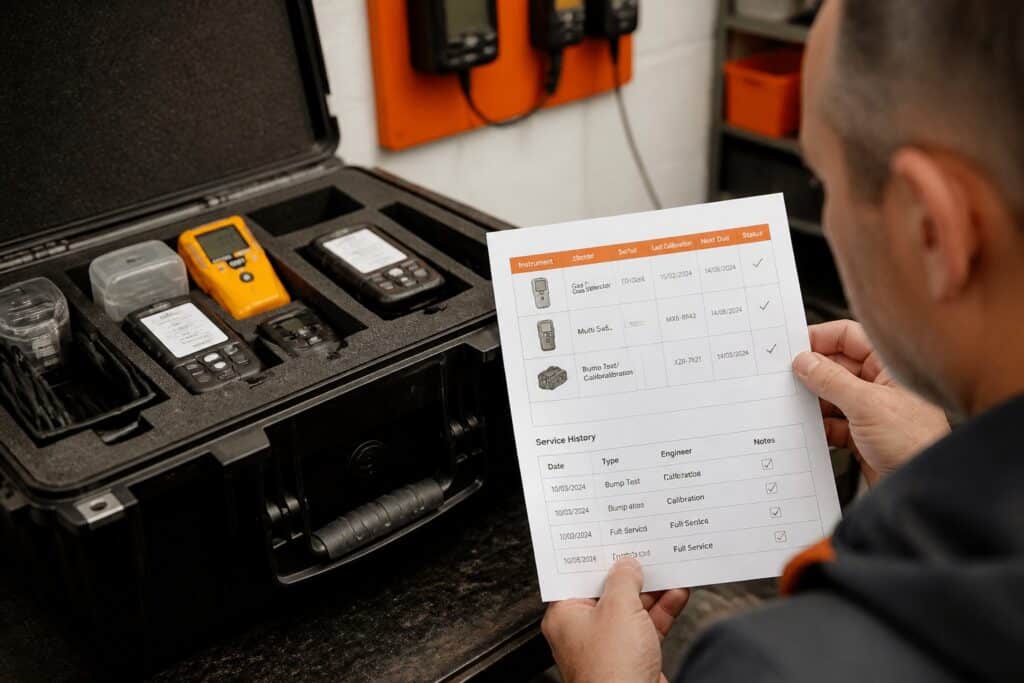
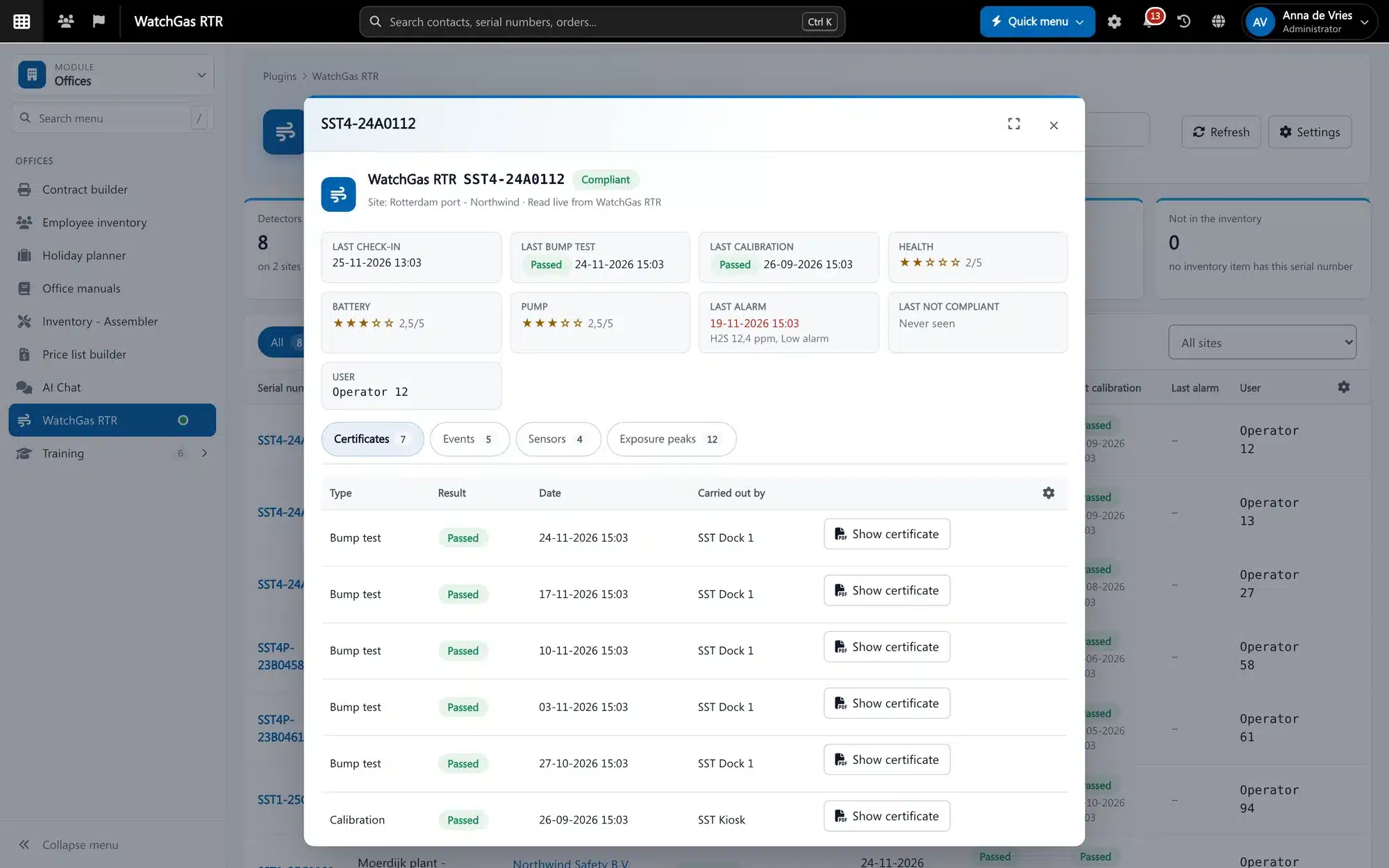
Click a serial number and Brytend opens everything RTR has on that detector: bump test and calibration certificates from the last year, events from the last 90 days, the latest health record of the sensors, battery and pump, and daily exposure peaks from the last 30 days. Click Show certificate and the PDF opens straight from RTR, which is handy when a customer or auditor asks for proof.
Compliance on the customer stock
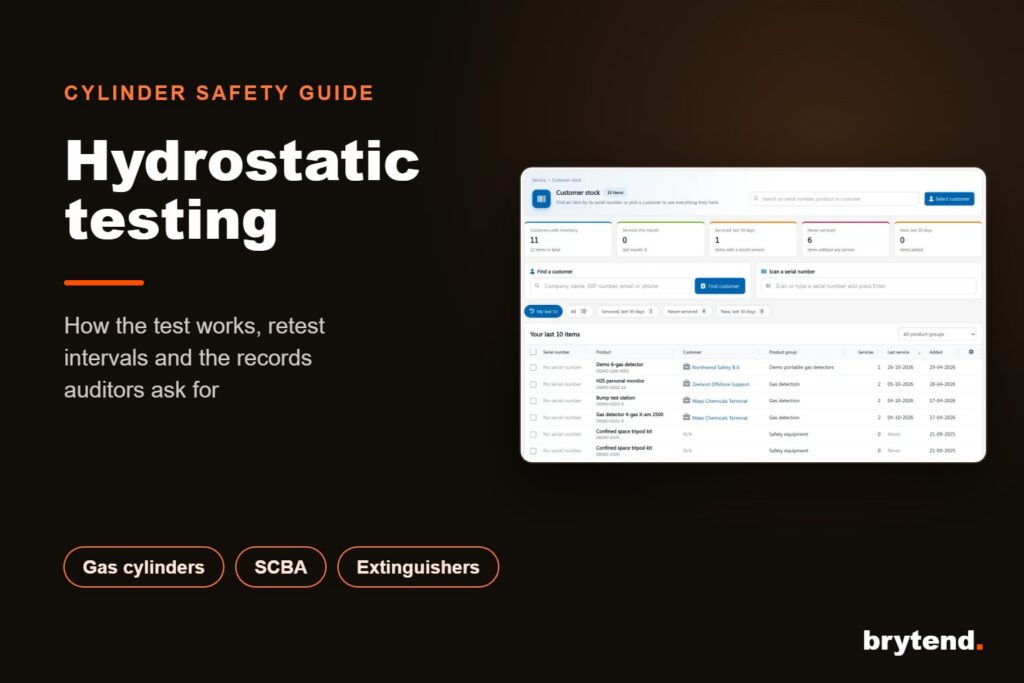
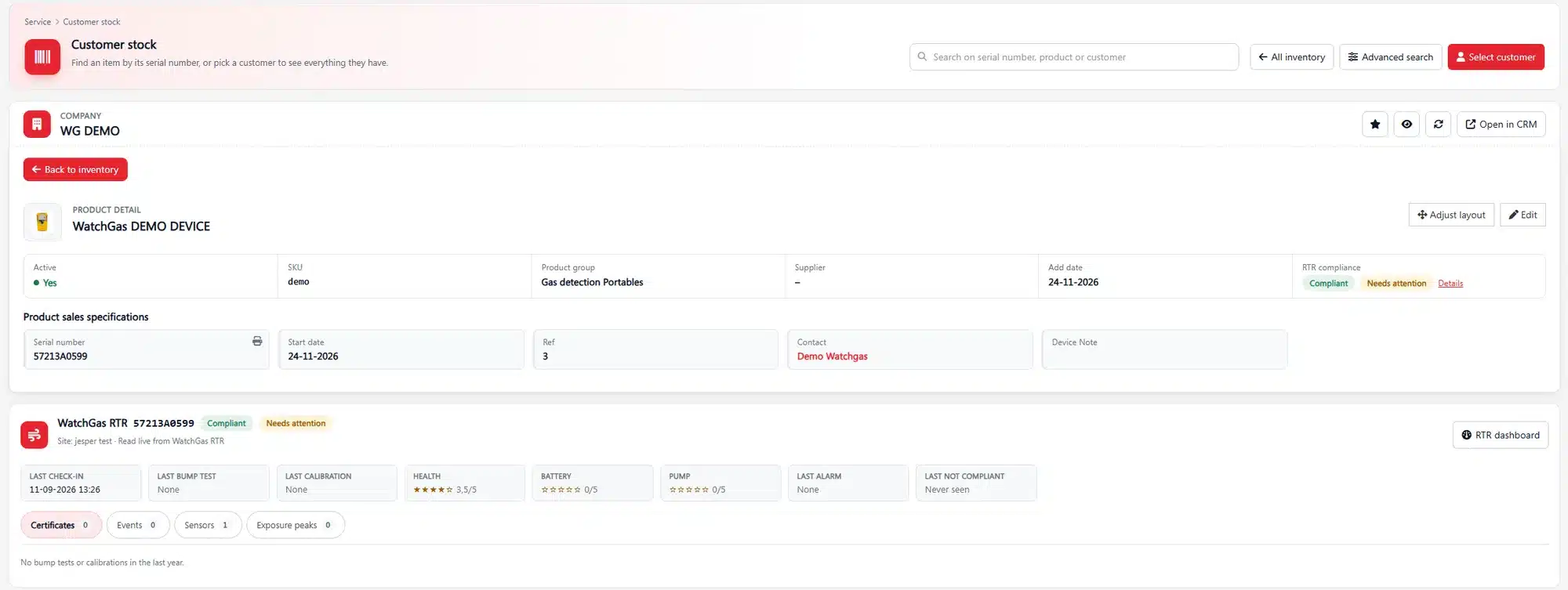
In Service > Customer stock, a detector that is known in RTR gets an RTR compliance field and an RTR panel under its details. The customer’s inventory overview gets an RTR compliance column, so a service technician sees at a glance which detectors at a customer need a visit.
A status light wherever detectors are listed
Next to the name of a detector, Brytend shows a small traffic light: green when compliant, yellow when RTR asks for attention, red when not compliant. Hover it and you see the reasons. The same check runs in Gas testing: when you record a gas measurement, Brytend checks the detector in RTR at that moment.
Who Is the Integration For?
- Gas detection distributors and service partners who look after detector fleets for many customers and want to see which fleets are slipping on bump tests or calibrations before the customer calls
- Rental companies that need to know a detector is compliant before it goes out on a rental
- Companies with a loan or tool store where employees and contractors pick up a detector for a shift
- Safety and gas testing teams who measure with detectors and must prove the device was fit for use
Brytend already handles the installed base, service planning, rental, loans and invoicing for this work. See how it fits gas detection companies.
How Do You Connect WatchGas RTR to Brytend?
- Sign in to the RTR portal (Europe or United States) with an admin account of your company.
- Go to Companies > Create token and click Generate API token.
- In Brytend, open Settings > Plugins > WatchGas RTR, paste the token, choose your region and click Test connection.
- Make sure the serial number of each detector in the customer stock is the same as in RTR. That is all the matching Brytend needs.
The token is stored encrypted and never shown again. The data is read live from RTR, so you are never looking at an old copy, and the public certificate links from RTR never reach the browser.
Frequently Asked Questions About the WatchGas RTR Integration
What is WatchGas RTR?
WatchGas RTR (Record To Report) is the web-based reporting software of WatchGas for its SST range of portable gas detectors. It collects bump tests, calibrations, alarms, events and check-ins from the SST Dock and the Compliance Kiosk, and shows which detectors are compliant.
What does the WatchGas RTR integration with Brytend do?
Brytend reads the data of your RTR company live and shows it next to your customers, loans and service work. Every RTR detector is matched to the right customer stock item by its serial number, with its compliance status, bump test and calibration certificates, events, sensor health and exposure peaks.
Why check gas detector compliance before lending or renting it out?
A gas detector that failed or missed its bump test or calibration may not alarm when it should. The person who carries it relies on it to warn them about toxic or flammable gas or a lack of oxygen. Checking the compliance before the detector leaves the building protects that person and the company that hands it out.
Do I need to link detectors to customers by hand?
No. Brytend matches each RTR detector to a customer stock item on its serial number. When the serial number in Brytend is the same as in RTR, the RTR data appears on that item.
Is the RTR data copied into Brytend?
No. Brytend reads it live from RTR when a page opens, with a short cache. Only the last alarm and the last time a detector was not compliant are kept, so the status light still works when RTR is briefly unreachable.
Where do I see the RTR status in Brytend?
On the WatchGas RTR dashboard, in the RTR compliance column and panel of the customer stock, as a status light next to detectors in lists, in the gas testing detector check, and as a warning when you scan a detector to lend it out.
How do I connect WatchGas RTR to Brytend?
Sign in to the RTR portal (Europe or United States) as a company admin, go to Companies > Create token and generate an API token. In Brytend, open Settings > Plugins > WatchGas RTR, paste the token, choose the region and click Test connection.
A gas detector is only as safe as its last bump test and calibration, and the moment it is lent or rented out is the moment that has to be right. With WatchGas RTR inside Brytend, the person at the counter, the service technician and the planner all see the same compliance status as the docking station. Want to see it with your own detectors? Start a free trial or explore the Brytend modules on Brytend.