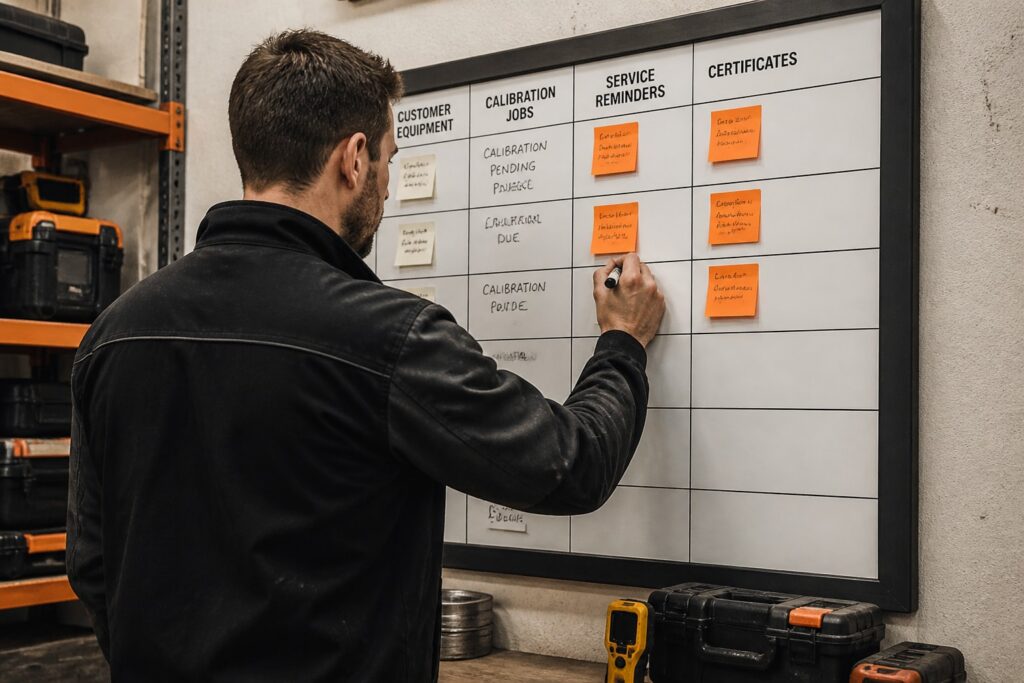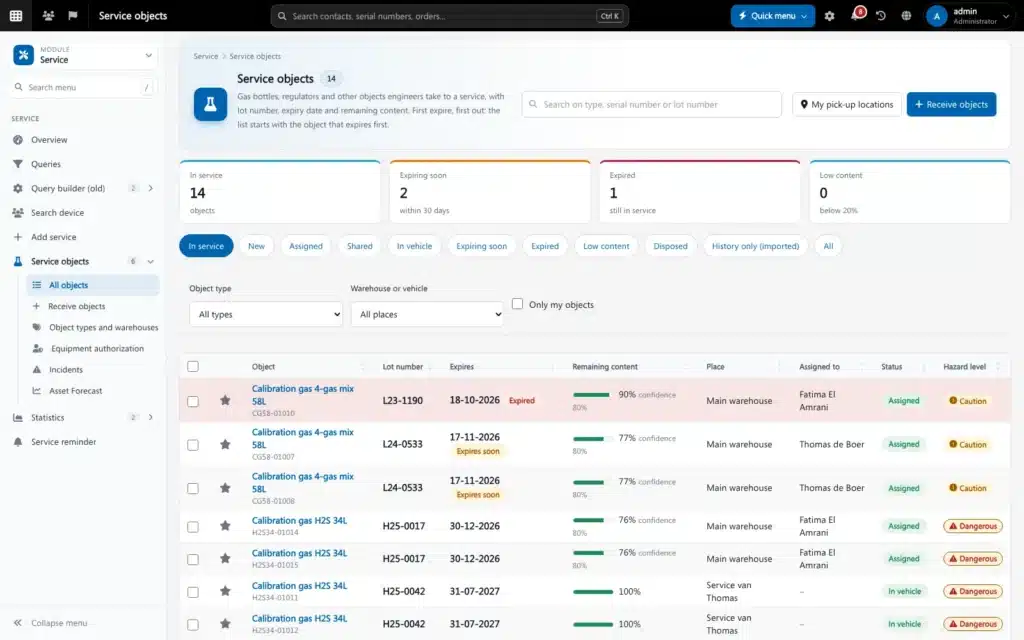
Preventive maintenance software plans and records maintenance on equipment before it fails. It keeps every asset with its maintenance intervals, creates the next job when a task is due, gives the technician a checklist on site and stores the full history, so you can prove what was done and when. For equipment-heavy companies and service providers it replaces the wall planner, the spreadsheet and the paper job sheet with one system that never forgets a due date.
TL;DR:
- Preventive maintenance (PM) software schedules time- or usage-based maintenance and turns due dates into jobs
- Core features: an asset register, intervals per asset, automatic jobs, mobile checklists, parts, reports and history
- Equipment maintenance software is the same idea with the focus on individual machines and devices with serial numbers
- Service companies need more than a CMMS: customers, sites, quotes, stock and invoicing linked to every asset
- Choose on the fit with how you work, mobile use, reporting and total cost, not on the longest feature list
Preventive maintenance software is a system that schedules, guides and records planned maintenance so equipment stays safe, compliant and available.
What Is Preventive Maintenance Software?
Preventive maintenance is maintenance done on a schedule, before a breakdown, instead of after one. Preventive maintenance software takes that schedule out of people’s heads. Each asset gets one or more maintenance plans, such as “inspect every 6 months” or “service every 500 running hours”, and the software creates the job, assigns it and reminds the team before it is overdue.
It sits between two other approaches. Reactive maintenance waits for a failure. Predictive maintenance uses sensor data to predict a failure. Most companies use a mix, and our guide to preventive vs predictive maintenance explains when each one pays off. For most equipment, planned preventive maintenance is still the backbone, because it is simple, auditable and required by many standards.
The term overlaps with the broader maintenance management system or CMMS. A CMMS covers all maintenance work, including breakdowns, spare parts and budgets. Preventive maintenance software is the planning engine inside it, and many buyers search for it by that name because planned work is where most of the admin sits.
What Does Equipment Maintenance Software Do?
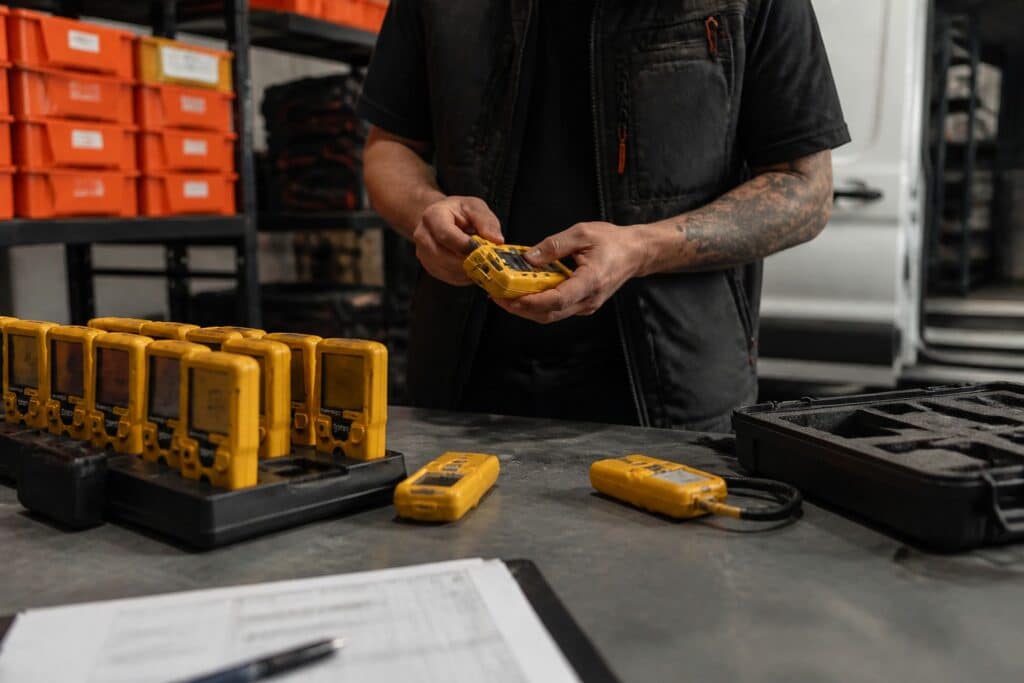
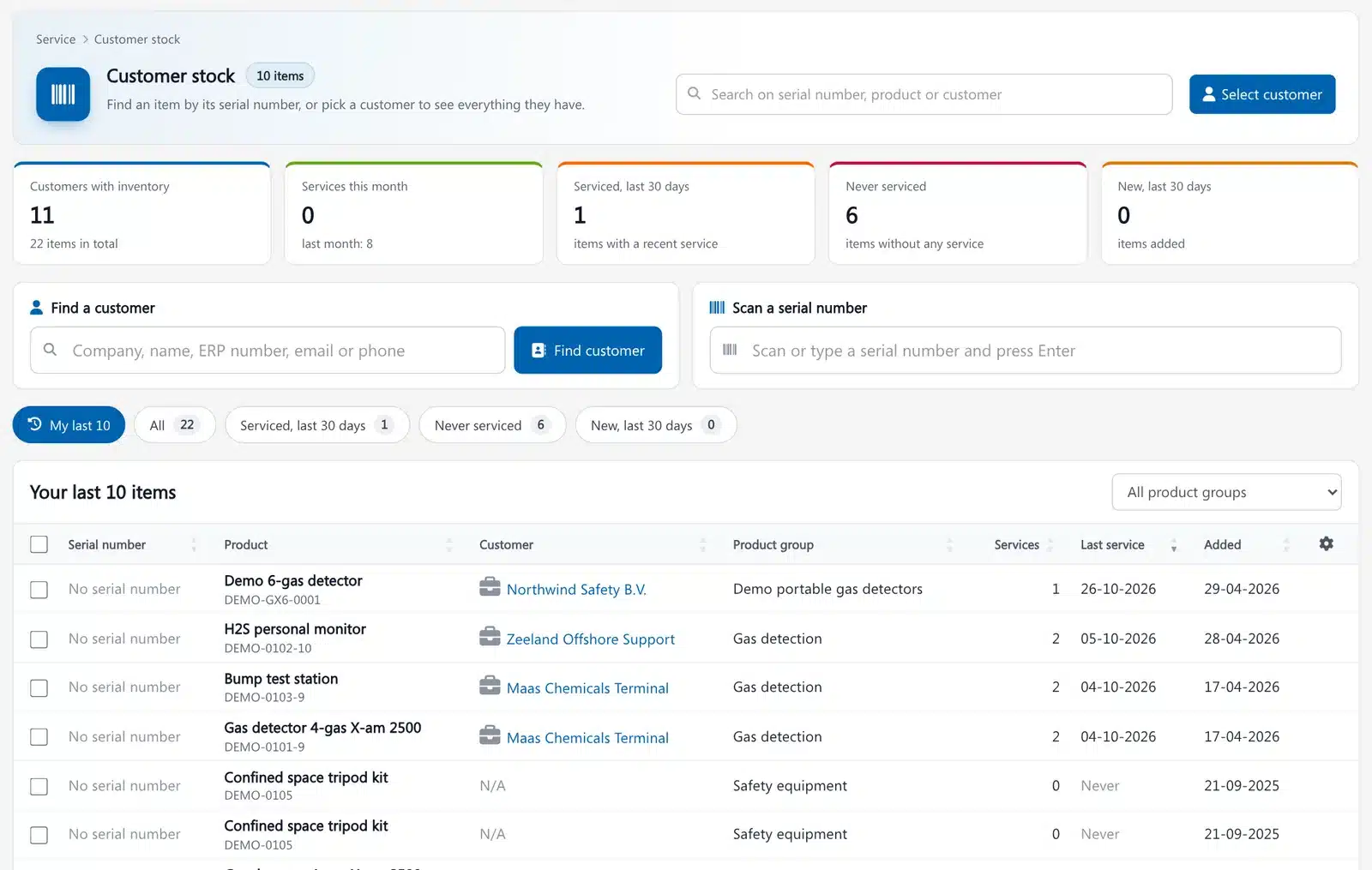
Equipment maintenance software focuses on the individual items: the compressor with serial number X, the gas detector issued to an engineer, the hoist on site B. Every item has a record with its type, location, owner, maintenance plan, repairs, parts used, certificates and photos. That record is what lets you answer three questions quickly:
- What is due? A list of every item due this week or month, per site, customer or technician
- What happened before? The full maintenance and repair history of one item
- What keeps failing? Items, models or sites with repeat faults, so you can change the interval or replace them
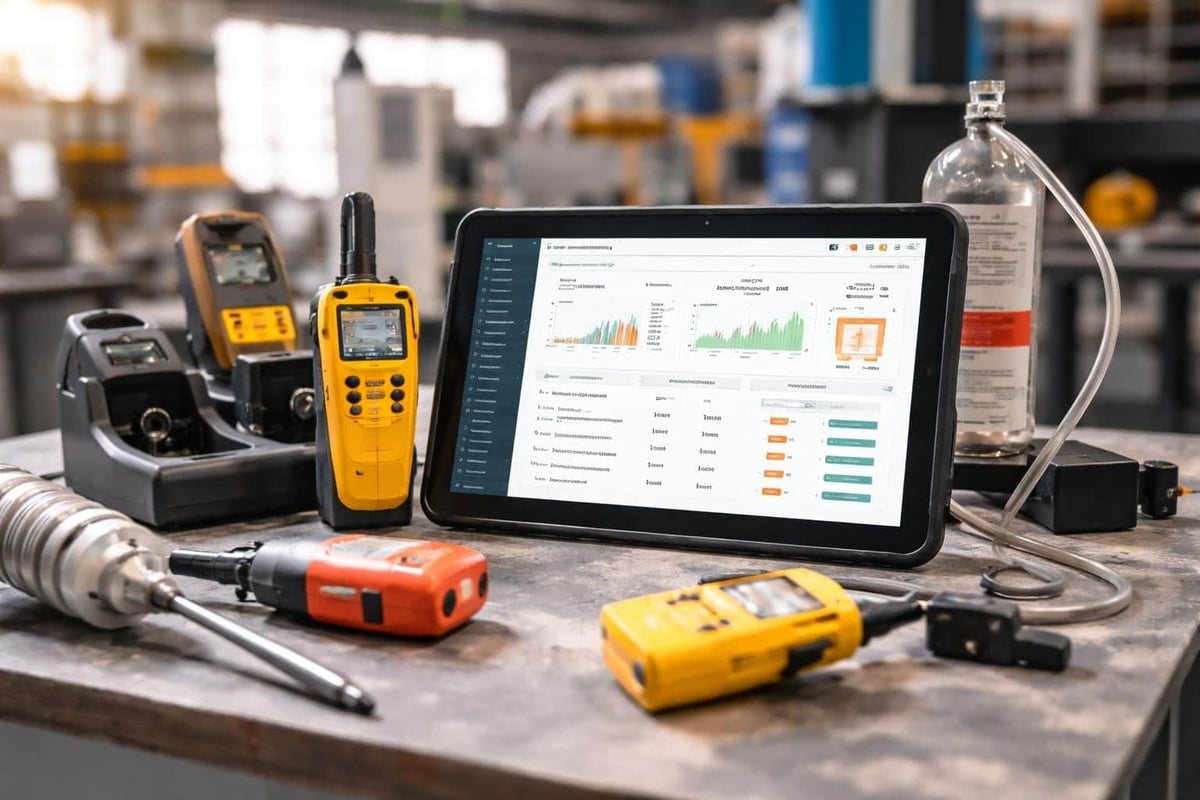
For heavy equipment maintenance, such as construction machines, lifting gear or rental fleets, the same logic applies with usage counters added. A machine that ran 400 hours since its last service needs attention sooner than one that stood in the yard, so good software lets you plan on hours or kilometres as well as dates.
Which Features Should Preventive Maintenance Software Have?
Most products promise the same list. The difference is in how well each part works for your daily routine. These are the features that matter most.
| Feature | What it should do | Why it matters |
|---|---|---|
| Asset register | One record per item with serial number, type, location, owner and documents | Everything else hangs on this record |
| Maintenance plans | Intervals by date, usage or both, per asset or asset type | Due dates are calculated, not remembered |
| Automatic jobs and reminders | Create jobs or reminders before a task is due | Nothing slips through when someone is on holiday |
| Mobile checklists | Forms on a phone or tablet, with photos, readings and signatures | The report is finished when the technician leaves |
| Parts and stock | Book parts on the job and update stock per warehouse or van | Costs are correct and you reorder in time |
| Reports and certificates | Generate a service report or certificate from the checklist | Proof for auditors, insurers and customers |
| History and analysis | All work per asset, plus overdue and repeat-fault lists | Better intervals and replacement decisions |
| Invoicing link | Finished work flows into an invoice or contract | No work is done for free by accident |
How Does Preventive Maintenance Software Work Day to Day?
Step 1: Register the equipment
Import the asset list, usually from a spreadsheet, and label each item with a QR code or barcode. A scan then opens the right record on site, see QR code asset tracking.
Step 2: Set intervals per asset type
Give each type its tasks and intervals: a yearly service, a six-monthly inspection, a calibration every 12 months, a filter change every 1,000 hours. The software calculates the next due date for every item.
Step 3: Turn due dates into planned work
A planner sees what is due and turns it into jobs or work orders, grouped per site or customer so a technician can do several items in one visit.
Step 4: Do the work with a digital checklist
The technician opens the job on a phone, works through the checklist, records readings, adds photos, books parts and gets a signature. Digital service forms make every technician check the same points.
Step 5: Close, report and reschedule
When the job is closed, the report goes to the customer or the file, the next due date is set automatically and any follow-up, such as a repair quote, is created straight away.
Why Do Service Companies Need More Than a CMMS?
Most preventive maintenance software is built for a company that maintains its own equipment. A service company maintains equipment that belongs to its customers. That changes what the software has to do:
- Customers and sites: every asset belongs to a customer and a location, with contacts and access notes
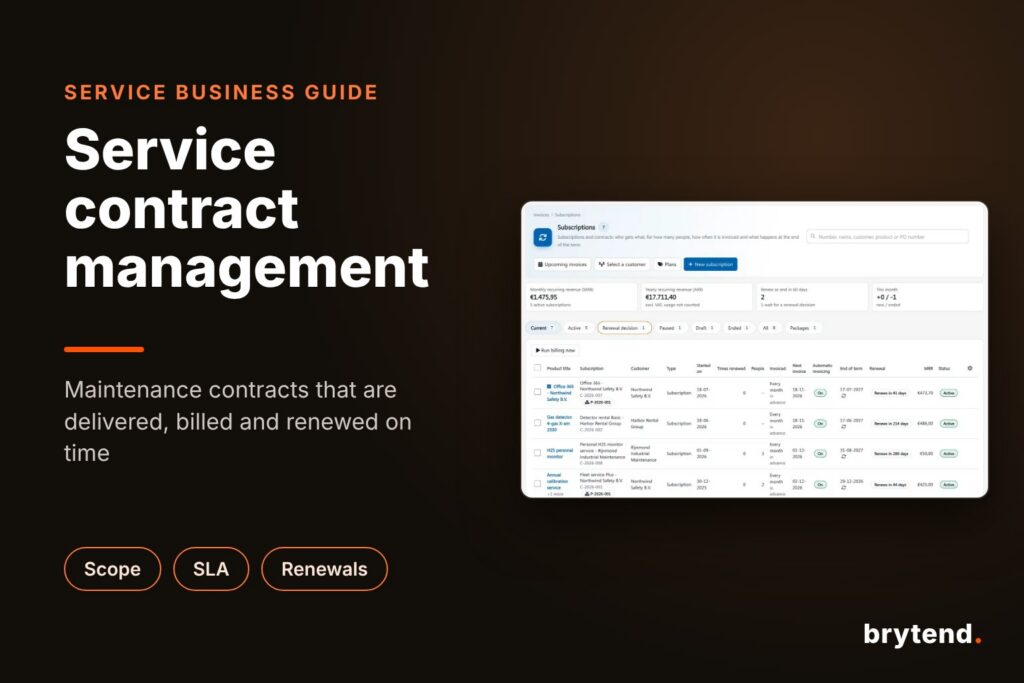
- Quotes and contracts: maintenance is sold as a quote or a service contract, and failed items become repair quotes
- Reports for the customer: a branded service report or certificate per visit, not only an internal record
- Invoicing: hours, parts and fixed fees go to the invoice without typing them again
- Stock in vans: parts are booked from the technician’s van and reordered automatically
This is the gap that field service management software fills. For companies that both sell and service equipment, the best fit is often one platform where the CRM, the service planning and the invoicing share the same asset records.
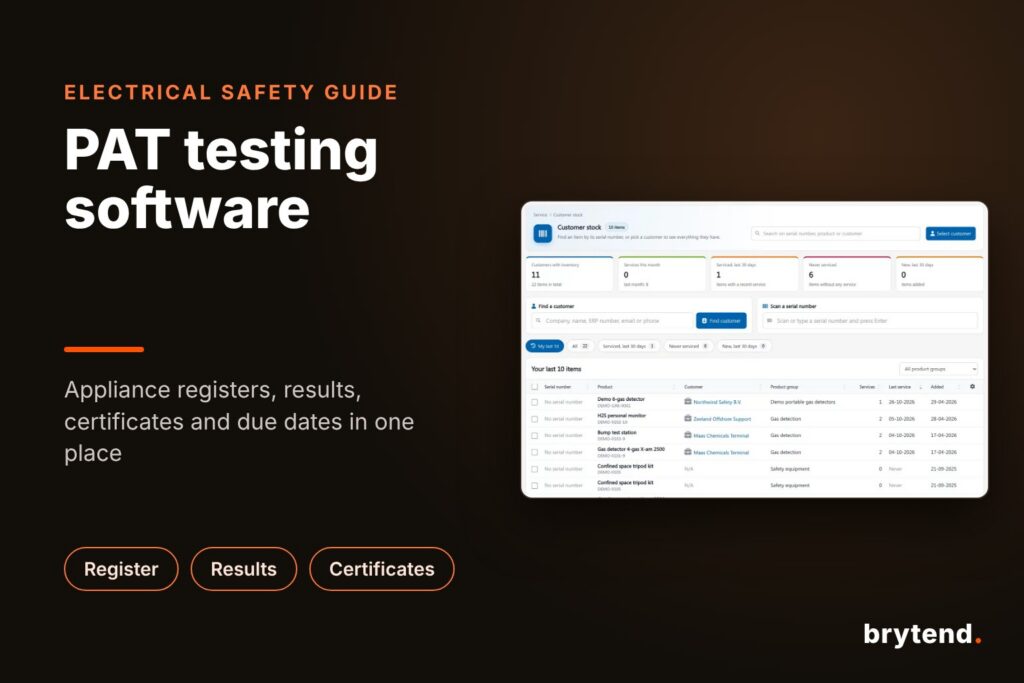
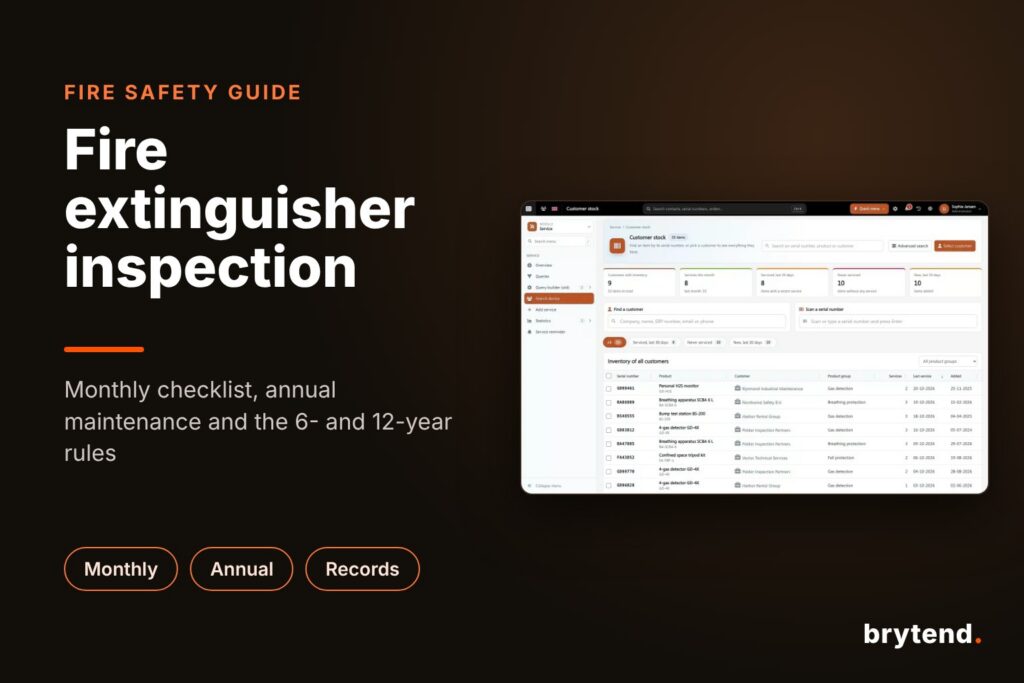
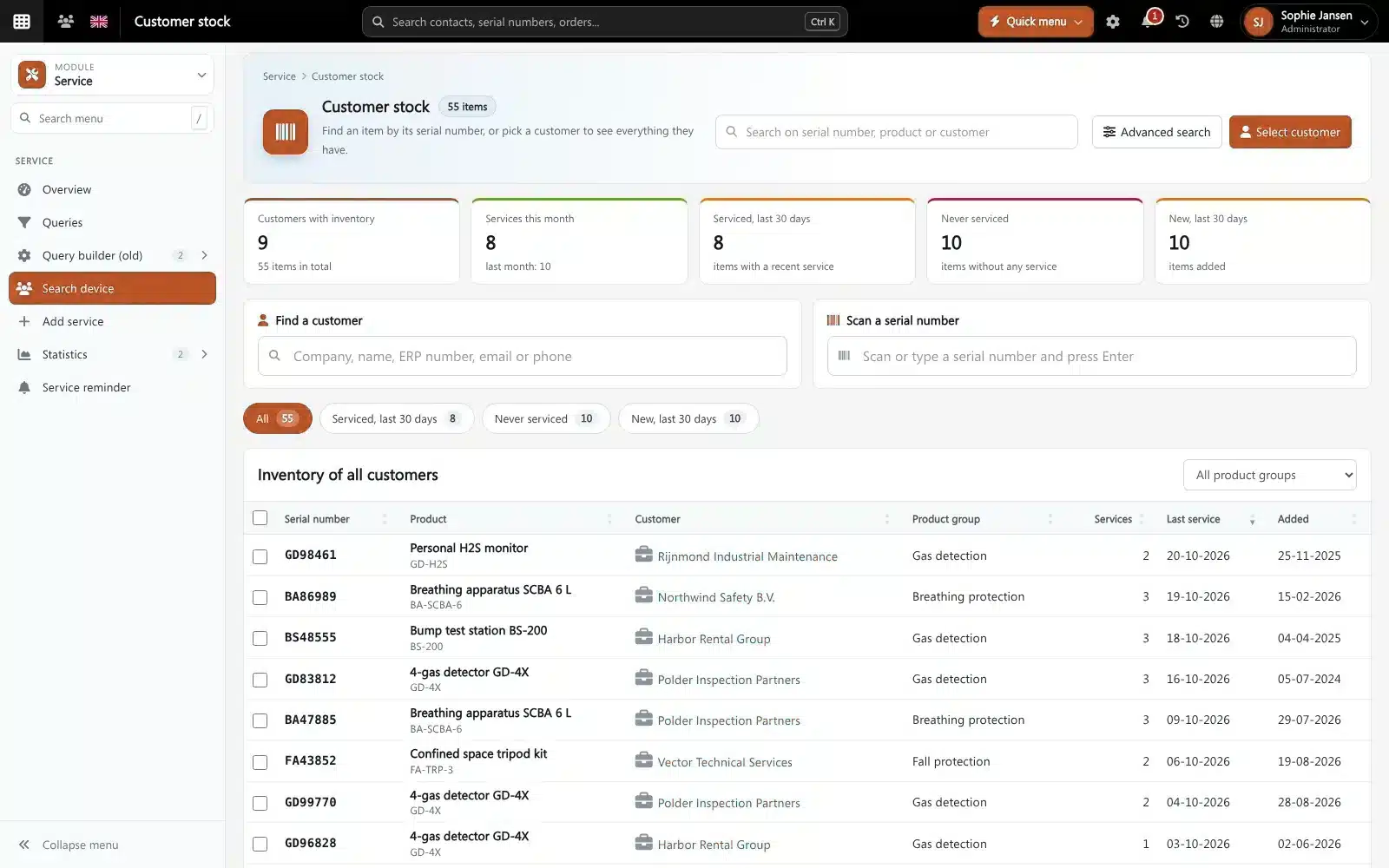
The Brytend Service and Inspections module keeps every item your customers own as customer stock, with serial number, location, service history, certificates and documents. Service reminders list what is due, each visit is a numbered service record with your own report template, and the next due date is set automatically when the work is done. Technicians work in the Brytend mobile app, parts come from stock, and finished work goes straight to the invoice.
How Do You Choose Preventive Maintenance Software?
- Start with your process: write down how a maintenance job flows today, from due date to invoice, and test each product against that flow
- Test the mobile app with a technician: if it is slow or confusing on site, nobody will use it
- Check the reports: can you produce the report or certificate your customers or auditors expect?
- Look at the total cost: per-user pricing gets expensive when every technician needs a licence. Compare the price for your full team, see Brytend pricing
- Ask about data and security: where is your data hosted, and is the supplier ISO 27001 certified?
- Run a real trial: load a few hundred real assets and run a month of real jobs before you decide
What Are Common Preventive Maintenance Mistakes?
- Intervals copied once and never reviewed: use your history to shorten or extend them
- An incomplete asset register: equipment that is not in the system never gets maintained on time
- Checklists that are too long: technicians skip points when a form has 80 fields for a 10-minute job
- No follow-up on failed checks: a defect found during maintenance needs a repair job or quote, not just a note
- Maintenance that never reaches the invoice: for service companies, every visit that is not billed is lost margin
Frequently Asked Questions About Preventive Maintenance Software
What is preventive maintenance software?
Preventive maintenance software plans maintenance on equipment before it breaks. It stores every asset with its maintenance intervals, creates the next job when a task is due, gives technicians a checklist on a phone or tablet and keeps the full history per asset. The goal is fewer breakdowns, longer equipment life and proof that the work was done.
What is the difference between preventive maintenance software and a CMMS?
A CMMS (computerised maintenance management system) is the broad category of software for managing maintenance. Preventive maintenance software is the part of it that focuses on planned, interval-based work. Many CMMS products include preventive maintenance, and service-company platforms such as Brytend add customers, quotes, stock and invoicing around it.
Who uses preventive maintenance software?
Two groups use it. Companies that maintain their own equipment, such as factories, hospitals and fleets, use it to keep assets running. Service companies that maintain equipment for their customers, such as HVAC, fire safety, gas detection, lifting and calibration firms, use it to plan visits, prove compliance and invoice the work.
What is equipment maintenance software?
Equipment maintenance software tracks individual machines, tools and devices with their serial numbers, maintenance intervals, repairs, parts and documents. It answers which equipment is due, what was done last time and which items keep failing. In practice the term overlaps almost completely with preventive maintenance software for equipment.
How do you set preventive maintenance intervals?
Start with the manufacturer’s recommendations and the legal or standard intervals for the equipment, such as yearly calibration or six-monthly examinations. Then adjust using your own history: shorten the interval for items that fail between visits and keep it for items that never show problems. Usage-based intervals, such as running hours, work better for heavily used equipment.
Is free preventive maintenance software good enough?
Free tools and spreadsheets work for a small number of assets with one person planning. They usually stop working when you have several technicians, customer sites, parts to order or reports to send. At that point the time lost on admin costs more than a paid system.
How long does it take to implement preventive maintenance software?
A small team can be running within days when the asset list already exists in a spreadsheet. The usual steps are importing assets and customers, setting intervals per asset type, building the checklist forms and training technicians on the mobile app. Brytend offers a 90-day free trial, so you can test it on real equipment first.
Preventive maintenance software pays for itself when it removes the admin around planned work: the due dates nobody has to remember, the reports nobody has to type, and the invoices nobody forgets to send. If you maintain equipment for your customers and want every asset, due date, checklist, part and invoice in one place, Brytend gives you that in one platform, free for 90 days.